




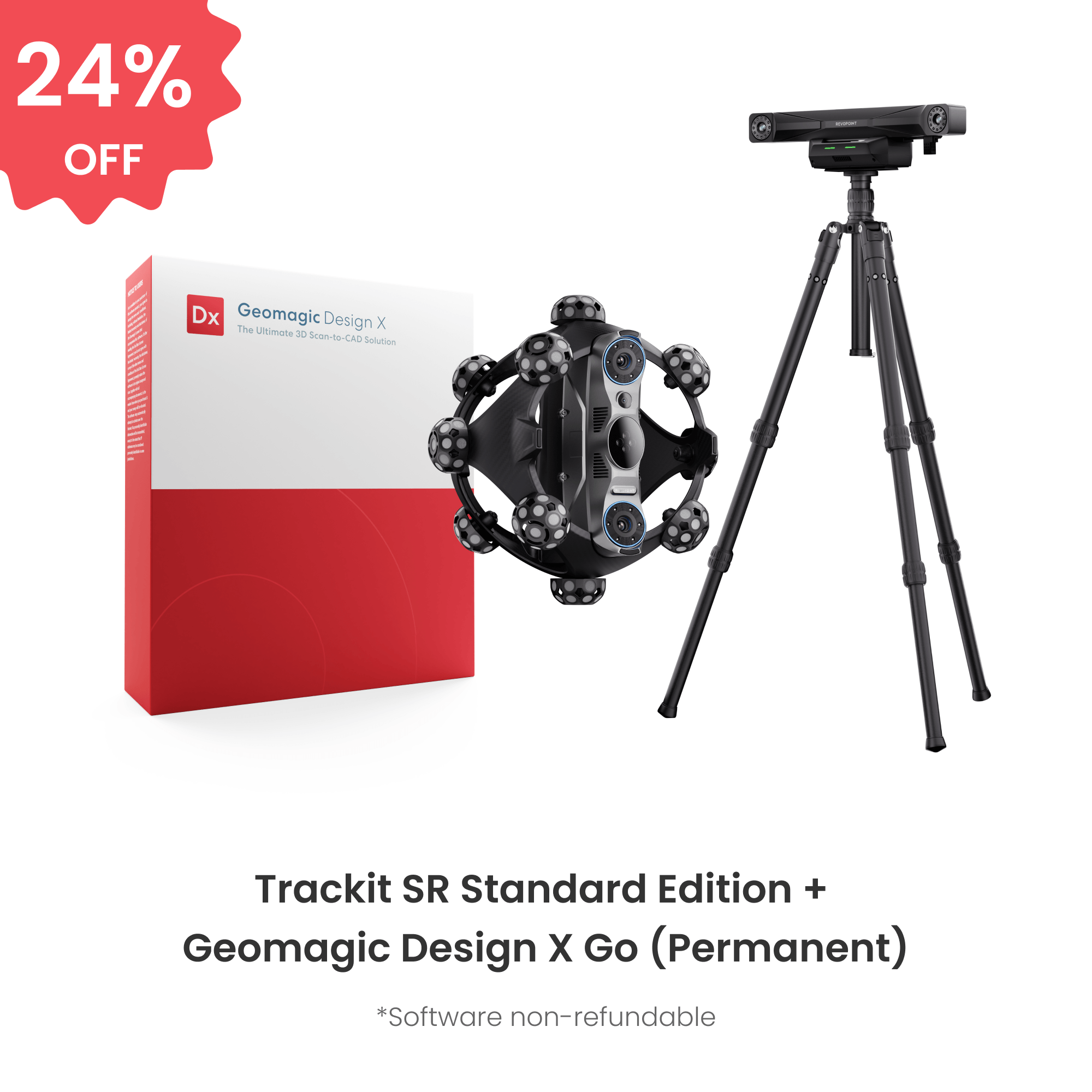
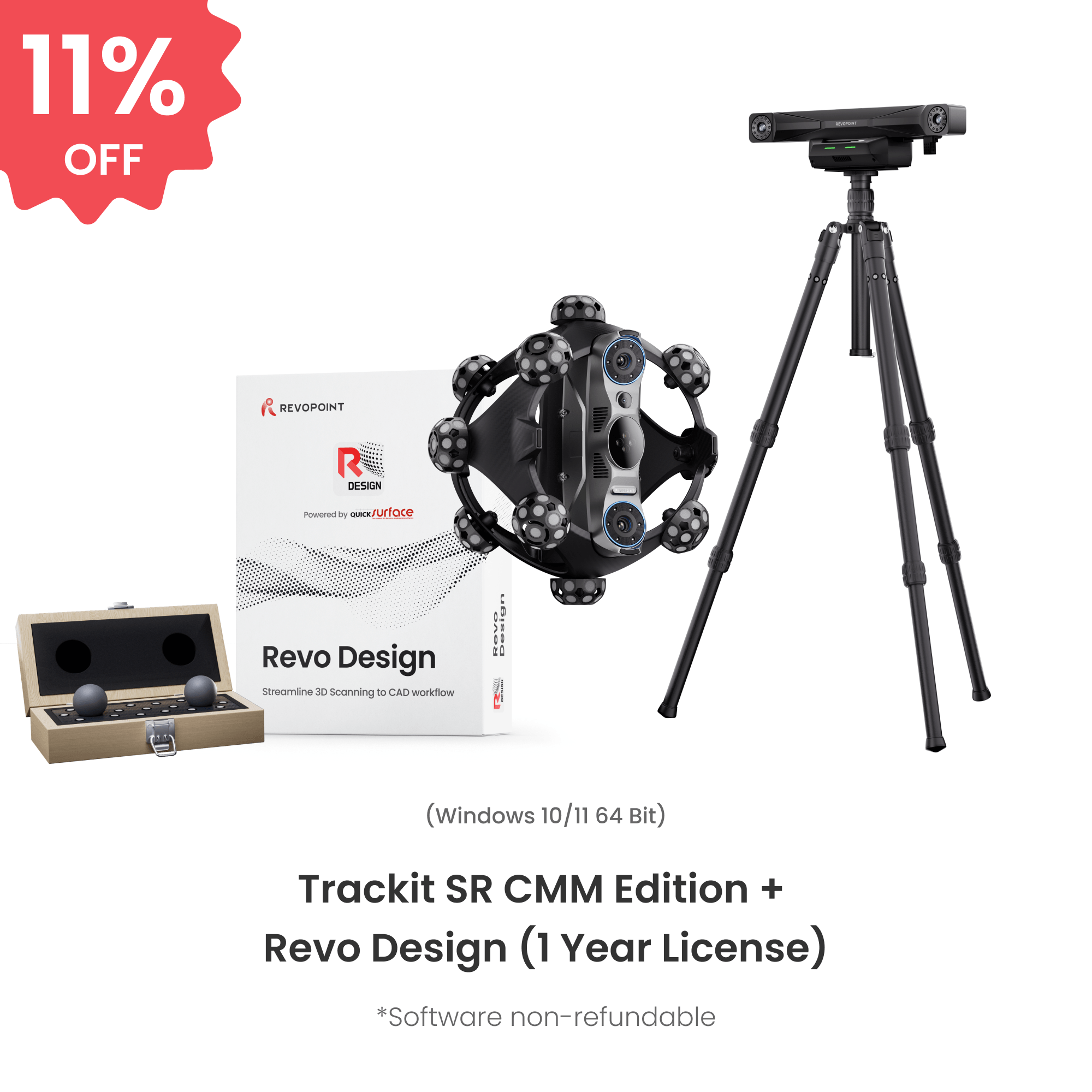
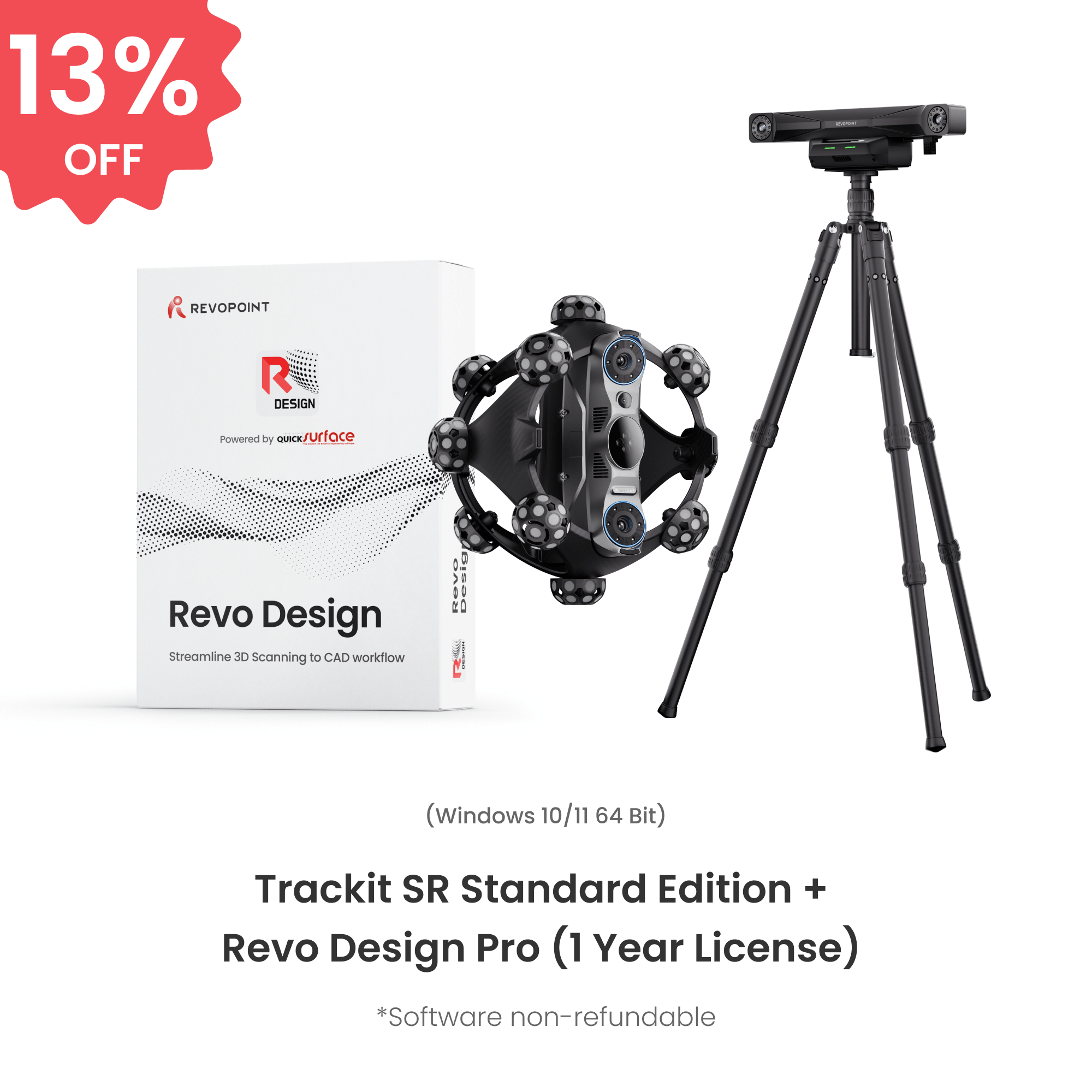

- Photos
- Videos
- Models
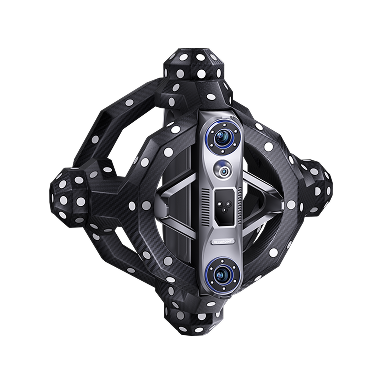


Markerfreies kabelloses
Optische Verfolgung
Außeneinsatz
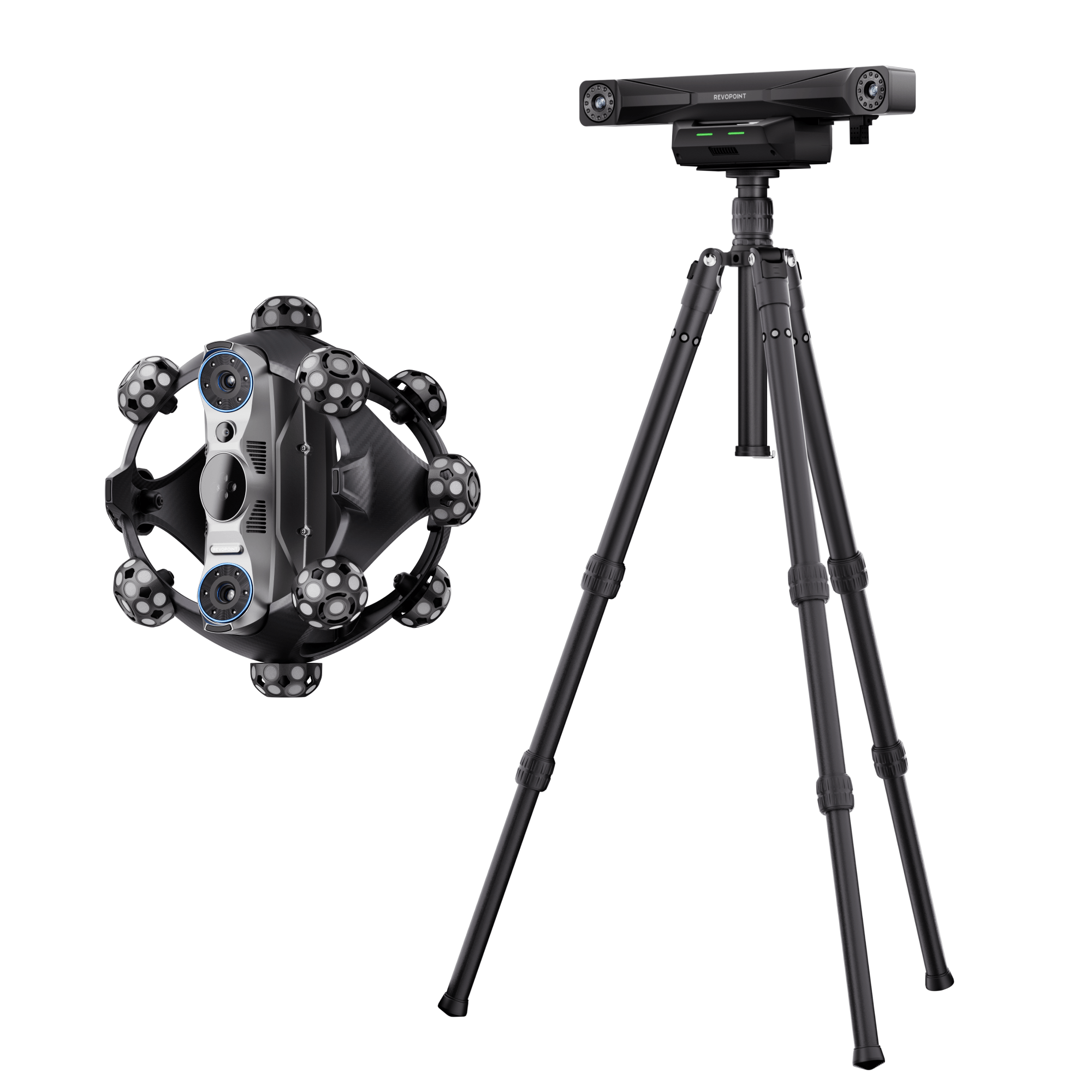
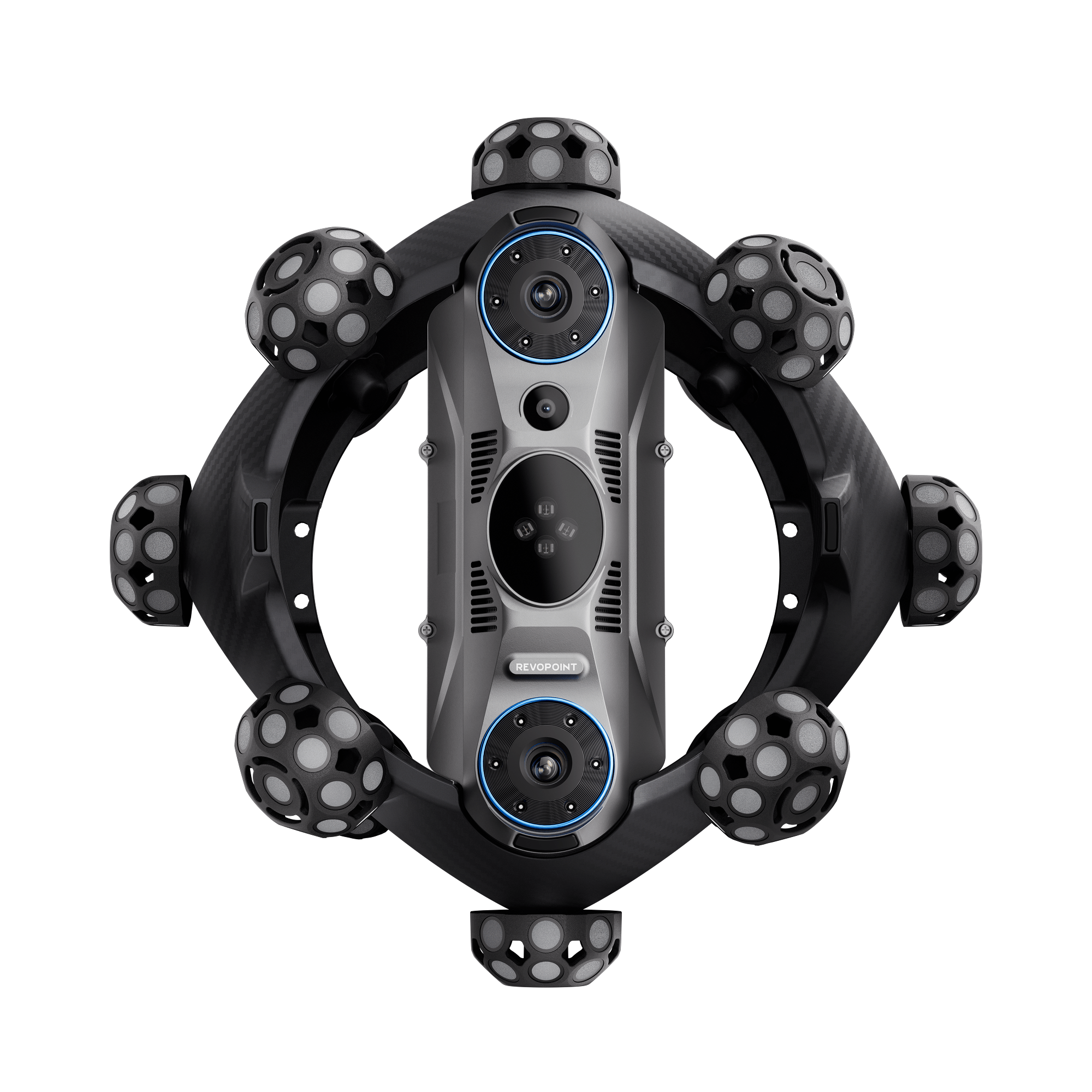
Revopoint Trackit SR: Wireless Optical Tracking 3D Scanner for Marker-free Scans
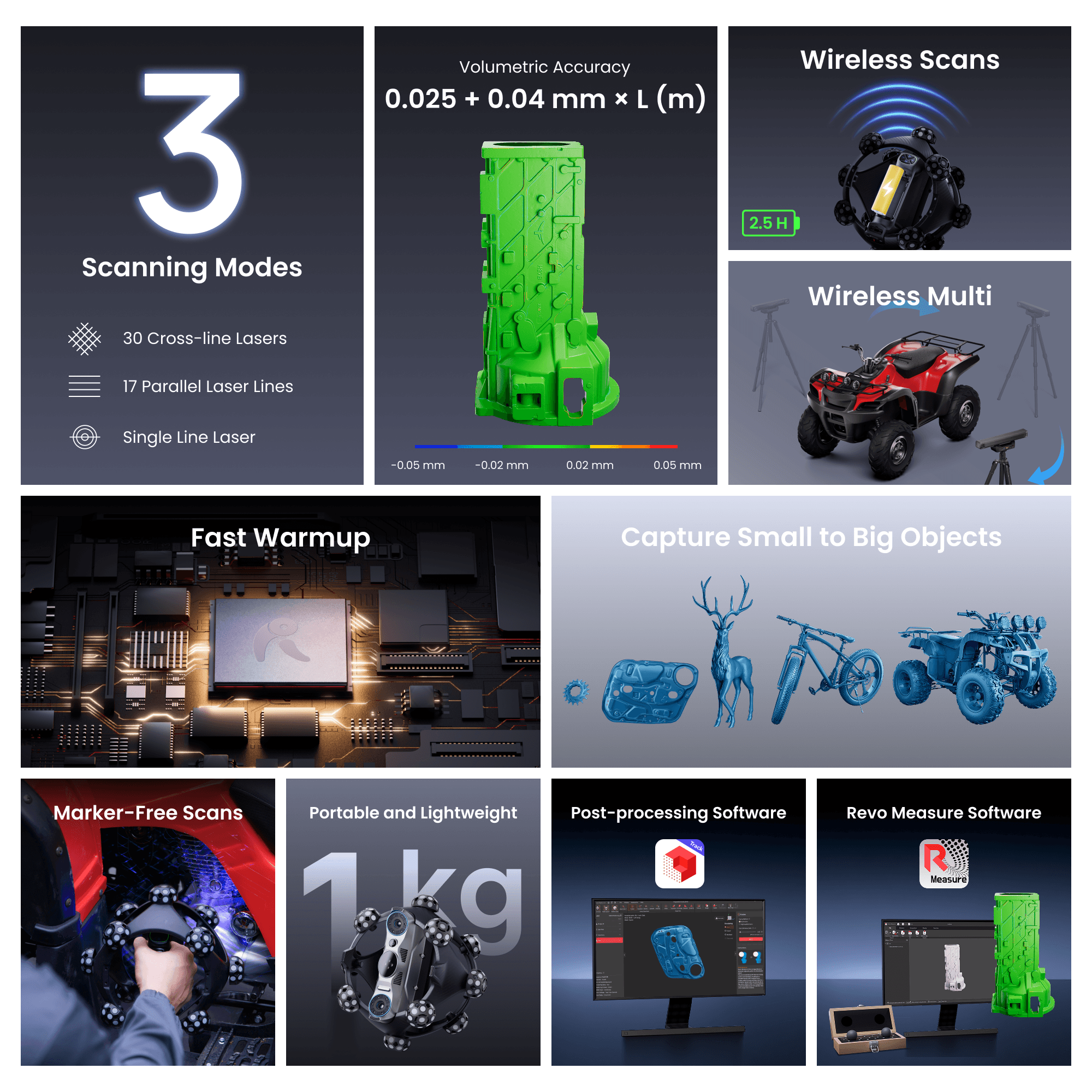
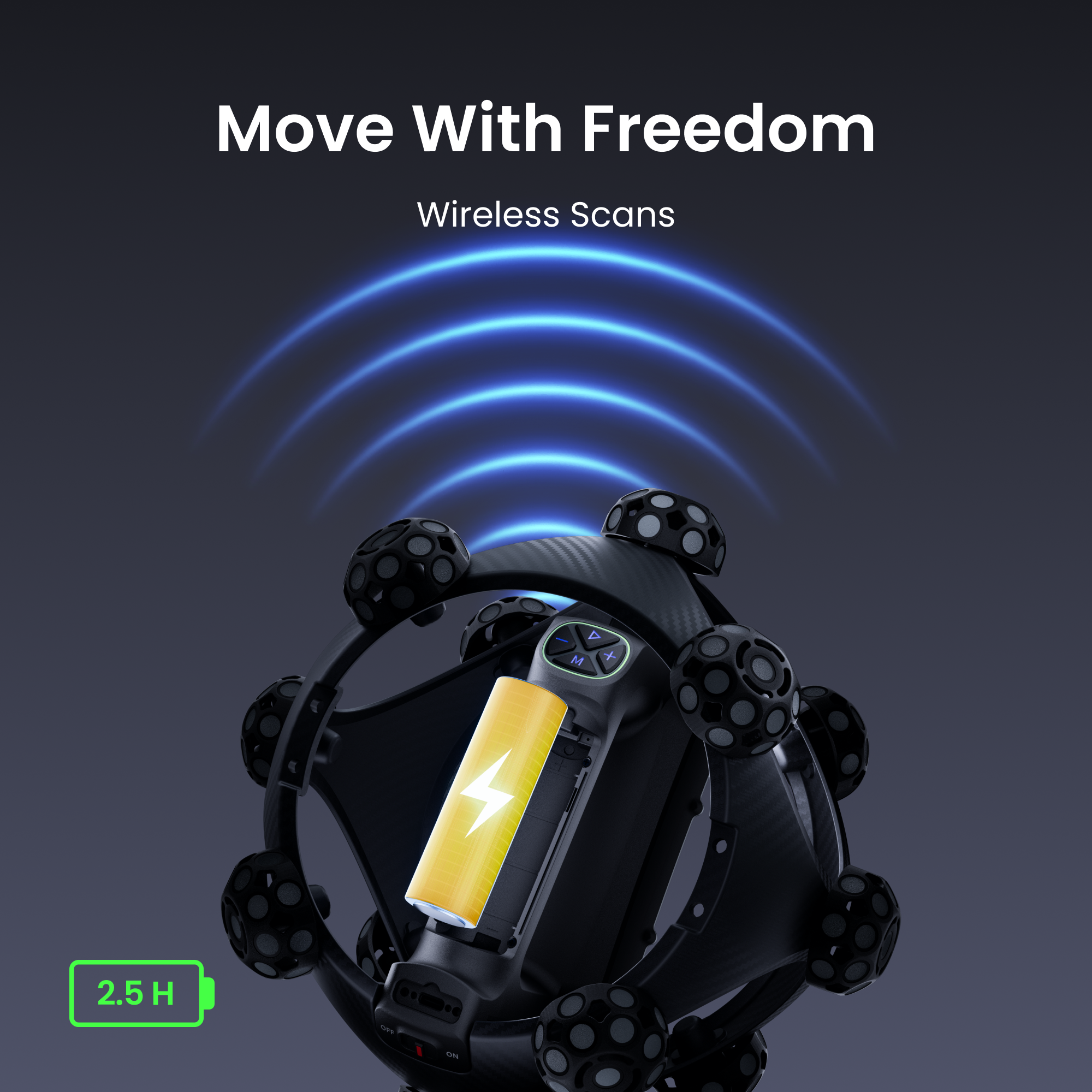
· Kabelloses Scannen – Frei bewegen
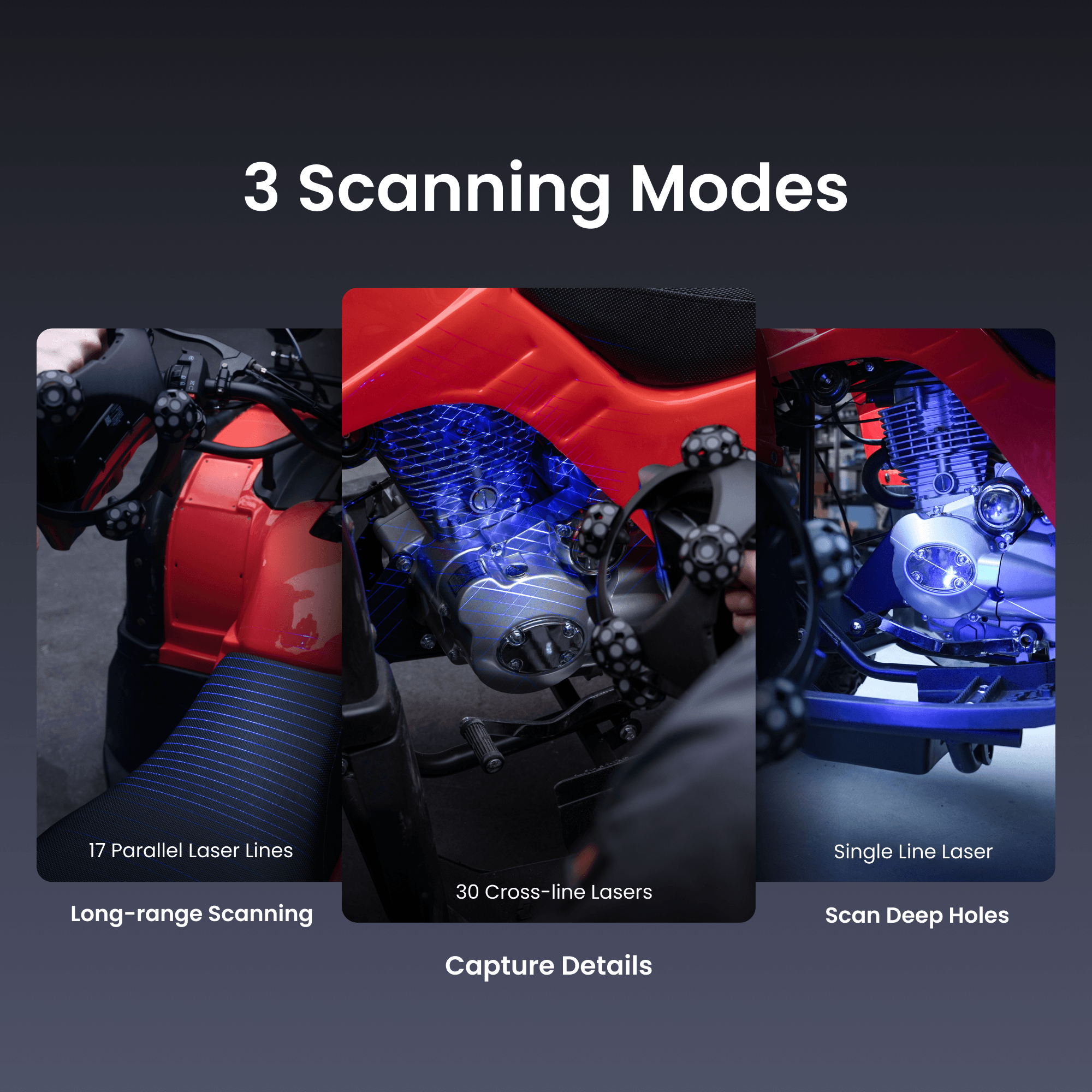
· 30 Kreuzlaser
· 17 parallele Laserlinien
· Einzel-Laser
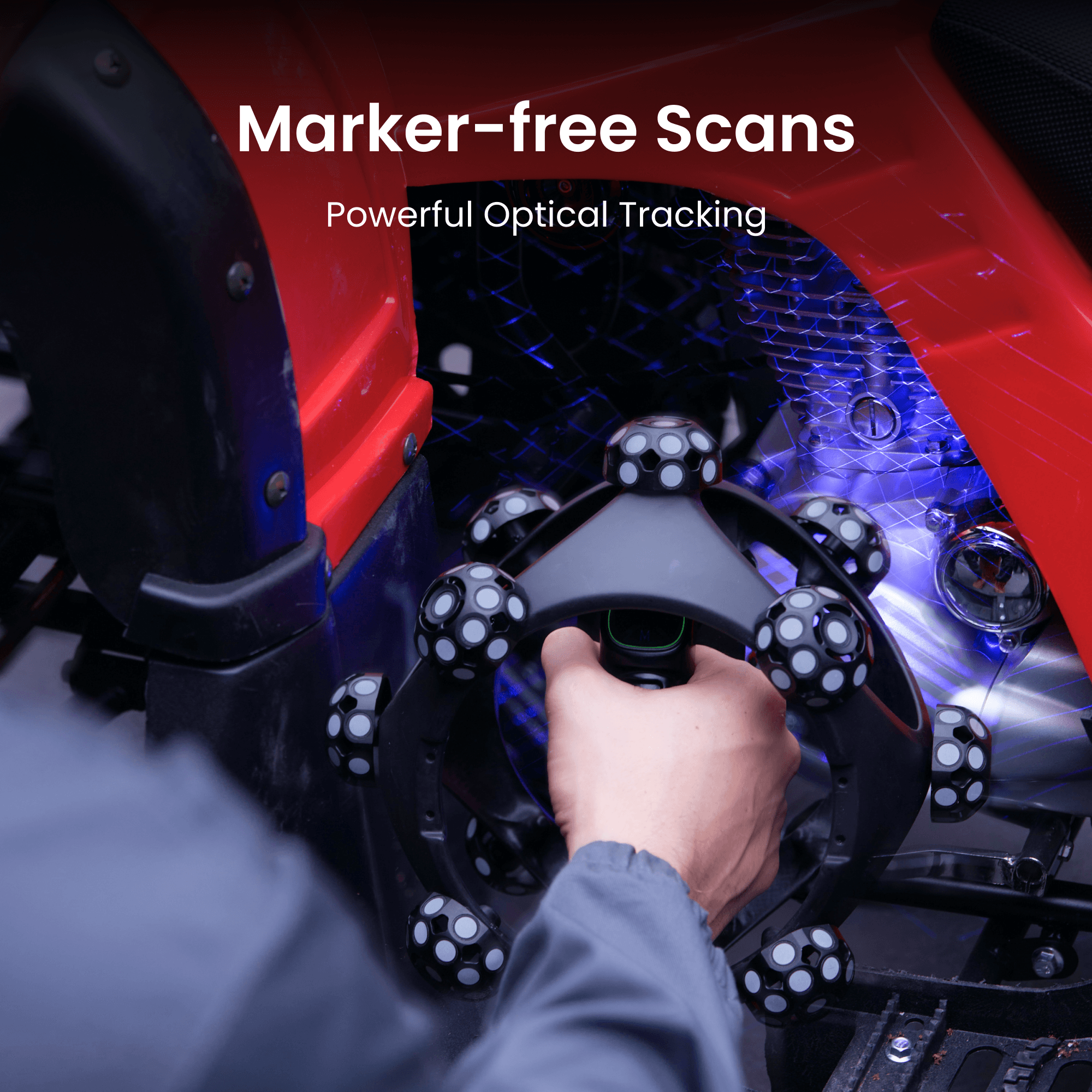
· Markerfreies Scannen
· Objekte zwischen 10 mm und 4 m erfassen
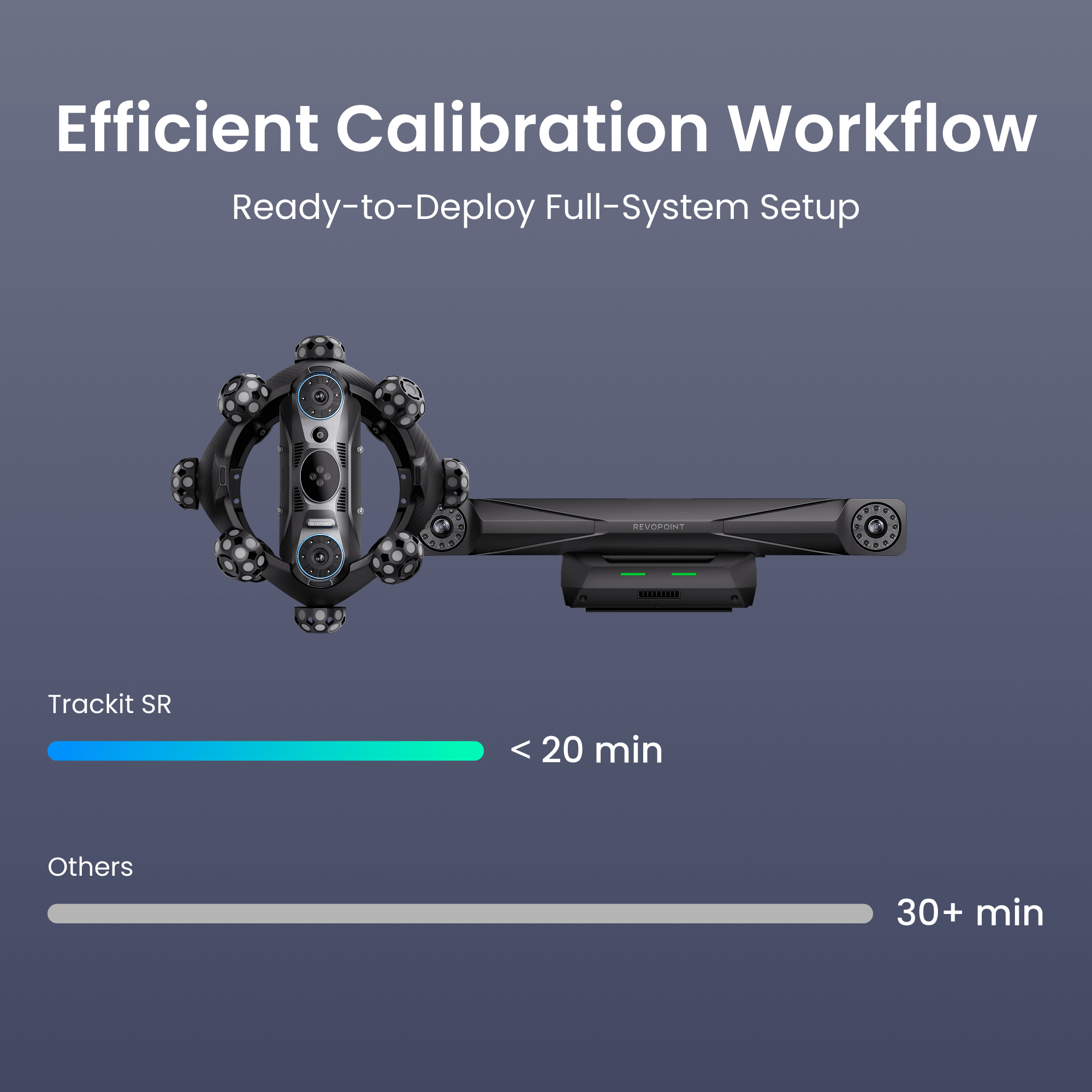
· Effizienter Kalibrierungsworkflow
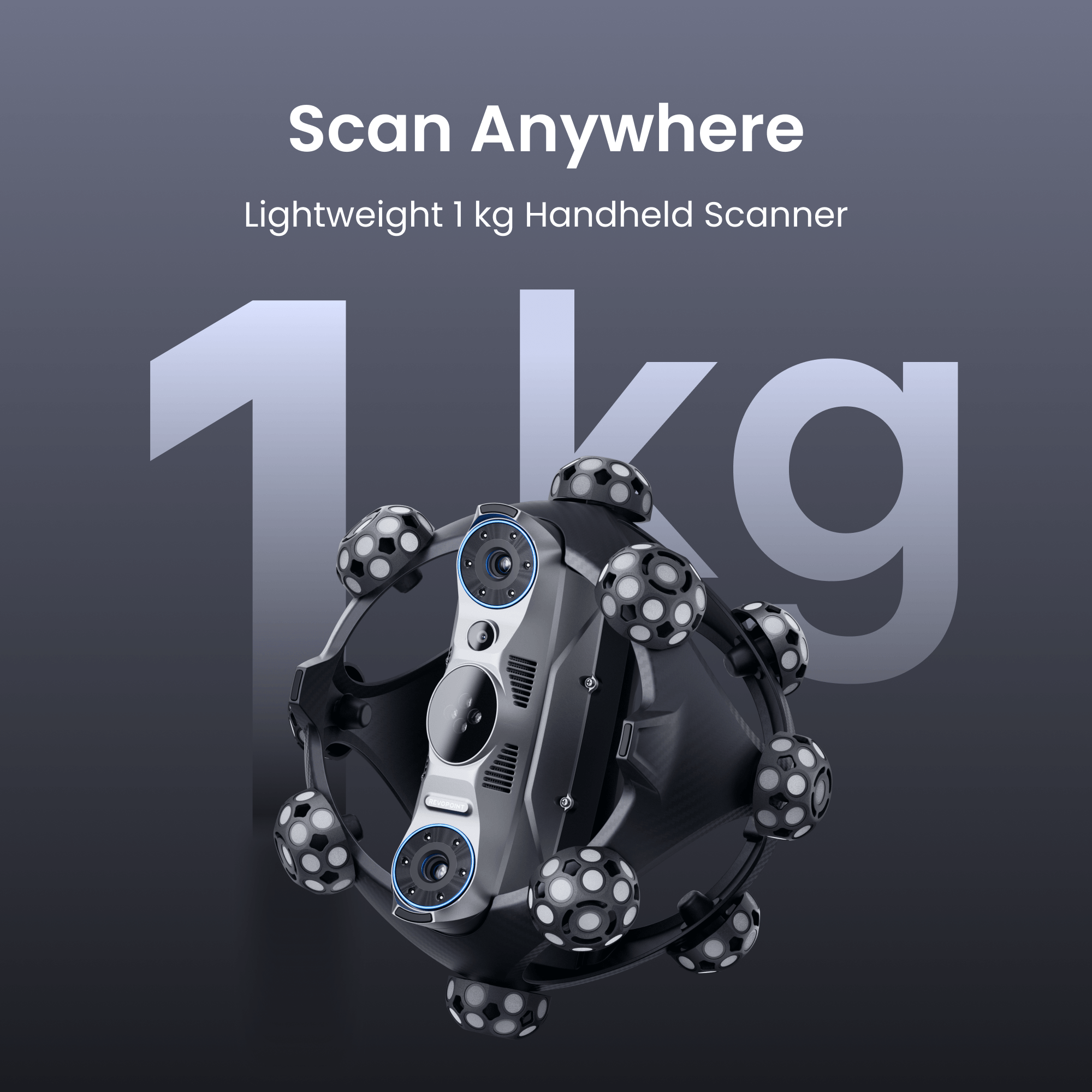
· Tragbar und leicht
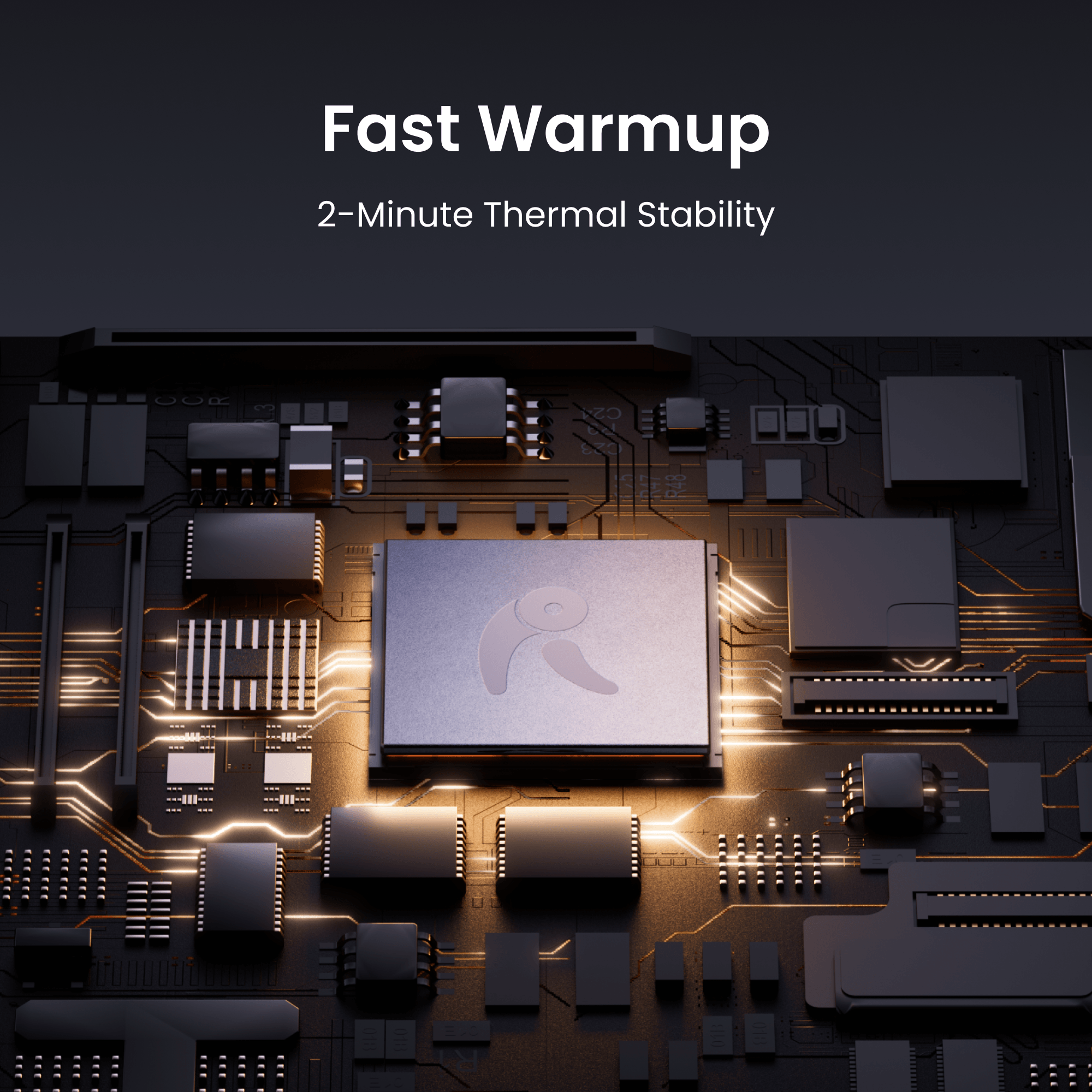
· Intelligente Temperaturüberwachung
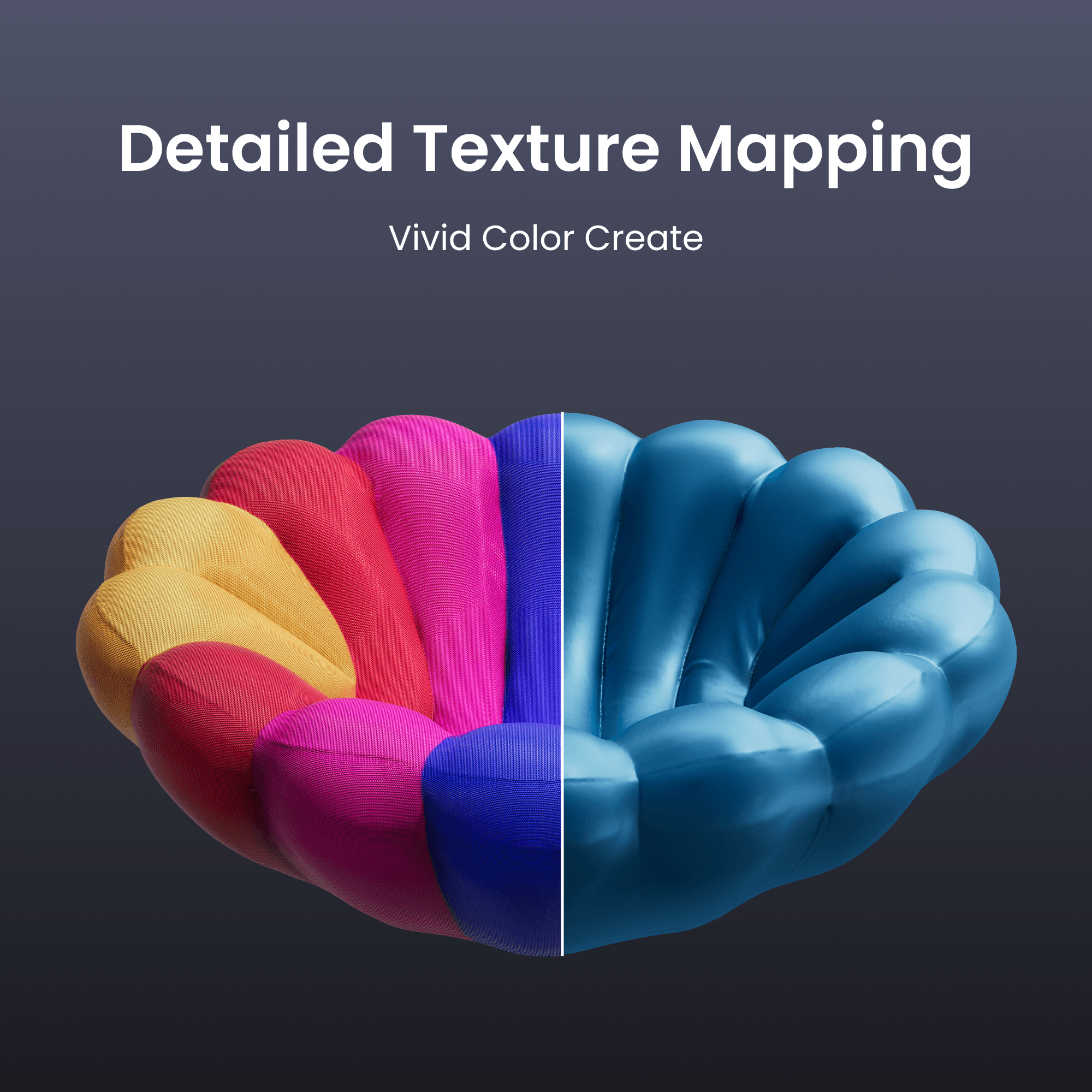
· Texturerfassung – Lebendige 3D-Modelle


Voraussichtlicher Versand innerhalb von 14 Tagen nach Bestellung. Software ist vom Umtausch ausgeschlossen, schnelle digitale Lieferung per E-Mail.


Take a Closer Look


Markers Out.
Wireless Freedom In.
Markers Out.
Wireless Freedom In.

Triple Blue Laser Capture

Details Capture -
30 Cross-line Lasers

Fast Scans -
17 Parallel Lines

Scan Deep Holes -
Single Line Laser

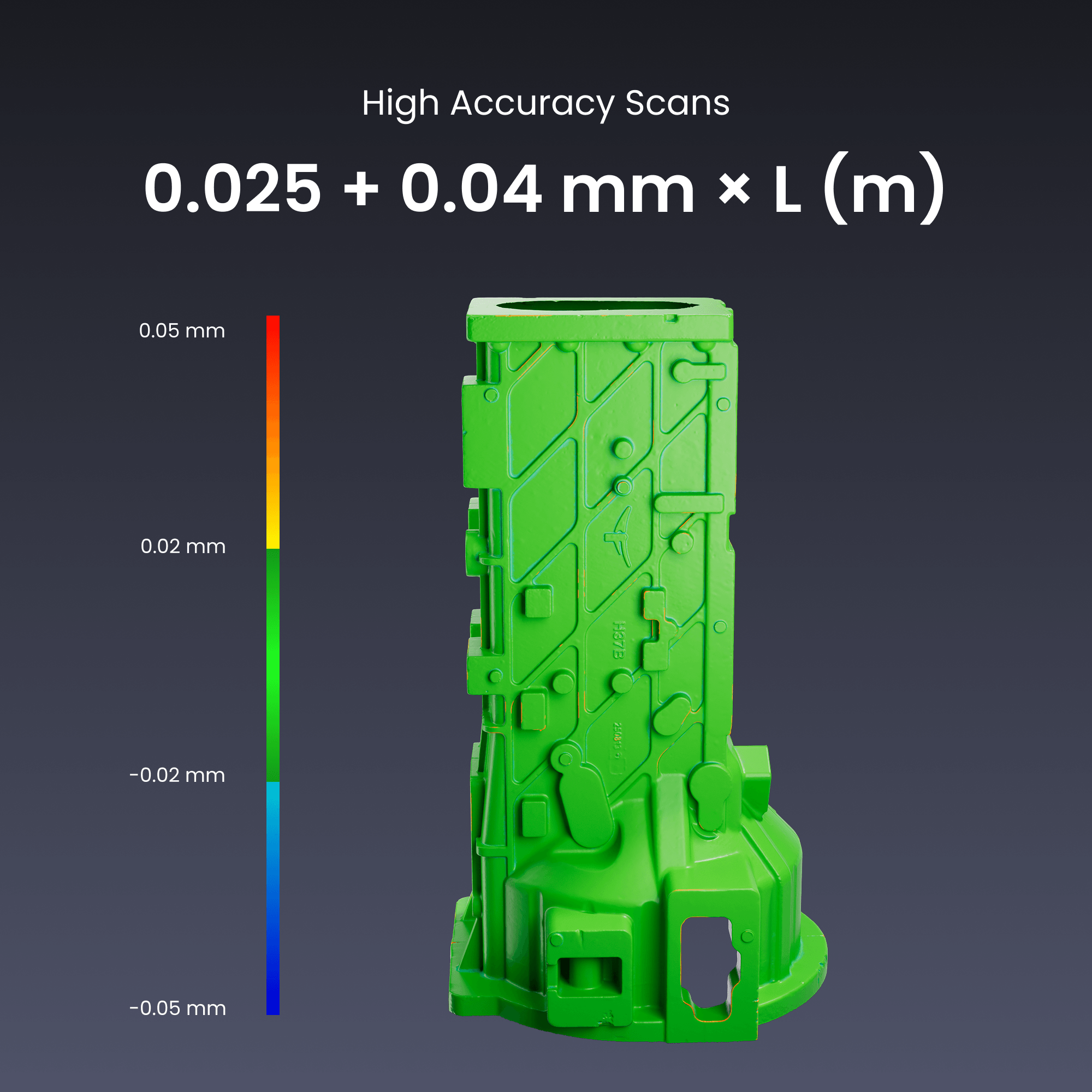
High Accuracy
0.025 mm + 0.04 mm × L (m)

Time-saving Marker-Free Scans

Move Freely, Scan Wirelessly
*Battery Life: Up to 2.5 hours.

Lightweight and Portable

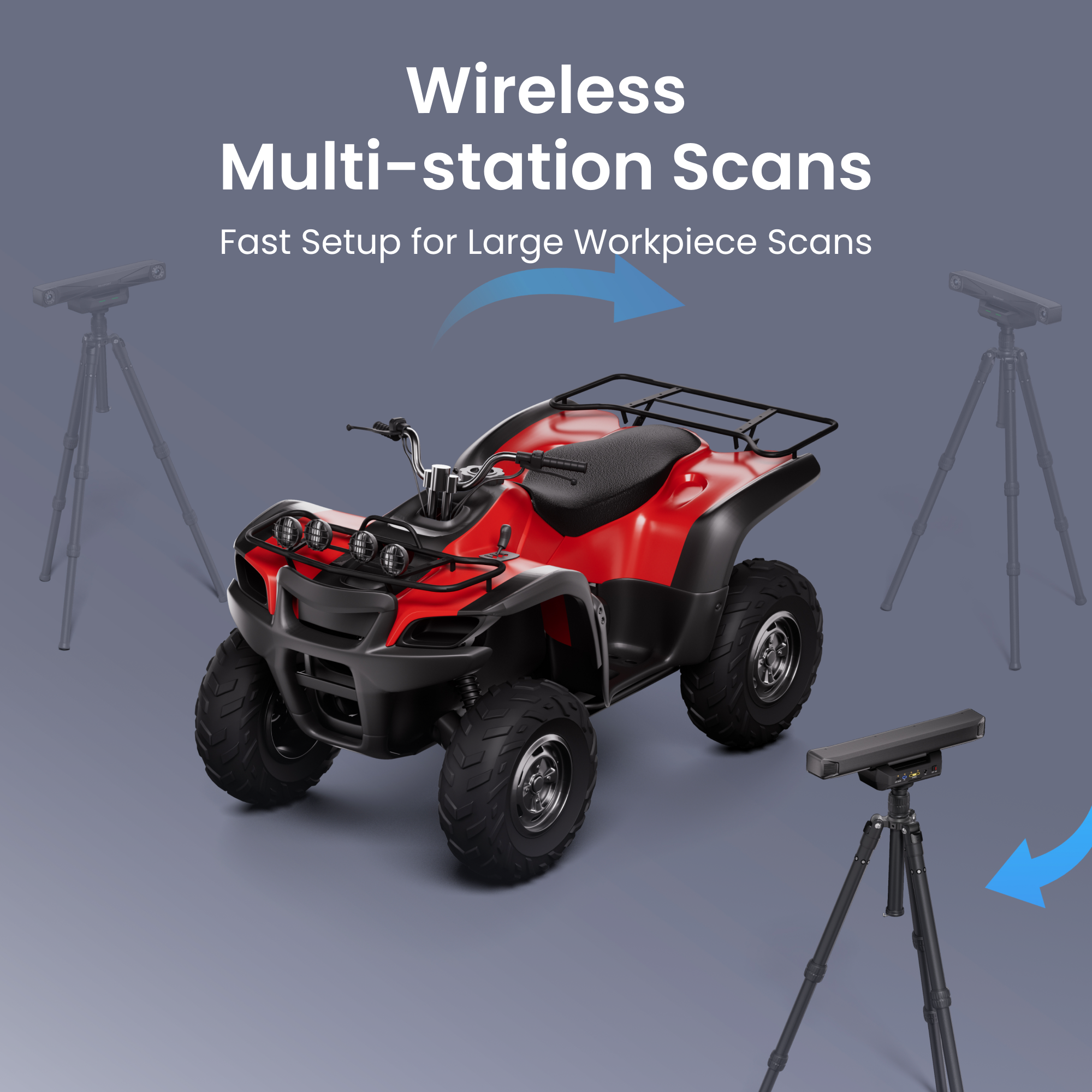
Wireless Multi-station
Scan Setup

Robust Carbon Fiber Frame

Detailed Texture Mapping

Always Accurate, Never Wait

TCP Remote Control

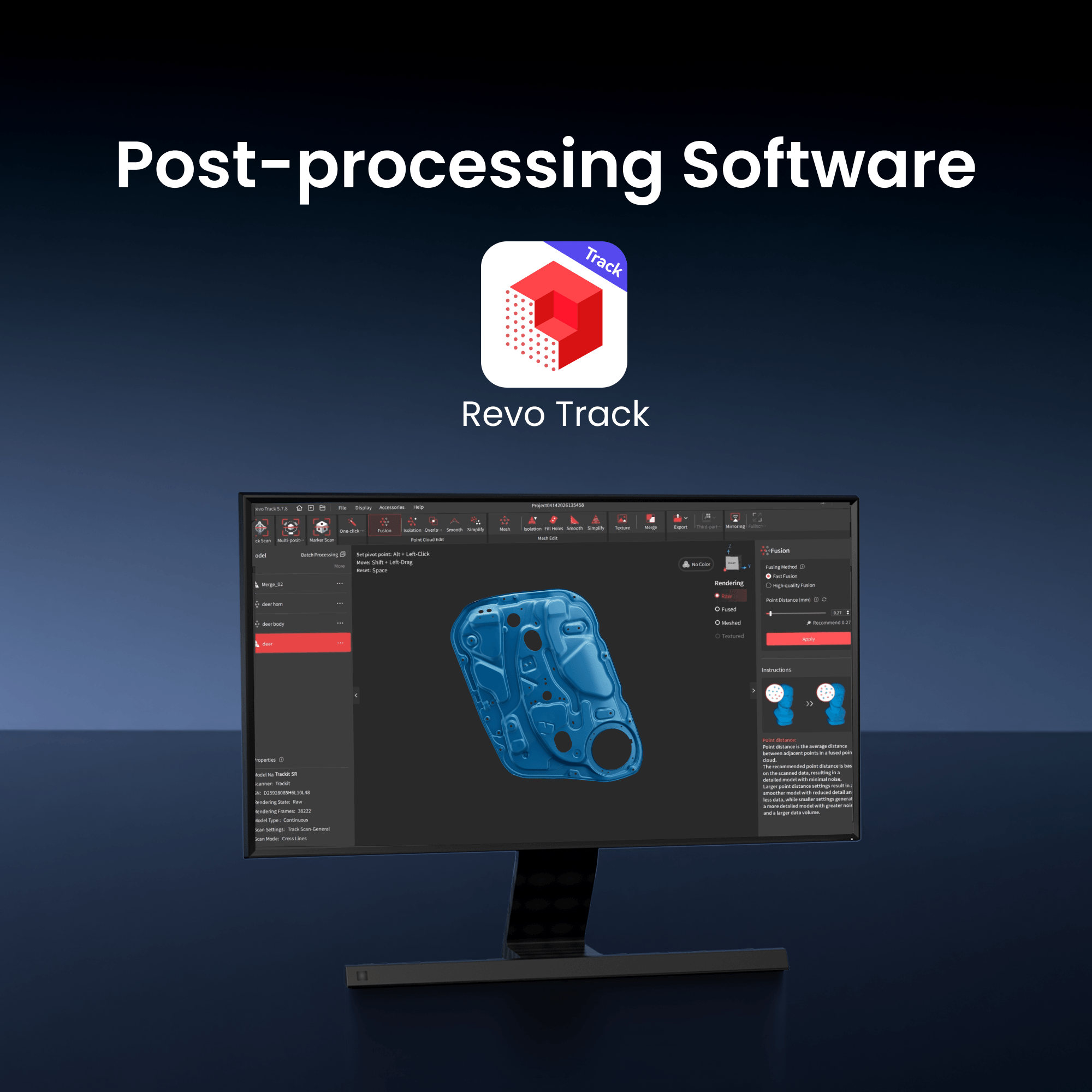
Revo Track Free Post-
processing Software
Output Formats: PLY, OBJ, STL, ASC, 3MF, GLTF, FBX

Revo Design -
Scans-to-CADs

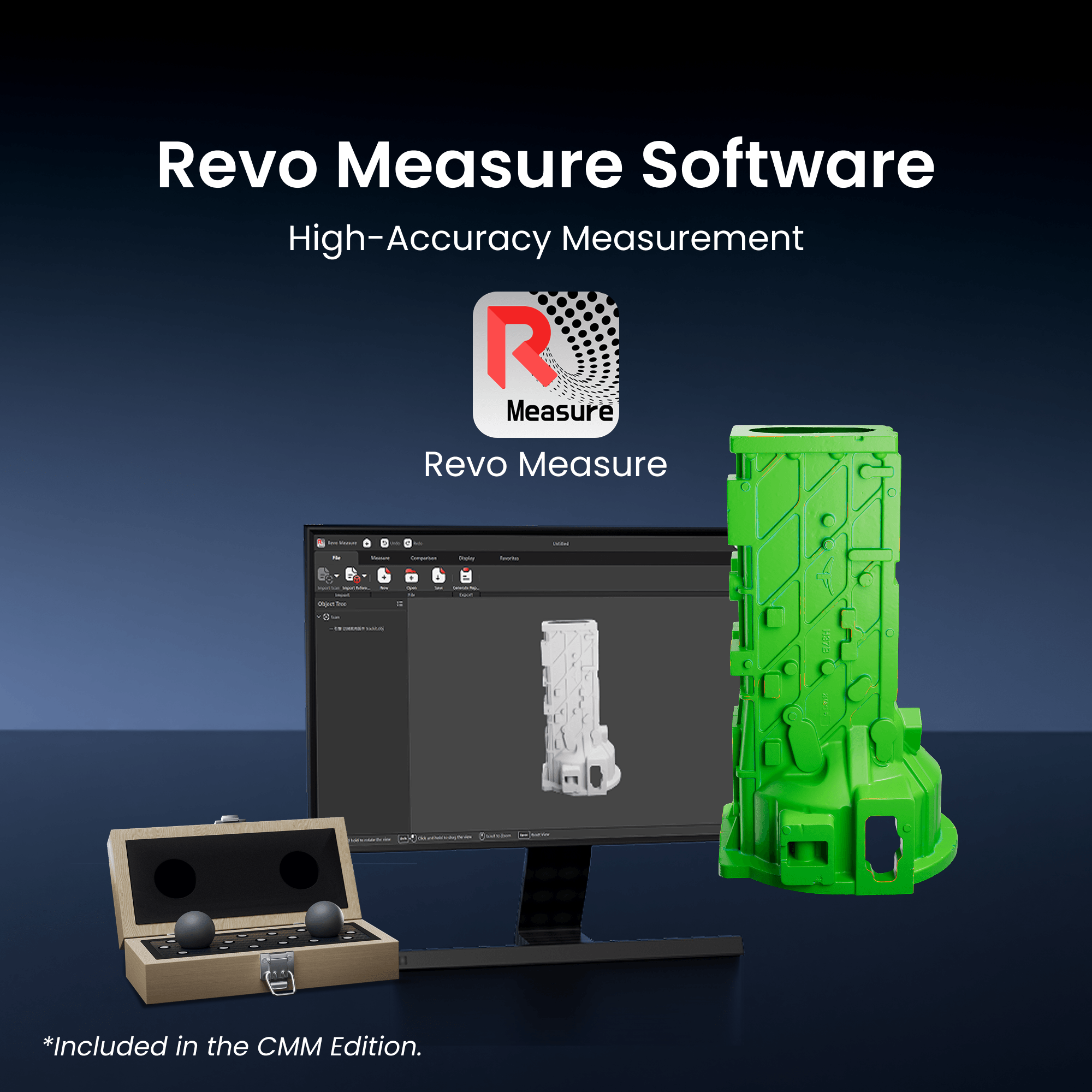
Revo Measure - Scans-
to-Measurements
*Included in the CMM Edition.


30 Cross-line Lasers

17 Parallel Lines

Single Line Laser
0.025 mm + 0.04 mm × L (m)


*Battery Life: Up to 2.5 hours.


Scan Setup


processing Software
Output Formats: PLY, OBJ, STL, ASC, 3MF, GLTF, FBX

Scans-to-CADs

to-Measurements
*Included in the CMM Edition.

Reviews on YouTube

Trackit SR 3D Model Gallery
Color Couch
Bike
ATV
Thin Workpiece
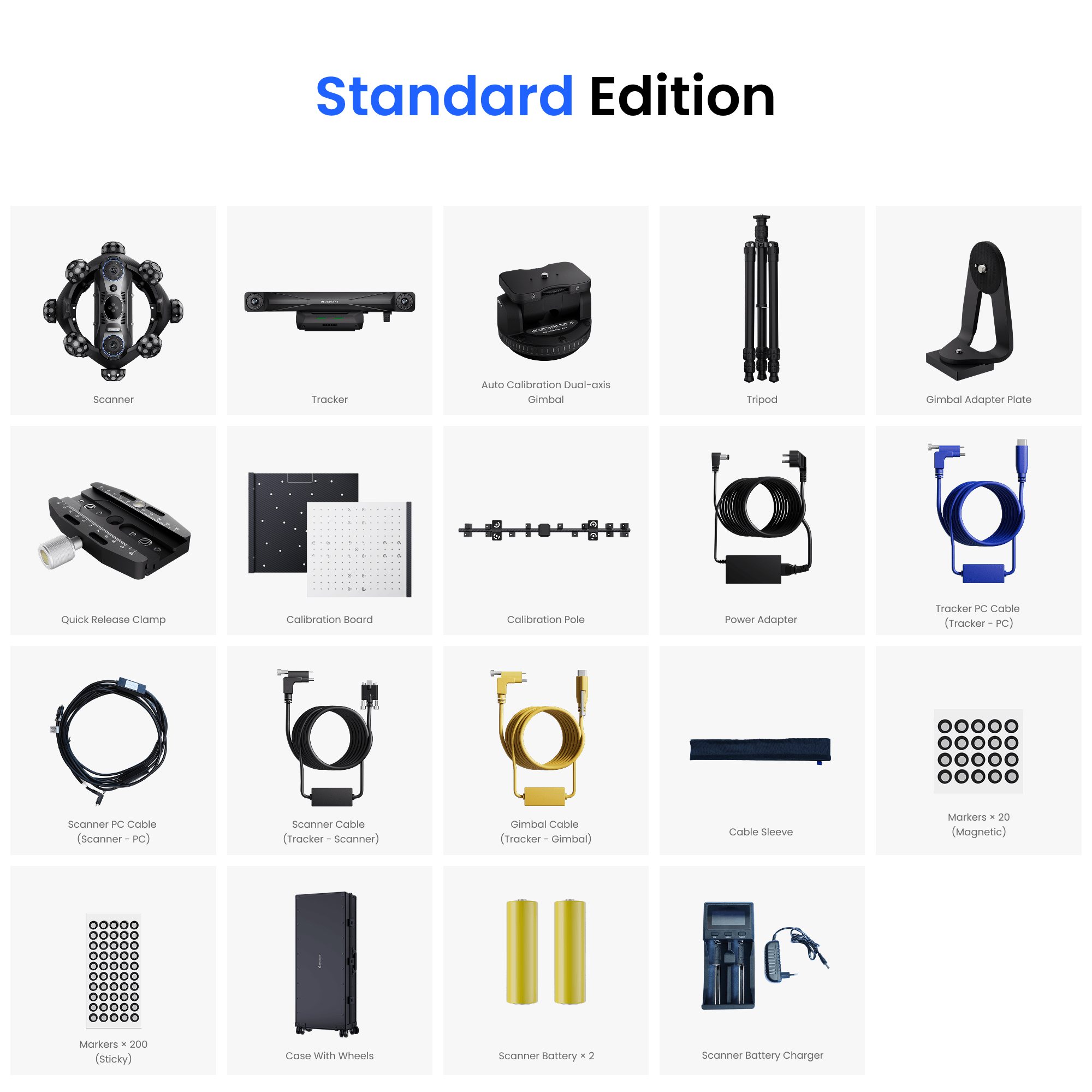
Lieferumfang
Standard Edition

Scanner

Tracker

Automatisch kalibrierendes Zweiachs-Gimbal

Stativ

Gimbal-Adapterplatte

Schnellspannklemme

Kalibrierungstafel

Kalibrierungsstab

Netzteil

Tracker-PC-Kabel
(Tracker – PC)

Scanner-PC-Kabel
(Scanner – PC)

Scanner-Kabel
(Tracker – Scanner)

Gimbal-Kabel (Tracker – Gimbal)

Kabelhülse

Marker × 20
(Magnetisch)

Marker × 200 (Haftmarker)

Transportkoffer mit Rollen

Scanner-Akku × 2

Scanner-Akku-Ladegerät
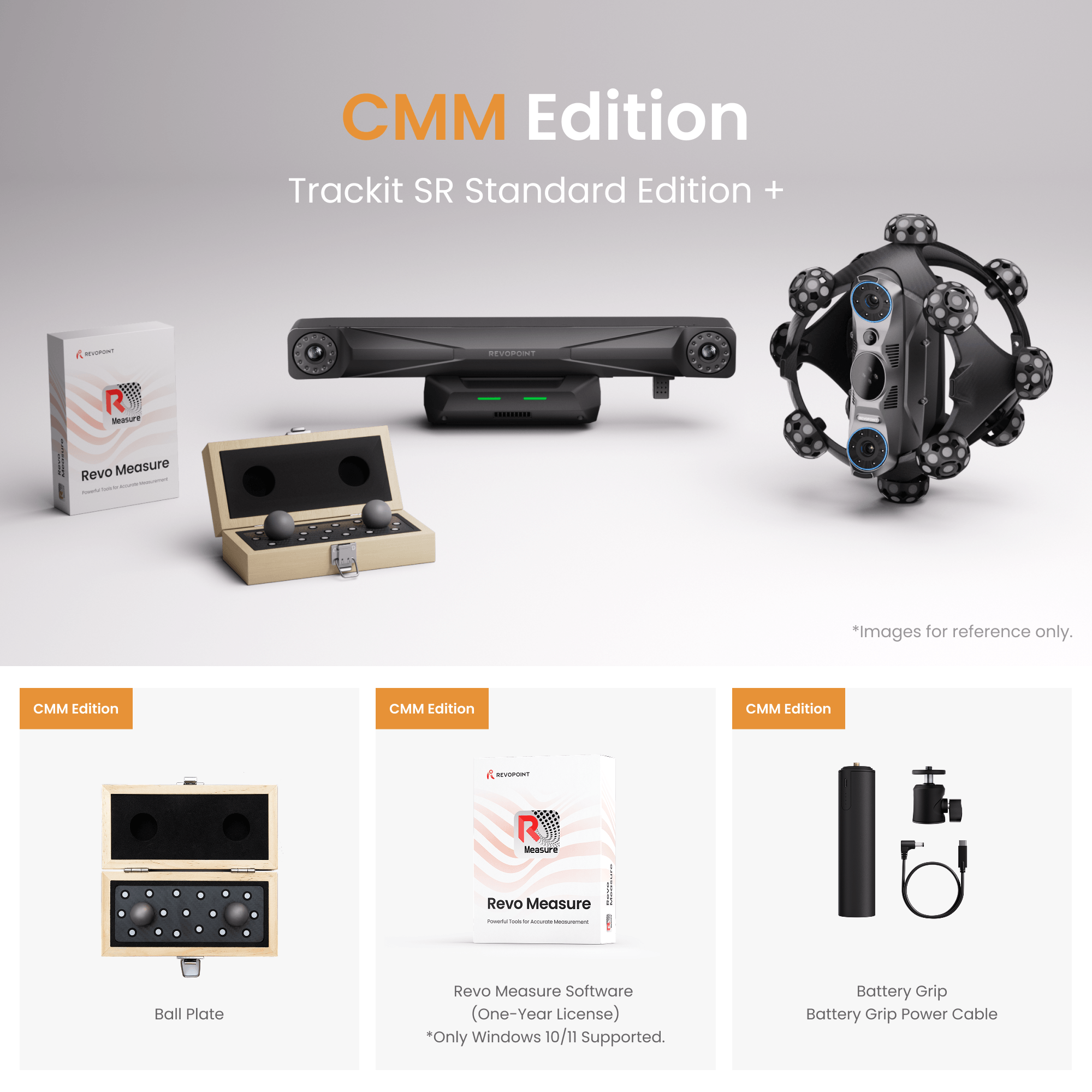
CMM-Edition

Kugelplatte

Revo Measure Software (Ein-Jahres-Lizenz)
*Nur Windows 10/11 unterstützt.

Akkuhandgriff
Akkuhandgriff-Stromkabel
Weitere Serviceleistungen


Special Events
Special Discount
If you’re a teacher, veteran, doctor, or student with a valid ID, you can enjoy an extra 5% discount on all of our scanners.
Consult Experts
Speak to expert now! We’re here to help you with all your technical questions and concerns.

Power Up Your Trackit SR: Compatible Software


Spezifikationen
Trackit SR 3D Scanner

Tracker

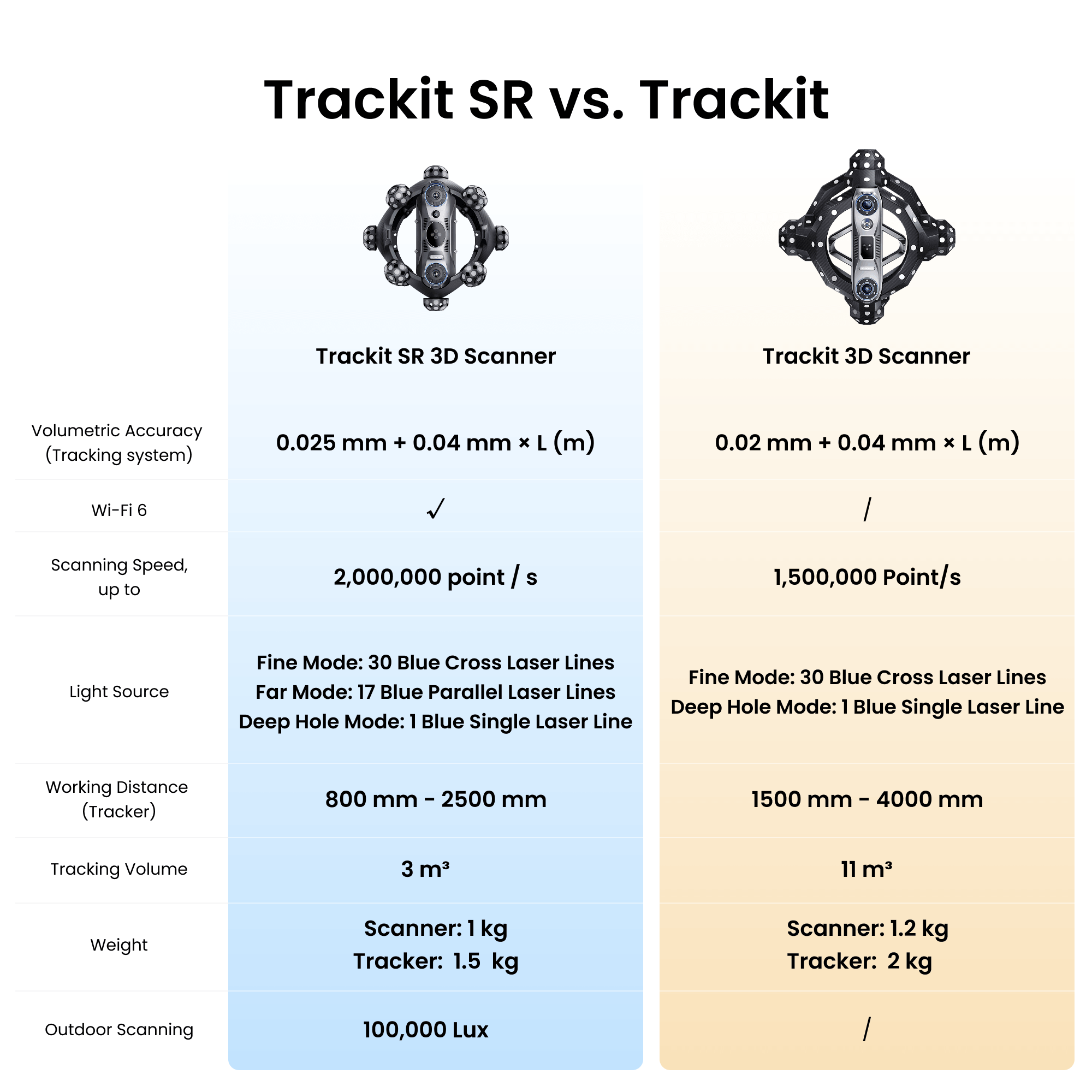
Trackit SR vs. Trackit
Trackit SR 3D Scanner

Trackit 3D Scanner
(Tracking system)
up to
Far Mode: 17 Blue Parallel Laser Lines
Deep Hole Mode: 1 Blue Single Laser Line
Deep Hole Mode: 1 Blue Single Laser Line
(Tracker)
FAQ
What are the differences between Trackit SR and other scanners such as Trackit, MetroY Ultra, and POP 4?
Quick Summary
Trackit SR and Trackit both feature optical tracking technology and support marker-free Track Scan mode, making them suitable for high-accuracy scanning of small to large objects without the need for markers. Trackit SR additionally adds some new features such as wireless connection, outdoor scans, and real-time ambient temperature monitoring as it's the latest model in Trackit series scanners. MetroY Ultra is more focused on high-speed measurement workflows with Revo Metro; POP 4 is a portable handheld/desktop scanner for small to medium objects with multiple scanning modes.
What are the differences between Trackit SR’s three scanning modes?
(1) 30 Cross-line Laser Mode: Provides high-precision and high-efficiency scanning and enables direct scanning of black, reflective, and metallic surfaces without markers.
(2) 17 Parallel-line Laser Mode: With a larger working distance, it is suitable for quickly scanning larger objects.
(3) Single-line Laser Mode: Projects a high-quality blue laser line and is suitable for fine scanning of narrow areas, such as deep holes and grooves, ensuring complete capture of complex structures.
Can I 3D print the 3D models created by Trackit SR?
Yes, the models can be exported in the STL, OBJ, and 3MF formats, which are compatible with most 3D printing slicer software.
Can the 3D models be imported into design software?
Yes, Revo Track supports various file formats compatible with most design software, such as QuickSurface, Geomagic, PolyWorks, Blender, Maya, Rhino, ZBrush, Fusion 360, etc. The supported formats are as follows:
Point Cloud models: PLY, OBJ, ASC
Mesh models: PLY, OBJ, STL, FBX, GLTF, 3MF
Texture models: PLY, OBJ, FBX, GLTF
Can I connect Trackit SR’s Scanner to a PC via Wi-Fi?
Yes, both the Scanner and Tracker can connect to a PC wirelessly via Wi-Fi 6.
Can Trackit SR scan the object with electronic components? Will the laser cause damage?
No, the laser will not damage electronic components if a minimum distance of 200 mm is maintained.
Note: Do not position the components too close to the scanner's laser outlet, as the laser emission area has a high energy density.
What is Trackit SR’s operating temperature range?
For optimal accuracy, it is recommended to use the device within an ambient temperature range of 20°C to 25°C (68°F to 77°F).
Do I need to use markers during scans?
Markers are needed in the following two scenarios:
1) When using the Scanner as a standalone 3D scanner in Marker Scan mode, markers must be placed on the object's surface for frame alignment.
2) When using the Trackit SR in multi-position scan mode, markers serve as global marker coordinates for data alignment when repositioning the Tracker.
How do I calibrate Trackit SR?
Revo Track software enables users to perform the complete Trackit SR calibration process, including Scanner Calibration, Tracker Calibration, and Hand-Eye Calibration.
Open Revo Track and click "Scanner Calibration" in the lower-left corner of the Home page to enter the calibration interface. Once the device has finished warming up, follow the on-screen instructions to import the SN information, perform an accuracy check, and complete the calibration process.
What is Revo Measure? What measurement features does it offer?
Revo Measure is a professional 3D data measurement and analysis software. The software offers dimension measurement (length, angle, volume, etc.), GD&T analysis (geometric dimensioning and tolerancing), deviation analysis (comparing scan data with CAD models), cross-section creation and measurement, and other functions. It also supports generating a deviation color map to visually display error distributions.
Does Revo Measure have to be used with a Revopoint scanner? Can data from other devices be imported?
No, Revo Measure can also work with data from other 3D scanners. The software supports importing point cloud and mesh models in .ply format. However, with a Revopoint scanner, you can jump directly to measurement with one click and retain texture information.