









- Photos
- Videos
- Models


Mehrlinien-Infrarotlaser
Outdoor-Scanning
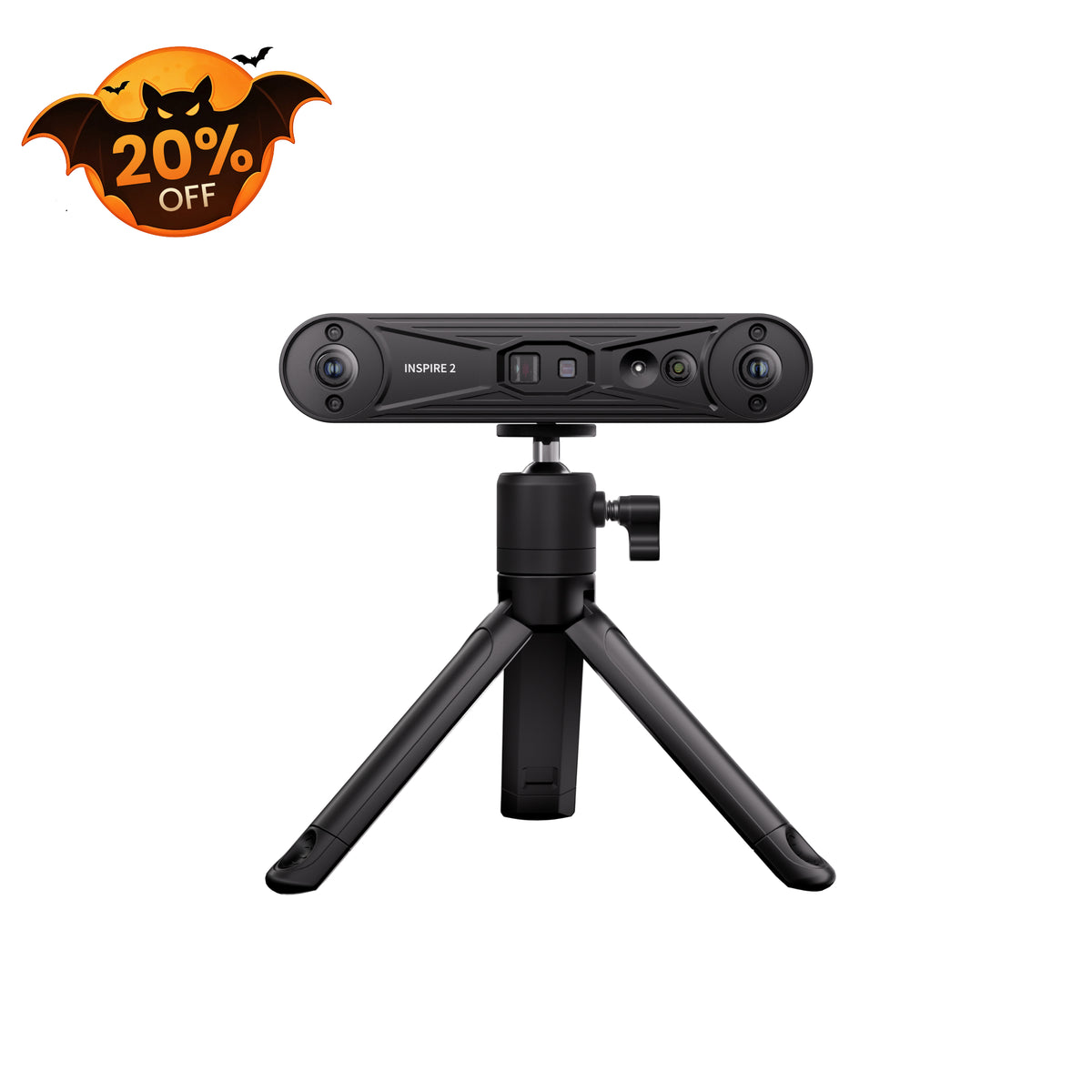
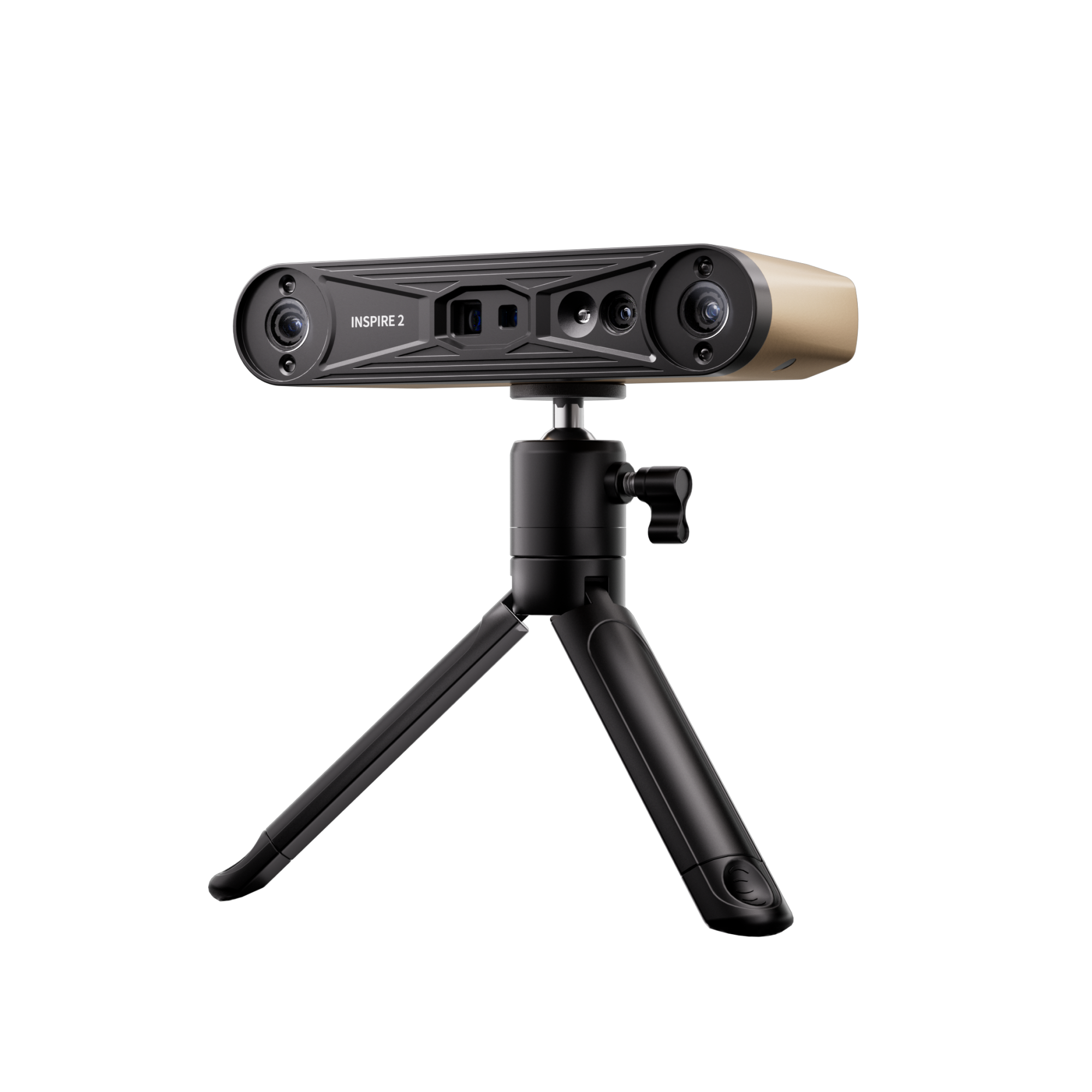
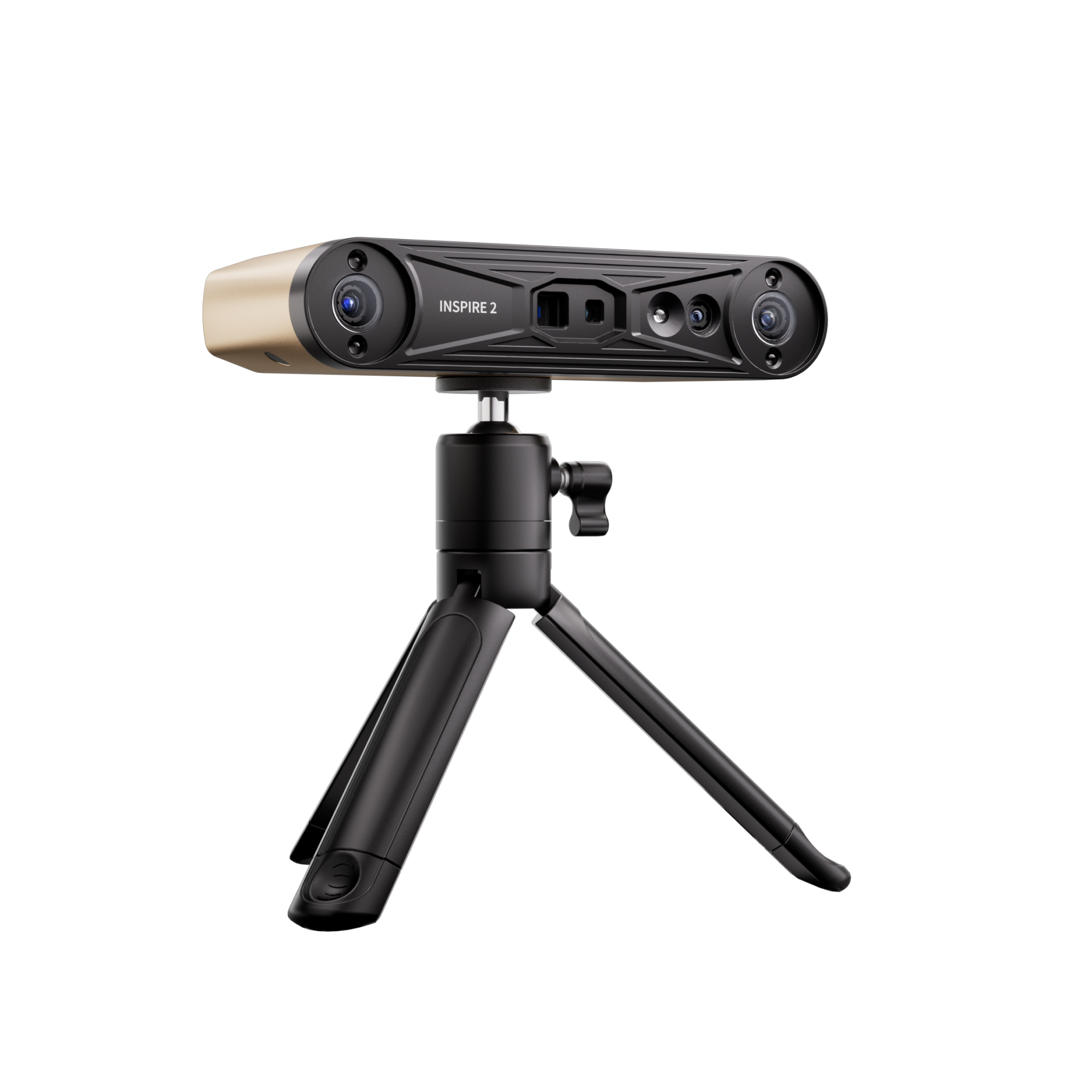
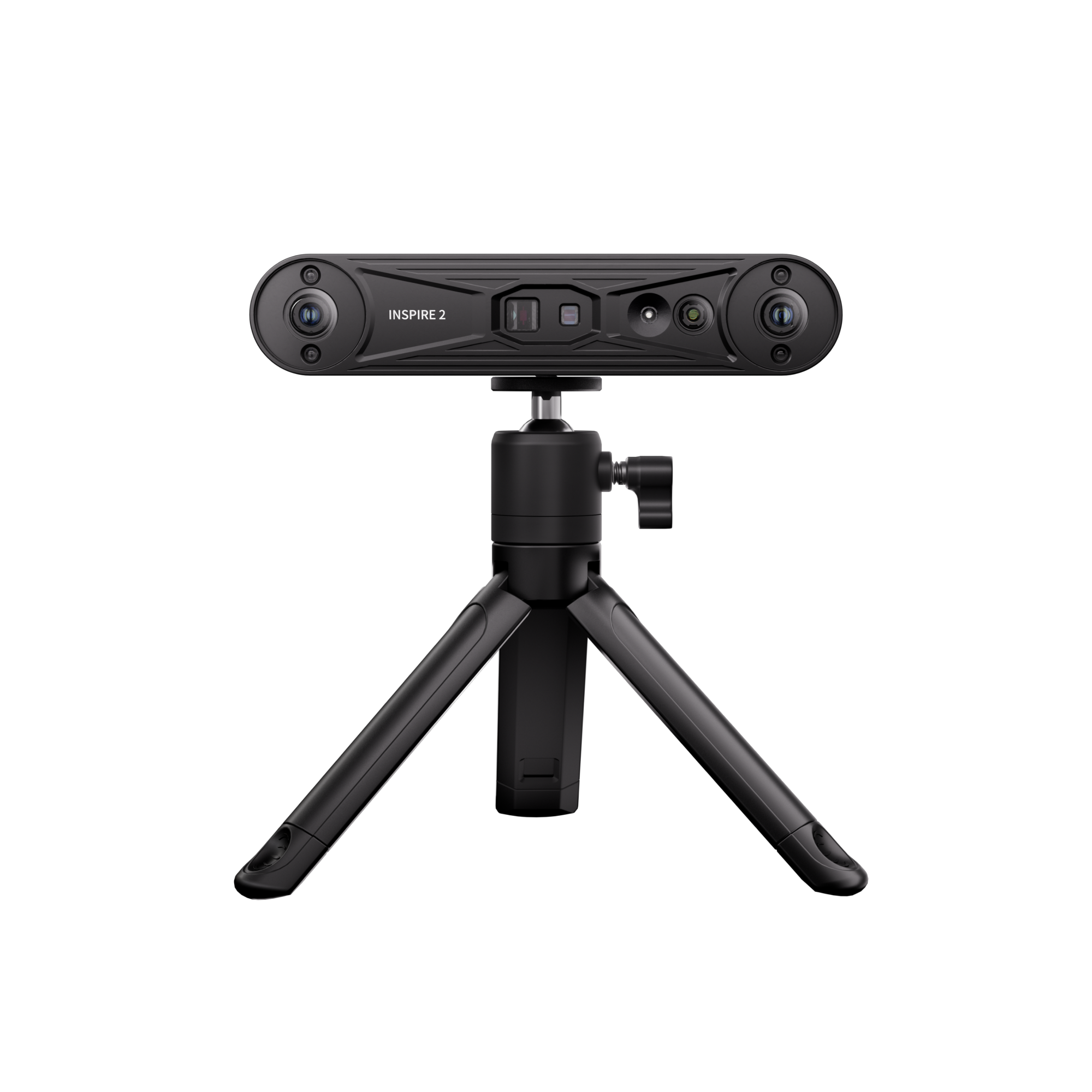
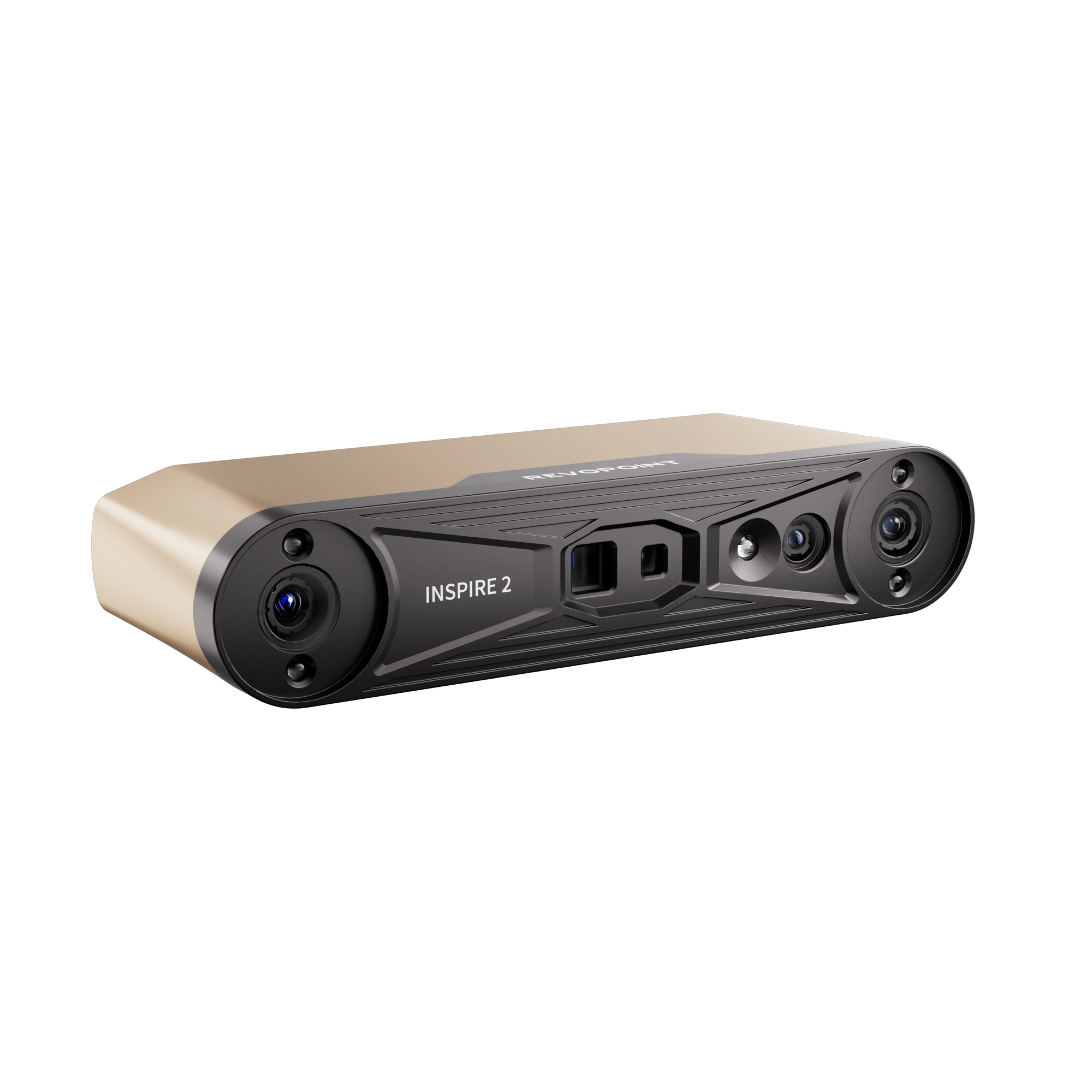
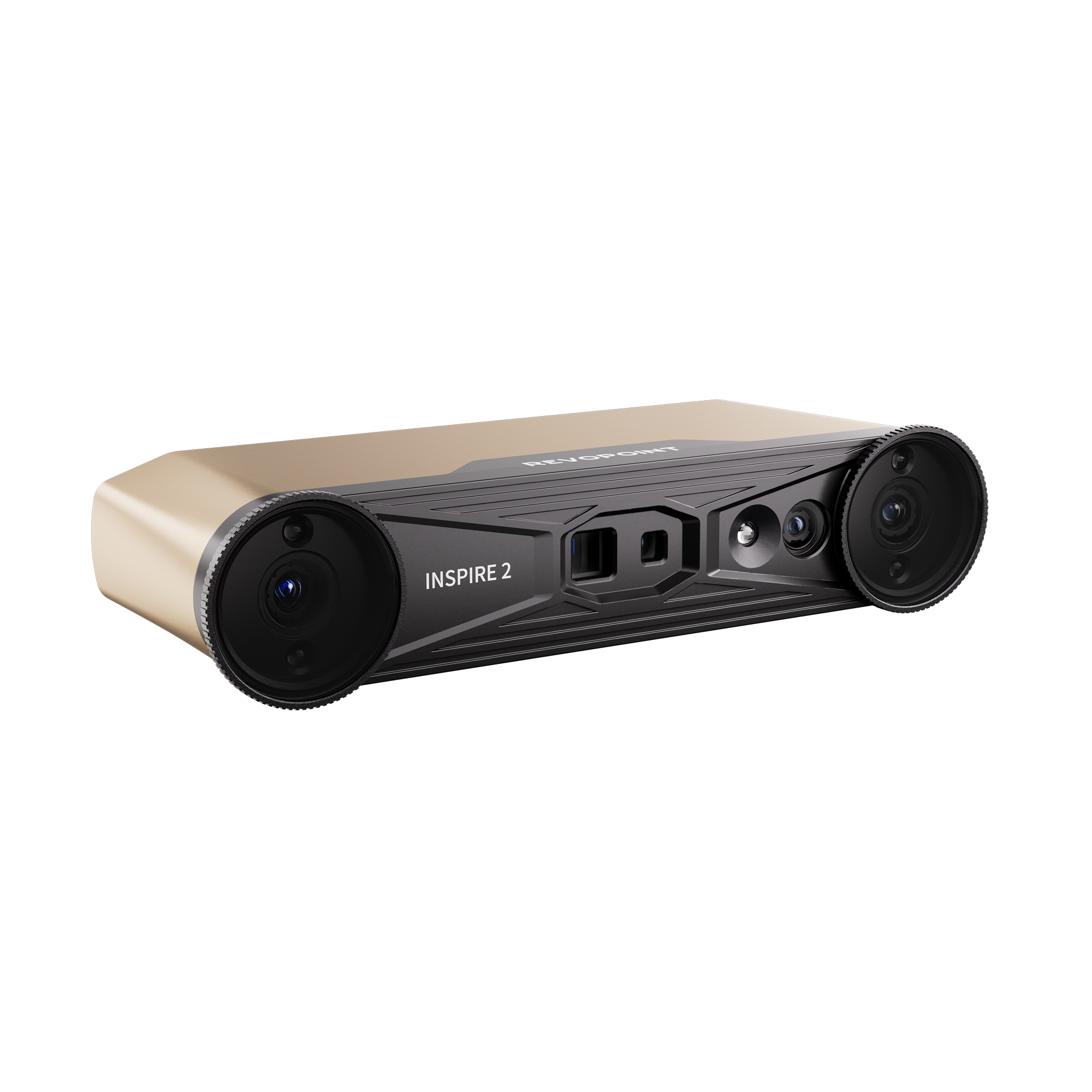
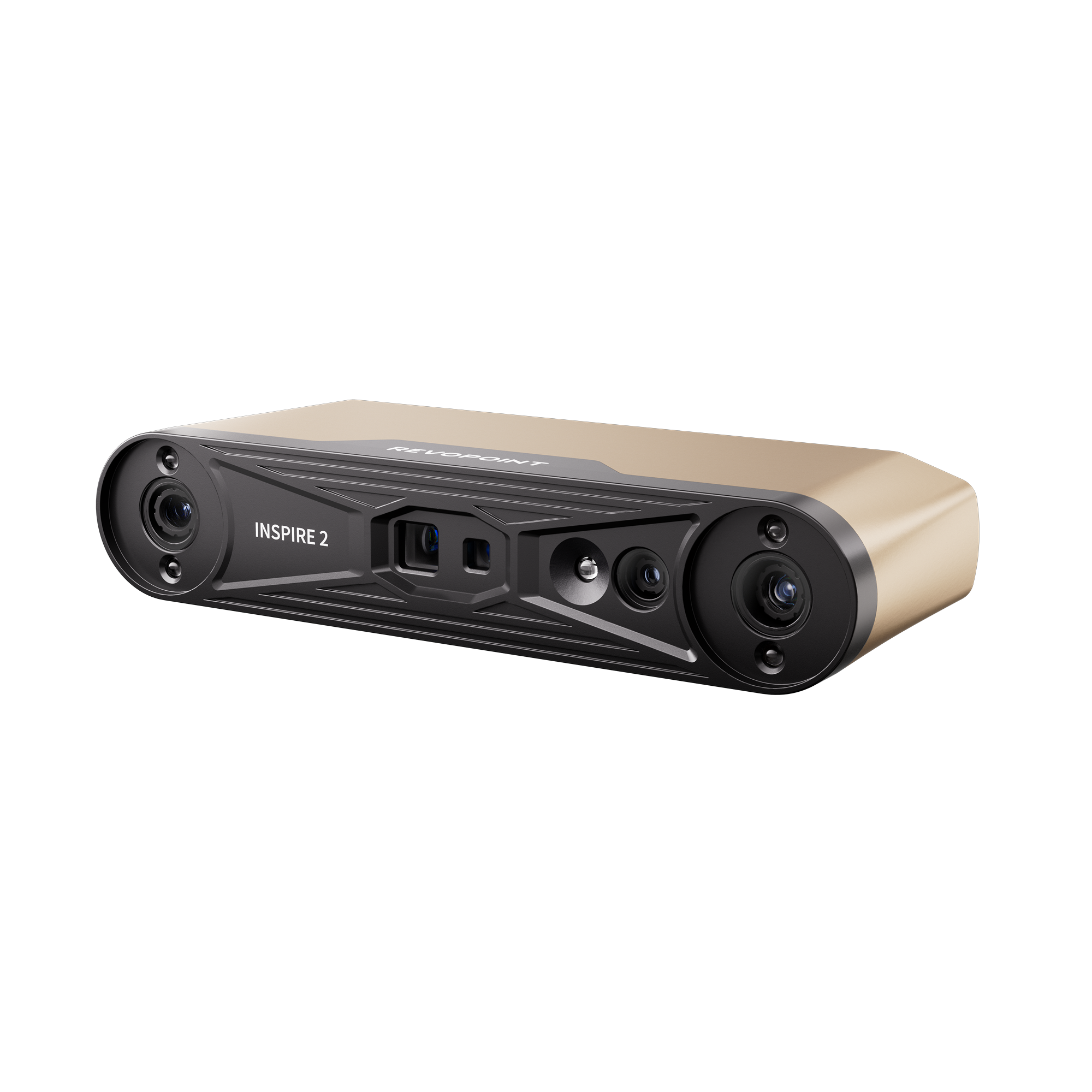
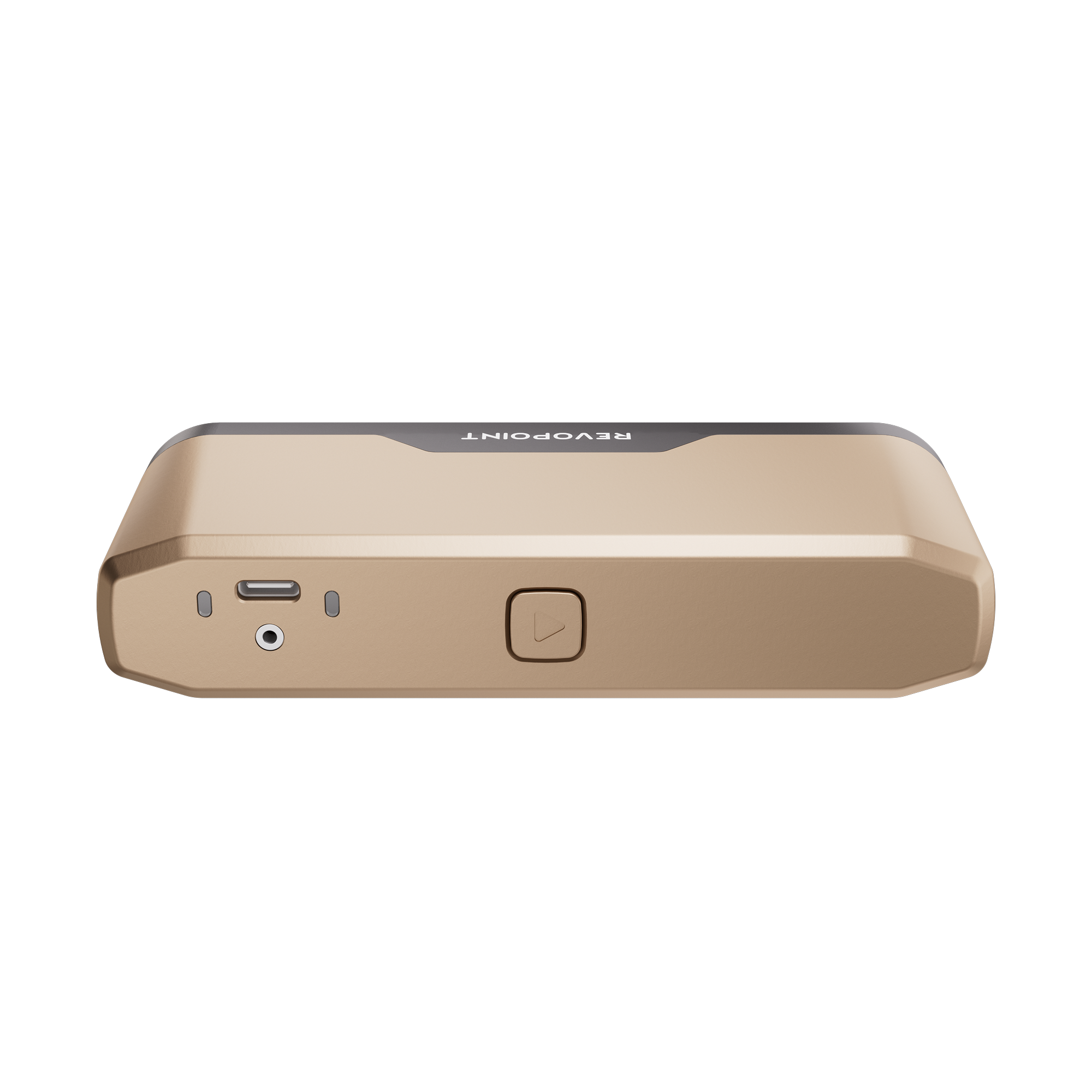
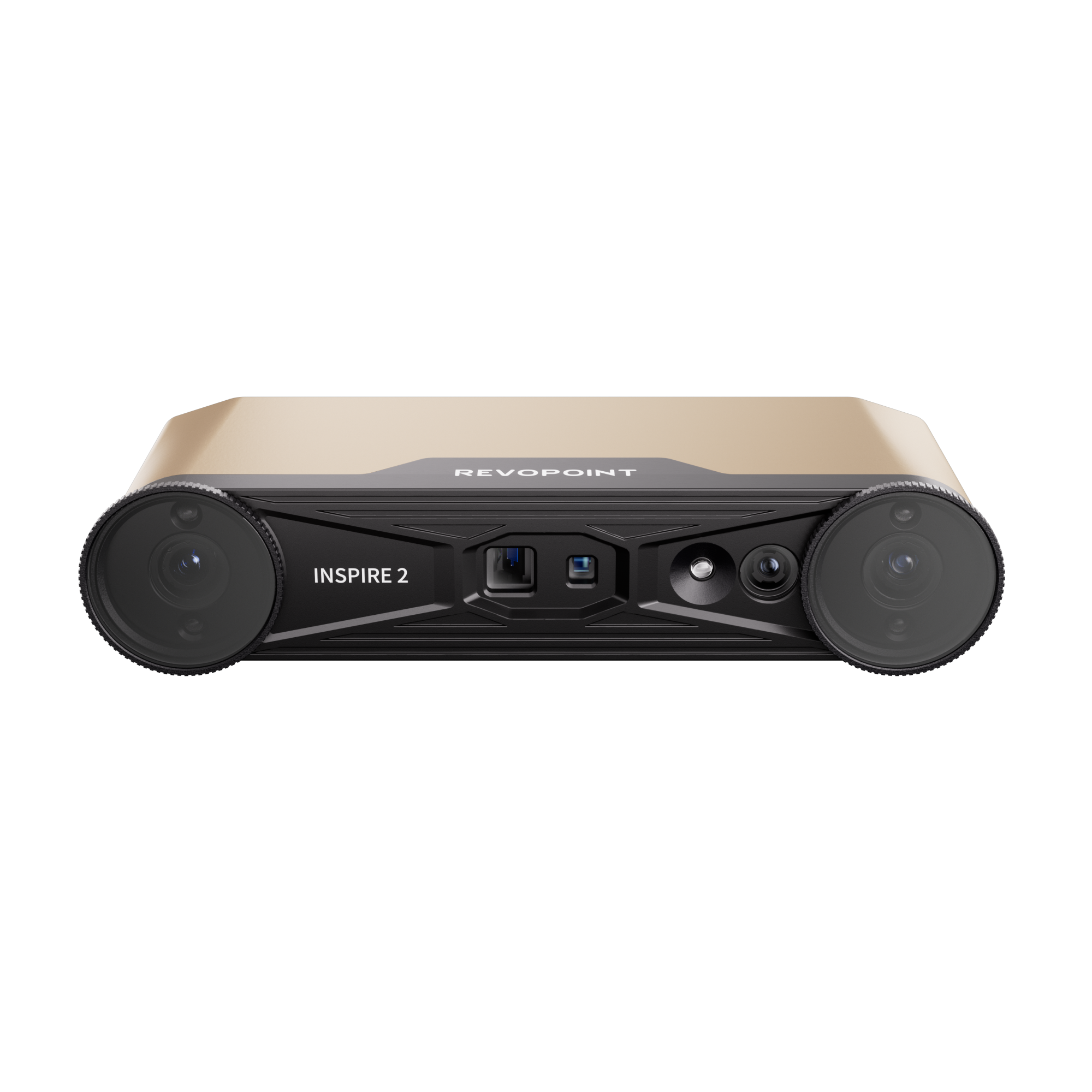
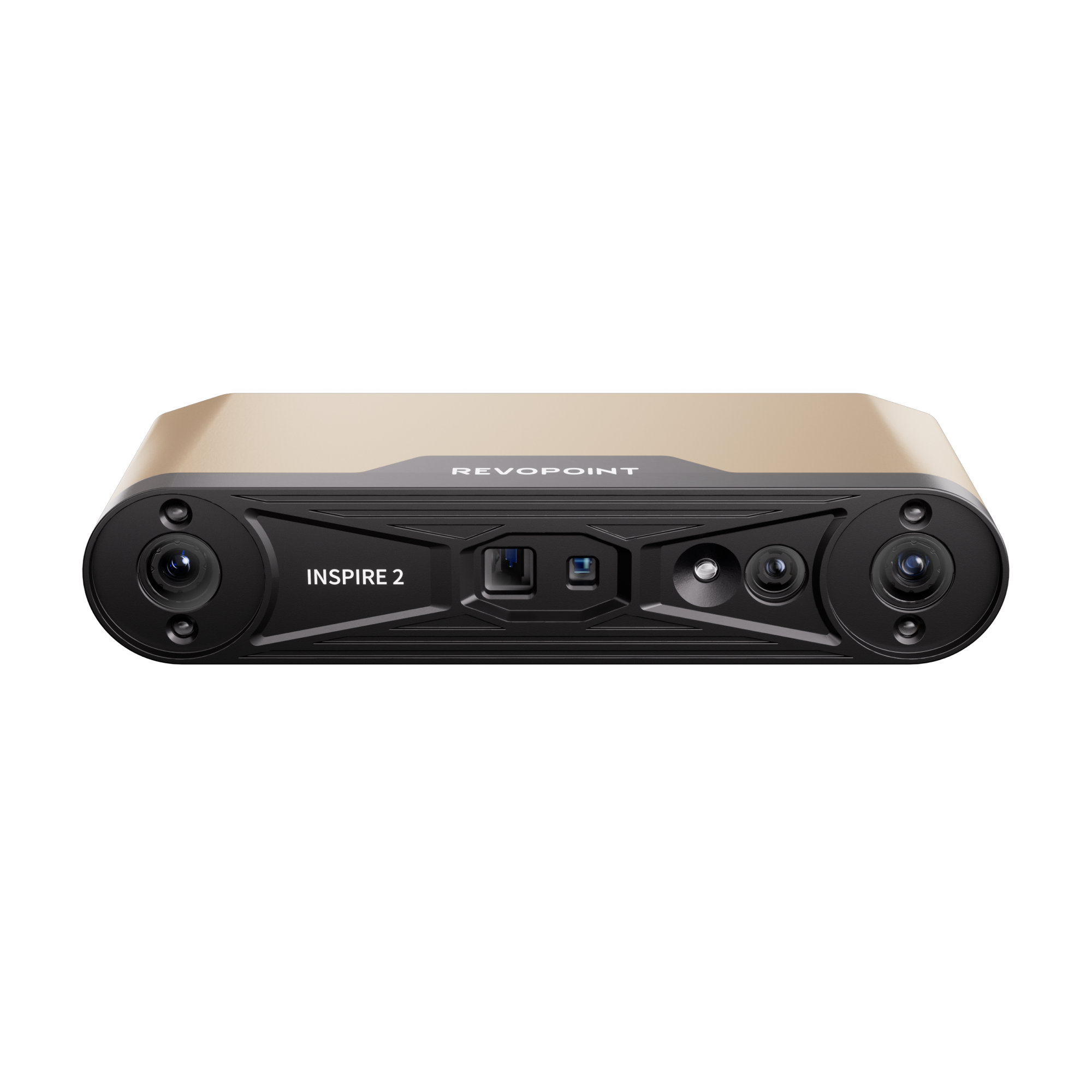
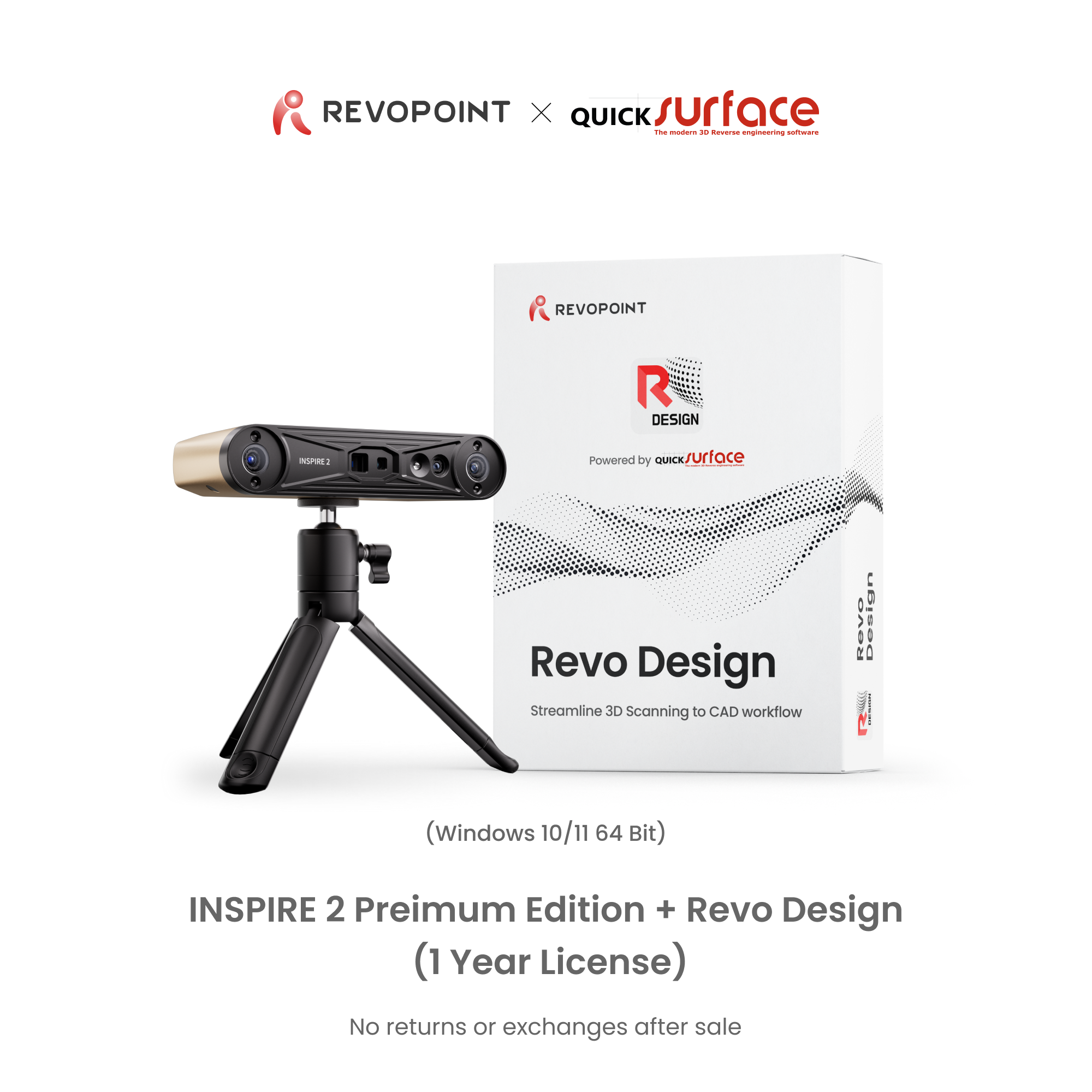
Revopoint INSPIRE 2: Wireless Infrared Laser and Structured Light 3D Scanner
· Hohe Genauigkeit bis zu 0,05 mm
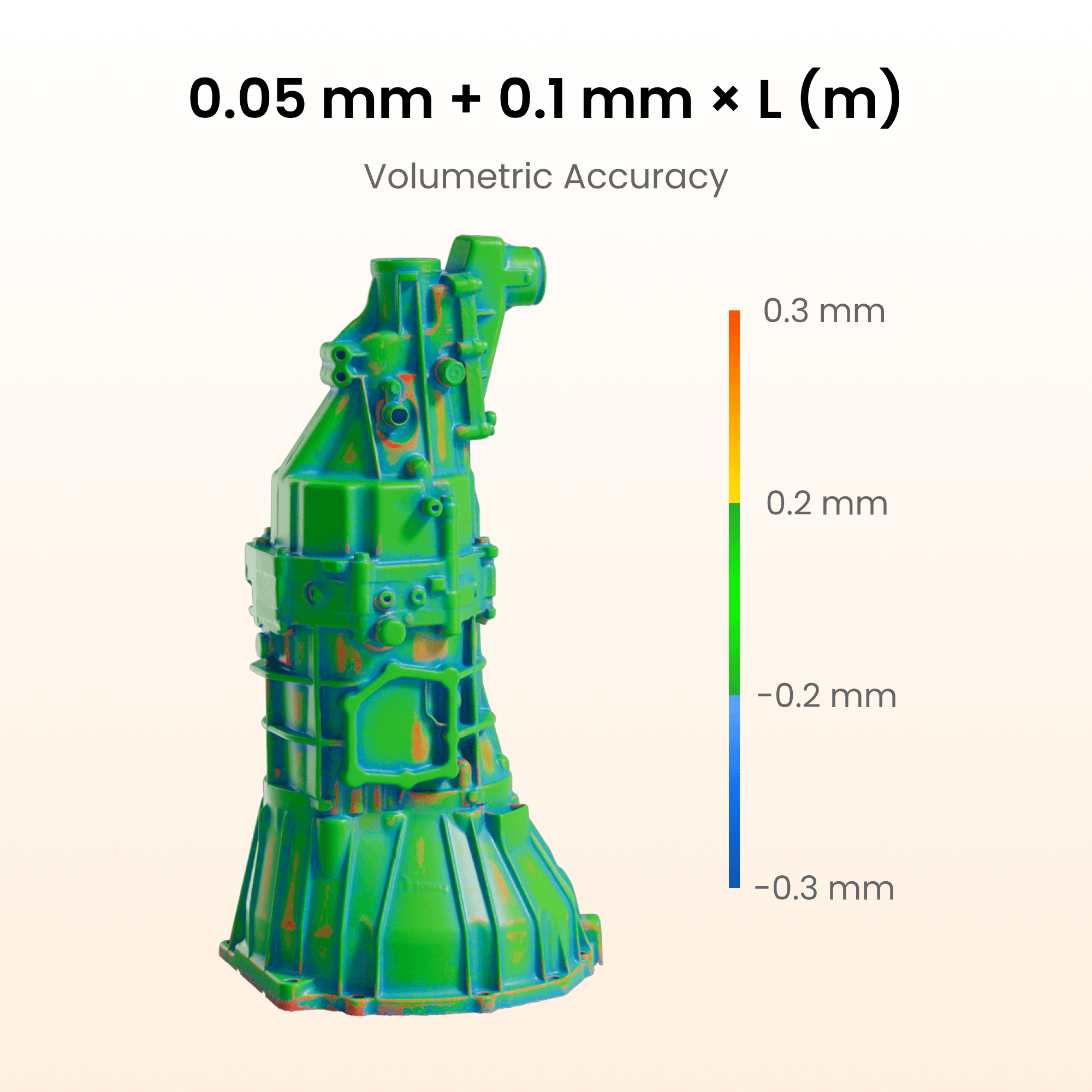
· Volumetrische Genauigkeit 0,05 mm + 0,1 mm × L (m)
· Optischer Zoom 1,5x und 2x
· Markerfreie Scans von Gesicht, Körper und funktionsreichen Objekten
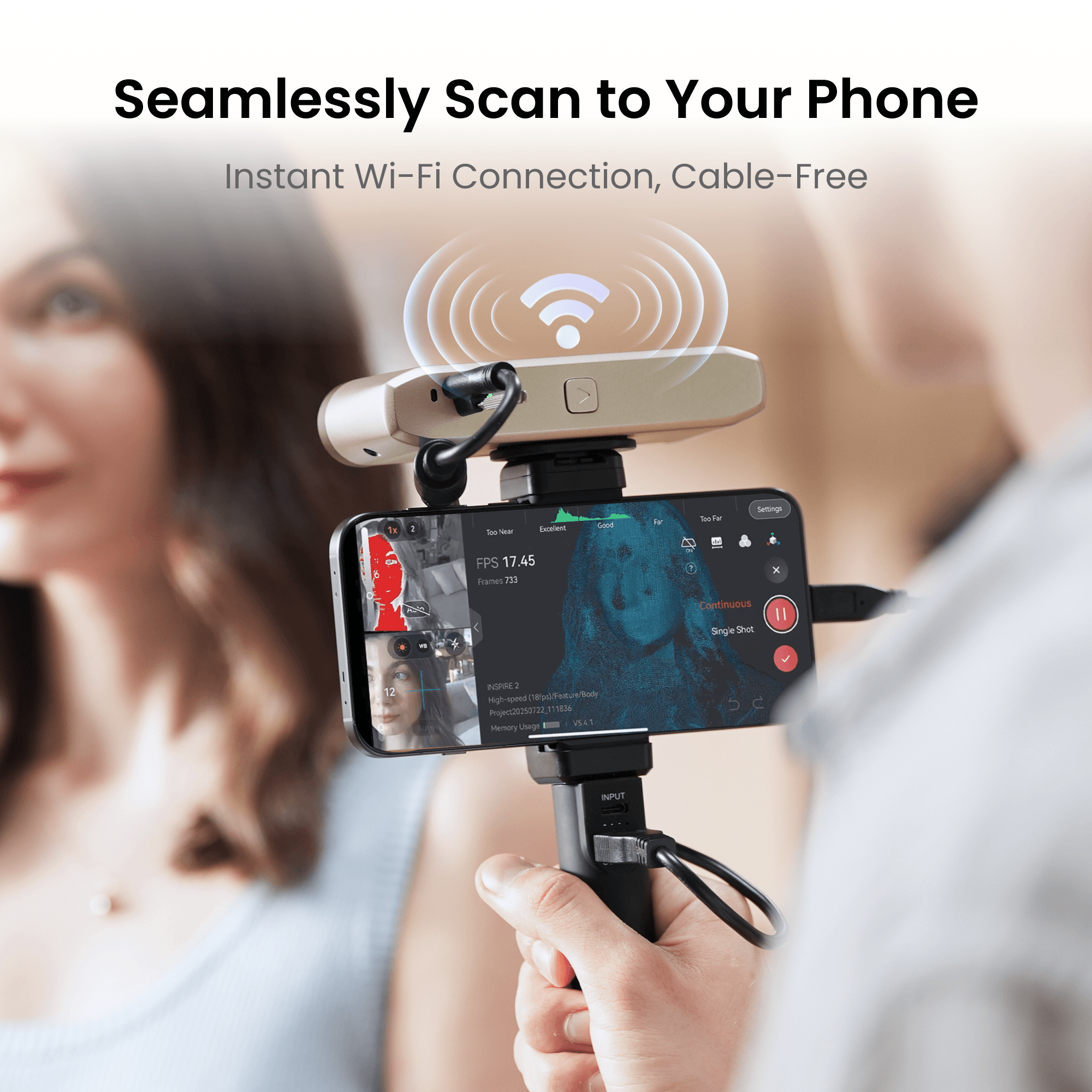
· Unterwegs scannen, Wi-Fi 6-Konnektivität
· Vollfarb-Scannen
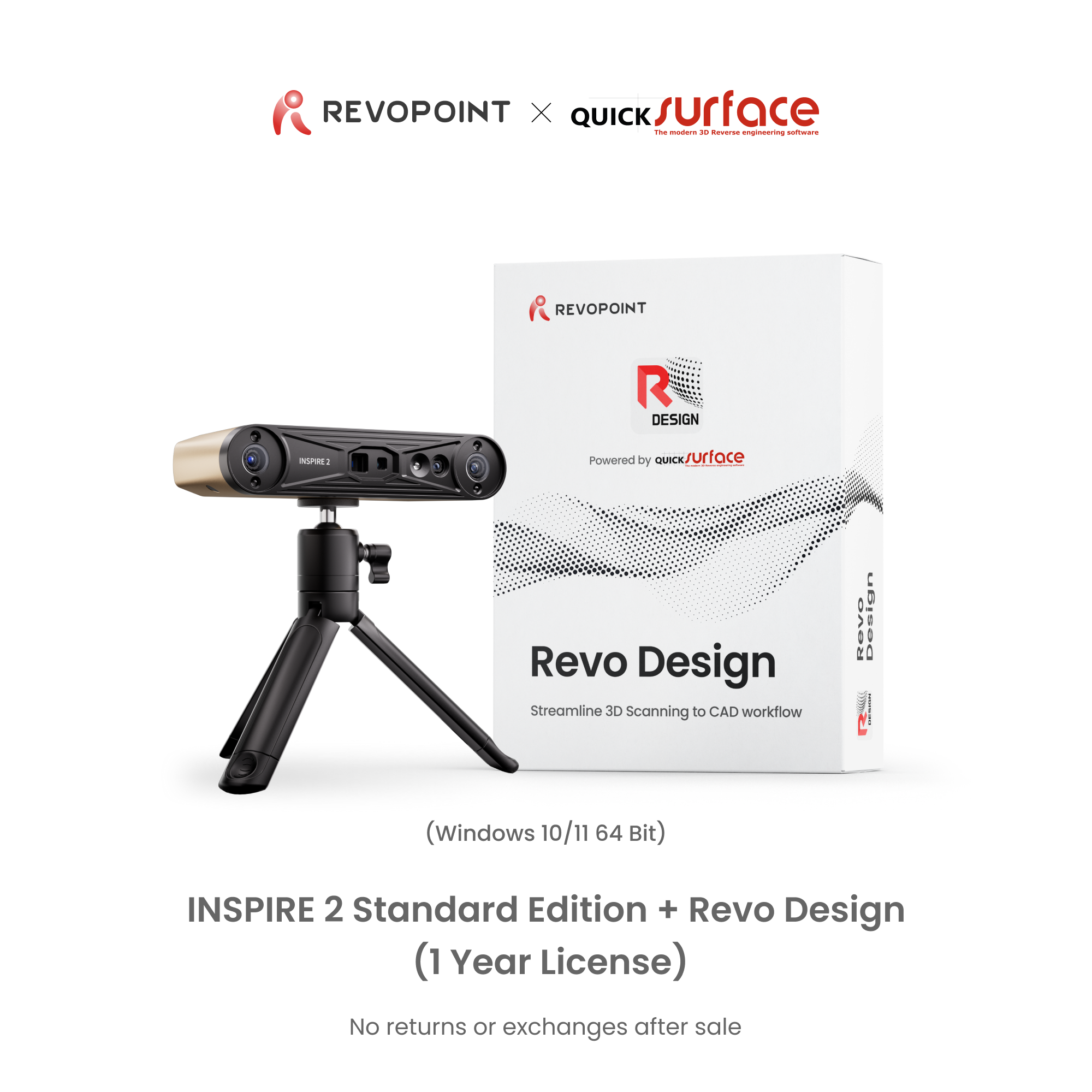
📩 Der Aktivierungscode wird nach dem Kauf des Softwarebundles per E-Mail gesendet. 📬


Usually, free shipping for most 3D scanners, 3-5 working days fast receipt. Software is non-refundable, fast digital delivery via email.


Take a Closer Look

0.05 mm + 0.1 mm x L (m)


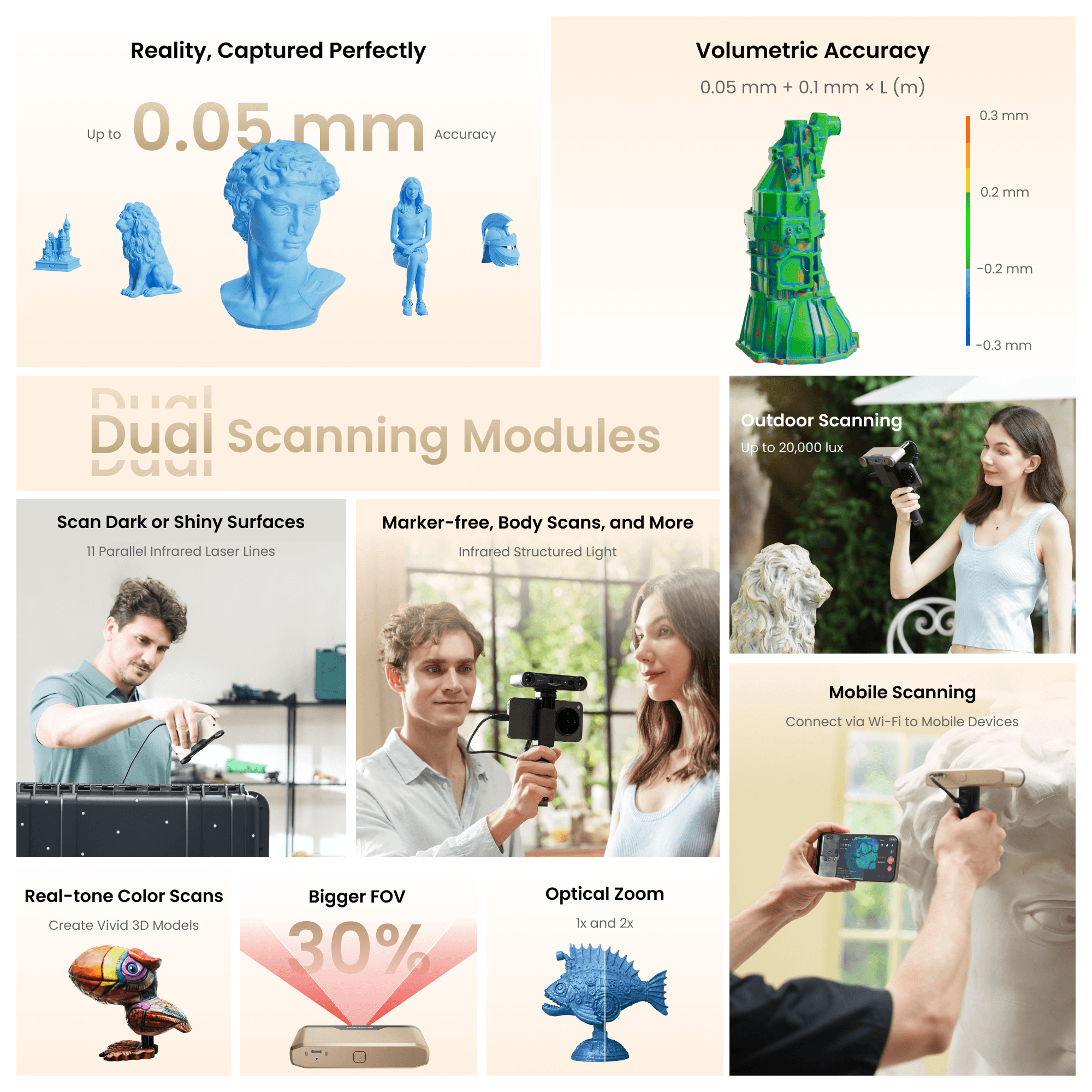
11 Parallel Infrared Laser Lines
Capture detailed, dark, or shiny surfaces without scanning spray at up to 90 fps.


Scanning Modes


Infrared Structured Light
Perform marker-free scans of feature-rich small to medium items at up to 18 fps.


Amazing Scanning Results

Amazing Scanning Results
0.05 mm + 0.1 mm × L (m)
Up to 0.03 mm


Easy Tracking
Adapt to any scanning workflow with INSPIRE 2's Feature, Marker, and Global Marker tracking modes.


Optical Zooming
Capture mixed-geometry surfaces without missing any details, using the projector's optical 1.5x and 2x zoom functions.


Even Scan Outdoors
Scans outdoors in up to 20,000 lux, ensuring reliable performance in shaded or semi-bright conditions.

Lightweight and Portable
Fits in Your Pocket, Weighs Only 190g


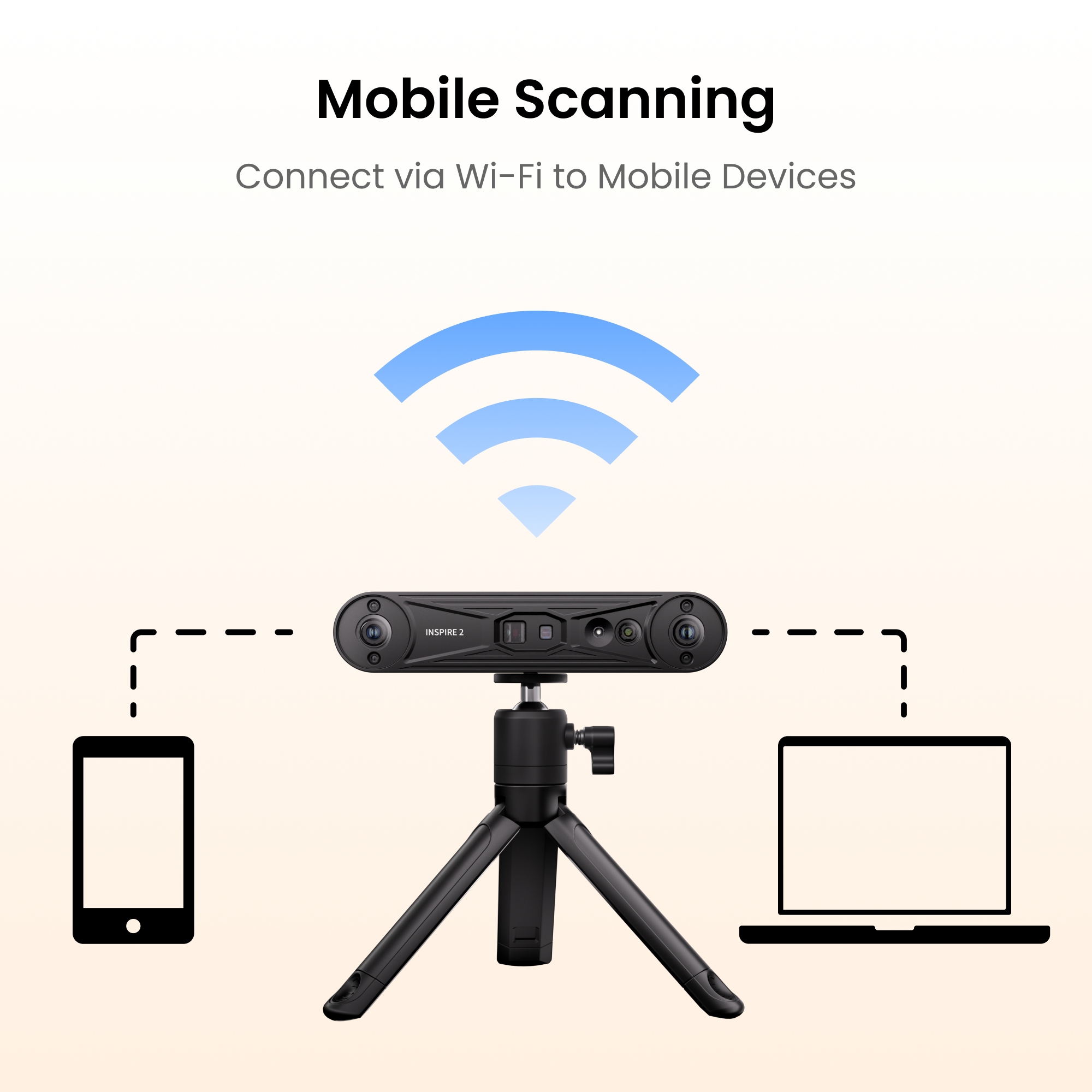
PC-to-Mobile Scan Streaming
Stream scans from your PC to your phone using Revo Mirror, combining desktop power with mobile flexibility.


Connect Via Wi-Fi to Mobile Devices


Bigger FOV

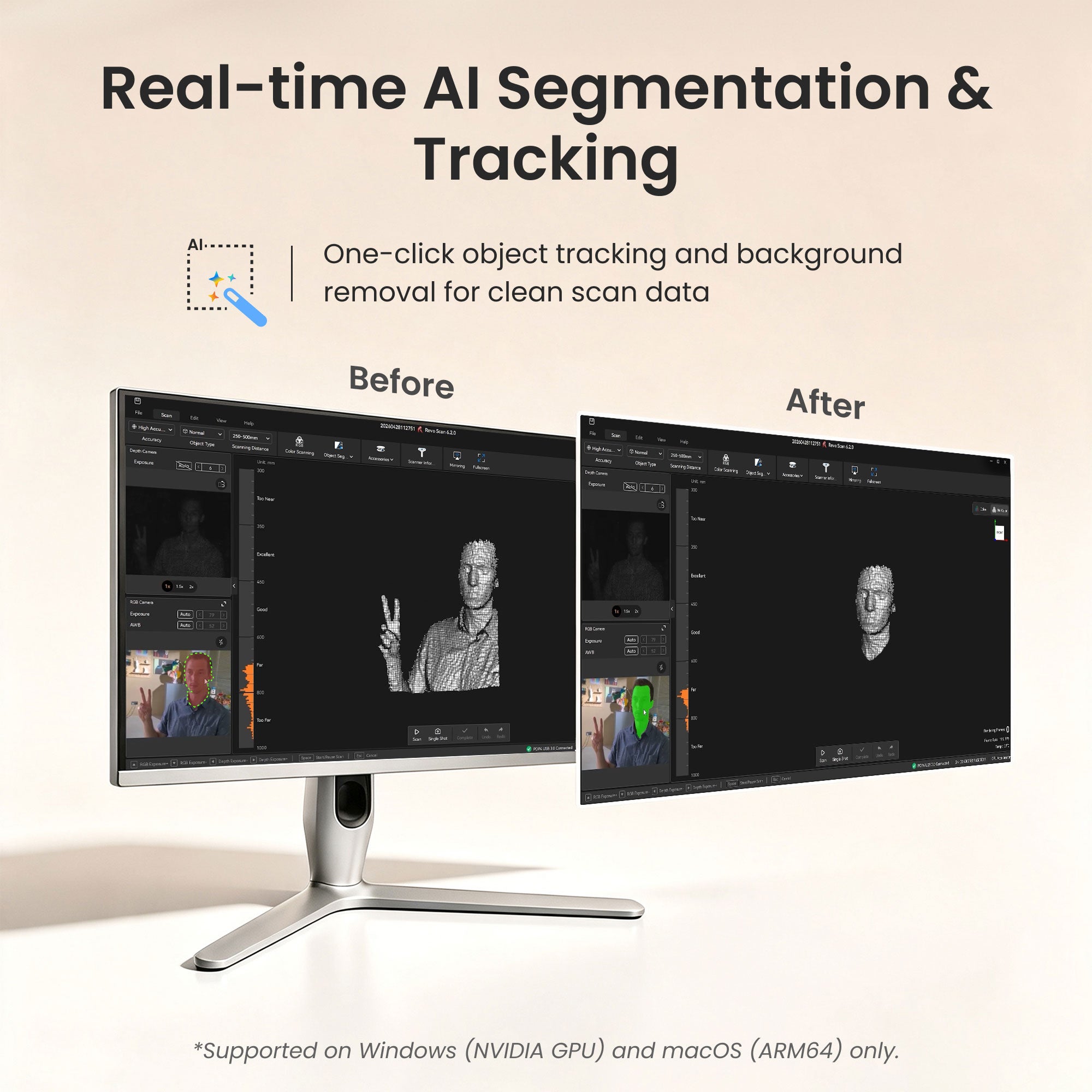
Real-Time Object Segmentation & Tracking
One-click AI tracking isolates your target and auto-filters clutter for clean, ready-to-use output.


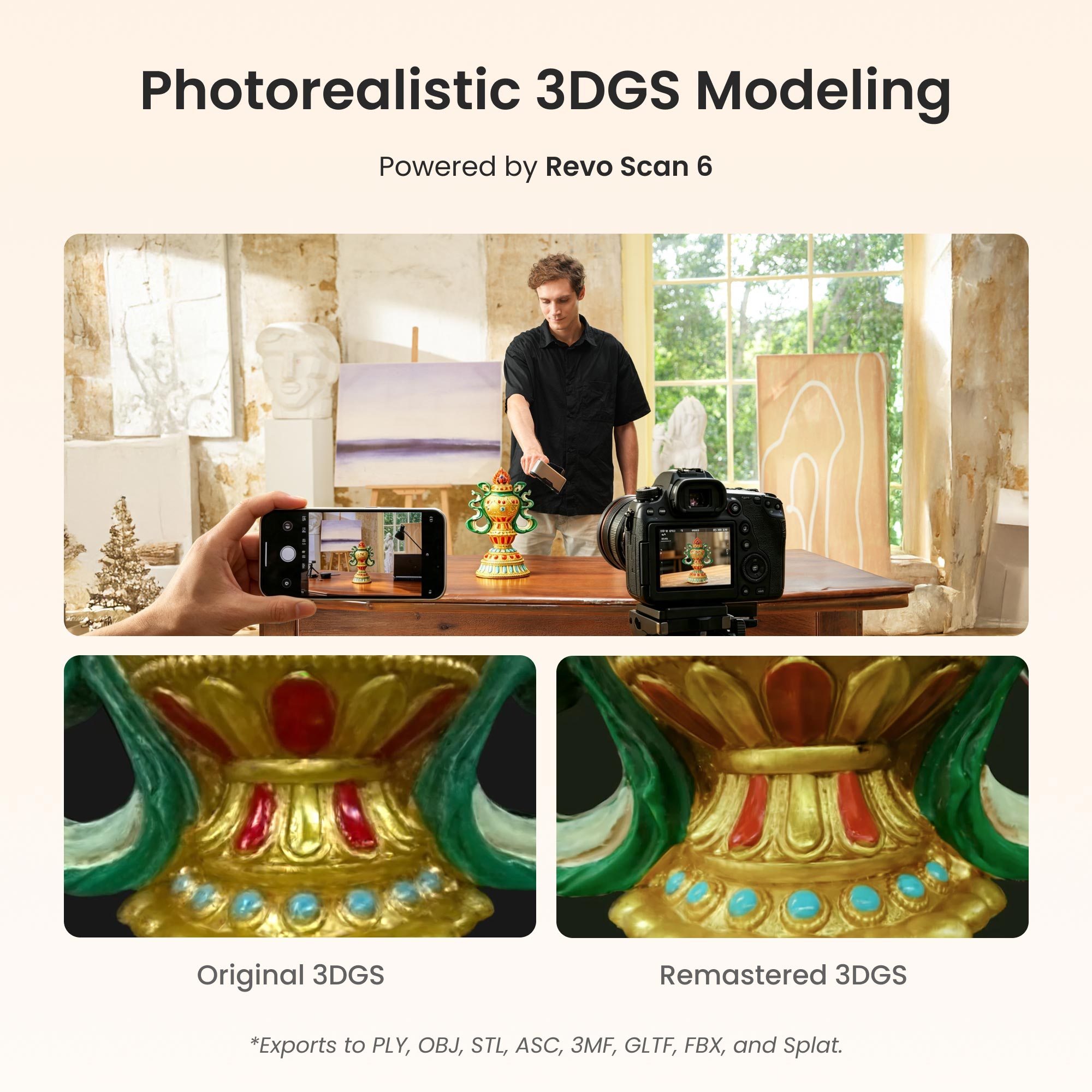
Photorealistic 3DGS Modeling
Convert scan data into true-to-life 1:1 Gaussian models with Revo Scan 6, exportable in .splat format for gaming, animation, and VR.


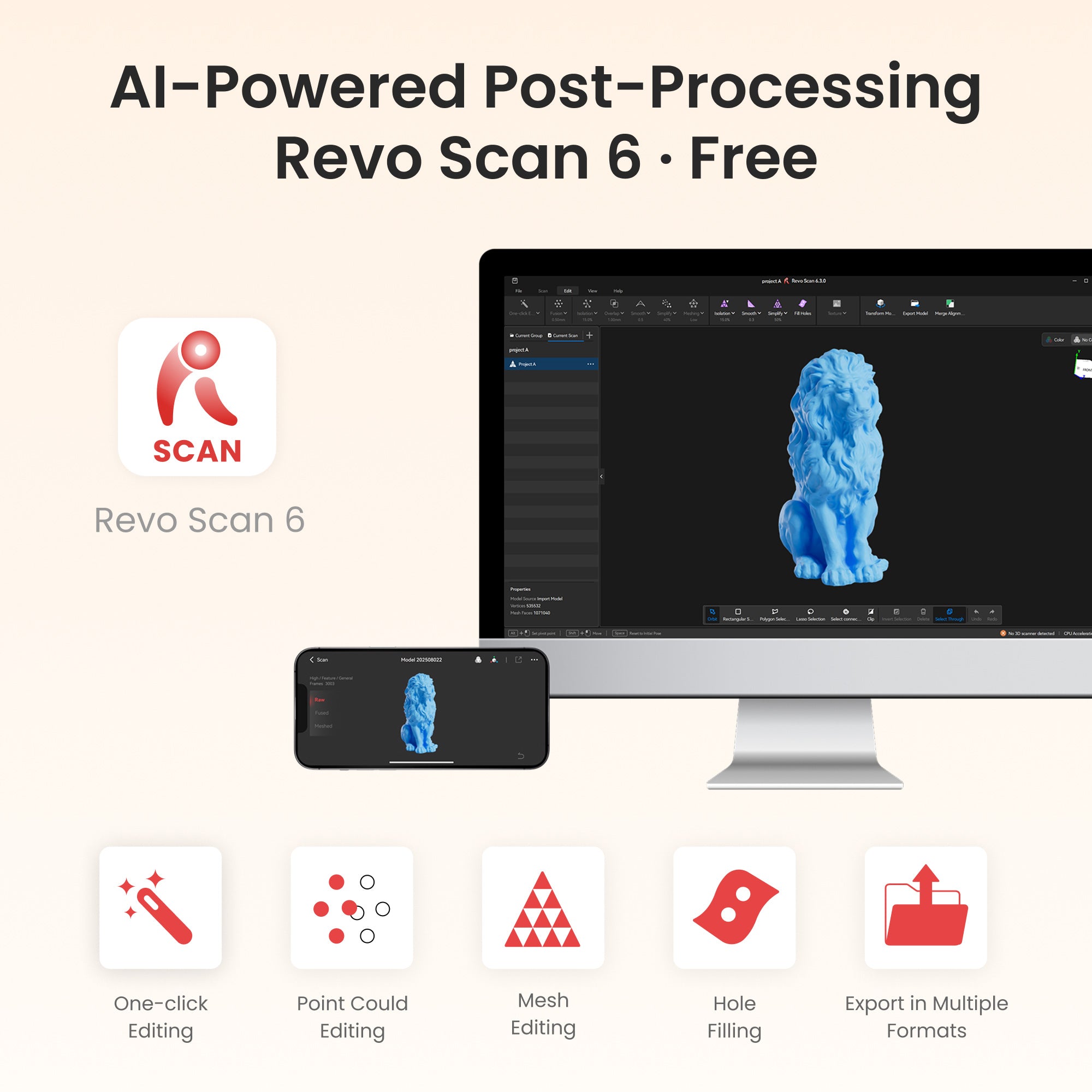
AI-Powered Post-Processing Revo Scan 6 · Free
Intuitively perform scans using the Revo Scan 6 PC software's powerful scanning, processing, and editing tools.
Works On: Windows, macOS, Android, iOS
Output Formats: PLY, OBJ, STL, ASC, 3MF, GLTF, FBX , Splat


Ensure Scanning Stability
Ensure reliable and consistent scanning data with the high-precision photolithography calibration board.


True-to-Life Color-RGB Camera
Capture vibrant color scans that reproduce color with stunning accuracy.
Captured with INSPIRE 2
Sitting Woman
Sitting woman captured with the Revopoint INSPIRE 2's full-field structured light mode.
David Bust
Plaster David bust captured with the Revopoint INSPIRE 2.
Gearbox
Car's gearbox captured with the Revopoint INSPIRE 2 infrared parallel lines.
Lion Statue
Stone lion sculpture captured with the Revopoint INSPIRE 2's full-field structured light mode.
Specifications
Light and Infrared Multi-line Laser
(Note: Using marker tracking mode)
Multi-line Laser Scan: 90 fps (GPU), 40 fps (CPU)
CPU: M1 Pro/Max/Ultra
RAM ≥ 16GB
Windows
CPU: Intel i7 13th Gen or AMD Ryzen 7 5800
RAM ≥ 16GB
GPU : NVIDIA GeForce RTX 3060 (8GB)
Note:
① If you're unsure about the CPU configuration, please ensure that the CPU has cores≥8, threads≥16, and a base frequency ≥2.4GHz.
② Only in Laser Line Scanning modes, a dedicated graphics card is required for acceleration.
CPU: M2 Pro/Max/Ultra, M3 Pro/Max/Ultra
RAM ≥ 24GB
Windows
CPU: Intel i9 12th Gen or better
RAM ≥ 64GB
GPU: NVIDIA RTX 4060 (8 GB) or better
CPU: Snapdragon 8 Gen1, Dimensity 9000, Kirin 9000S Equivalent performance or better
RAM: 12 GB or better
System Version: Android 11 or better
Storage: 128 GB or better
② iPhone
Models after iPhone X;
System Version: iOS 14.0 or better;
RAM > 4 GB; Storage ≥ 64 GB
③ iPad
10th Gen iPad or later
Note: Multi-line scanning mode does not support standalone mobile phone operation. It requires the scanner to connect to a PC via WiFi to work, with the screen being cast to the mobile phone in real-time. Full-field scanning mode can be used independently with a mobile phone.
What’s in the Box?
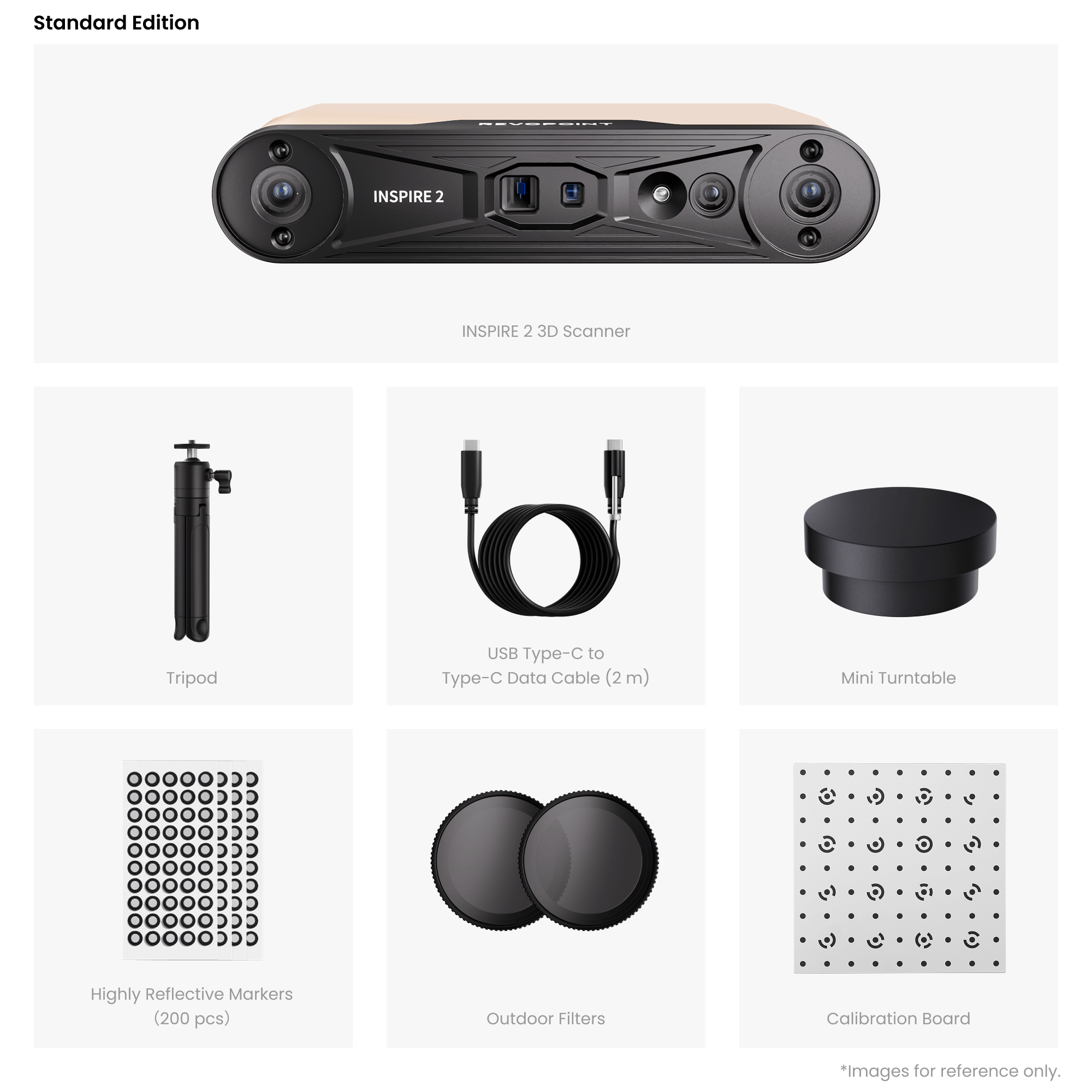
Standard Edition

INSPIRE 2 3D Scanner

Tripod

USB Type-C to Type-C Data Cable (2 m)
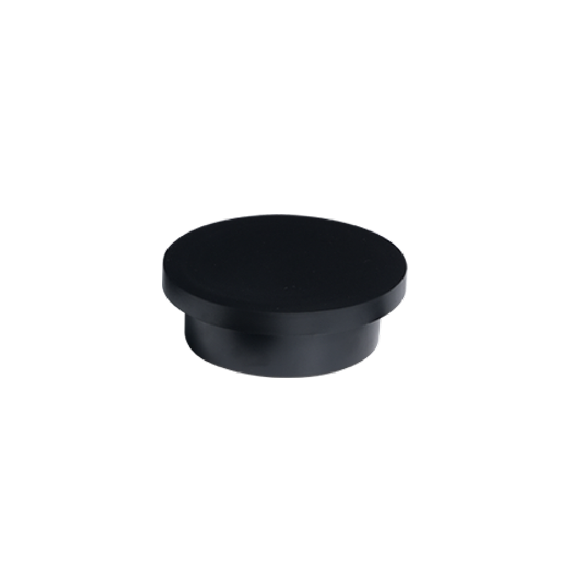
Mini Turntable

Highly Reflective Markers (200 pcs)

Outdoor Filters

Calibration Board
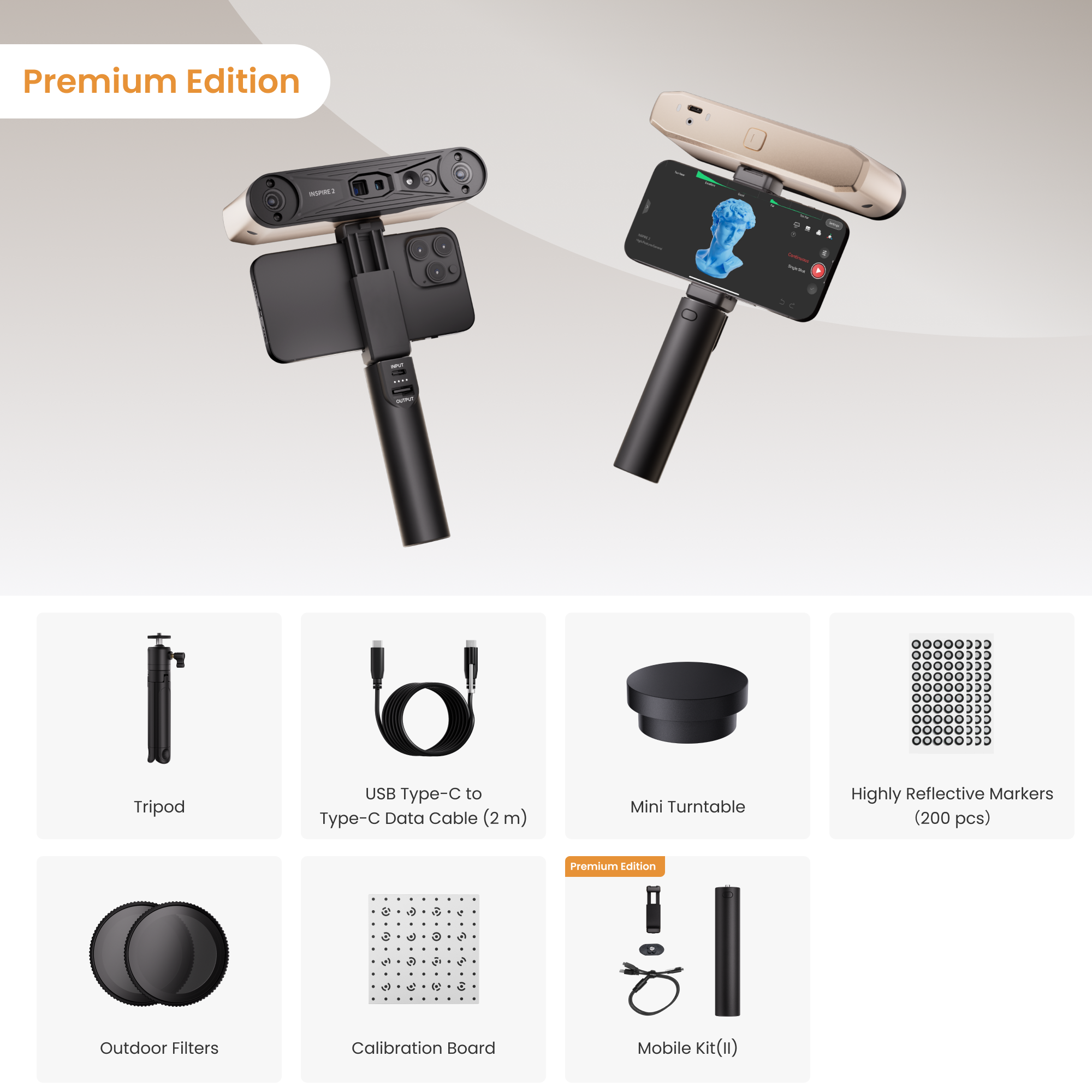
Premium Edition

Phone Holder

Power Bank (4000mAh)

Quick Release Plate

2-in-1 Mobile Cable
FAQ
Welche Scanmodi bietet der INSPIRE 2 und wie werden sie verwendet?
Der INSPIRE 2 verfügt über zwei Scanmodi: Vollfeld-Strukturlicht und 11 Infrarot-Multi-Line-Laser, die für unterschiedliche Materialien, Objektgrößen und Arbeitsbedingungen konzipiert sind.
- Vollfeld-Strukturlicht: Erfasst detaillierte, hochdichte Punktwolken von kleinen bis mittelgroßen Objekten – ideal für geometriereiche Modelle, effiziente Modellierung und Animations-Assets. Funktioniert im Freien oder bei komplexen Lichtverhältnissen.
- 11 Infrarot-Parallellinien: Bearbeitet reflektierende Metall-, dunkle oder texturarme Oberflächen präzise und stabil – ohne Sprühhilfe.
Kann der INSPIRE 2 im Freien verwendet werden?
Ja, er arbeitet bei Umgebungslicht bis zu 20.000 Lux (z.B. im Schatten an sonnigen Tagen). Direkte Sonneneinstrahlung sollte vermieden werden.
Wie verbindet sich der INSPIRE 2 mit Geräten?
Er unterstützt USB Typ-C für Daten und Strom, Wi-Fi 6 für schnelle, stabile Verbindungen zu PCs und Geräten. Im Vollfeld-Scanmodus kann er per USB-Datenkabel oder Wi-Fi mit einem PC oder Mobiltelefon verbunden werden. Im Multi-Line-Scanmodus wird die mobile Version von Revo Scan nicht unterstützt. Sie können die Revo Mirror-Bildschirmspiegelungssoftware verwenden, um den Scan-Bildschirm drahtlos vom PC auf das Telefon zu spiegeln.
Wie scanne ich transparente oder stark reflektierende Objekte?
Für transparente oder spiegelartig reflektierende Objekte empfehlen wir, Sprühhilfe auf die Oberfläche aufzutragen, um Datenstabilität und Genauigkeit zu verbessern. Sprühhilfe kann bei Revopoint unter revopoint3d.com/products/3d-scanning-spray erworben werden.
Was sind die Unterschiede zwischen dem INSPIRE 2 und den INSPIRE 3D-Scannern?
- Technologie: INSPIRE 2 verwendet Dual-Kamera-Infrarot-Strukturlicht und Infrarot-Multi-Line-Laser-Technologie, während INSPIRE Dual-Kamera-Infrarot-Strukturlicht-Technologie verwendet.
- Genauigkeit: Die Einzelbildgenauigkeit des INSPIRE 2 kann 0,1 mm erreichen, und die Volumengenauigkeit kann 0,05 mm + 0,1 mm×L (m) erreichen. Die Einzelbildgenauigkeit des INSPIRE beträgt bis zu 0,2 mm.
- Objektgröße: Der INSPIRE 2 ist für das Scannen von kleinen bis mittelgroßen Objekten mit einem empfohlenen Scan-Volumen von 20 × 20 × 20 mm bis 2 × 2 × 2 m konzipiert. Der INSPIRE ist speziell für kleine Objekte mit einem empfohlenen Scan-Volumen von 50 × 50 × 50 mm bis 1 × 1 × 1 m konzipiert.
- Besondere Objekte: Der INSPIRE 2 kann hochreflektierende oder schwarze Oberflächen im Multi-Line-Laser-Modus ohne Sprühhilfe scannen. Für den INSPIRE ist Sprühhilfe zwingend erforderlich.
- Scan-Modi: INSPIRE 2 unterstützt sowohl Strukturlicht- als auch Parallellinien-Scanmodi für verschiedene Innen- und Außenanwendungen; INSPIRE unterstützt nur den Strukturlicht-Scanmodi für Innenanwendungen.
Was ist der Unterschied zwischen der Standard Edition und der Mobile Scanning Kit Edition?
Die Standard Edition ist ideal für feste Aufbauten und PC-Betrieb; die Mobile Scanning Kit Edition enthält zusätzlich einen Telefonhalter, ein 2-in-1-Mobilkabel, eine Powerbank und eine Schnellwechselplatte für den flexiblen Einsatz mit Mobilgeräten.
Muss ich Marker während des Scannens verwenden?
Marker sind für den Laser-Scanmodus erforderlich. Platzieren Sie die Markerpunkte in einem unregelmäßigen Muster. Stellen Sie sicher, dass während des Scannens mindestens fünf Markerpunkte im Bild sichtbar sind. Für optimale Genauigkeit befestigen Sie die Marker an flachen Oberflächen. Vermeiden Sie die Verwendung von weichen Unterlagen oder Tüchern mit Markern. Im Strukturlichtmodus des INSPIRE 2 sind keine Marker erforderlich, es sei denn, es werden Objekte ohne besondere Merkmale gescannt.
Welche Software ist mit dem INSPIRE 2 kompatibel?
Der INSPIRE 2 ist mit zwei Scan-Softwarelösungen kompatibel: Revo Scan 6 und Revo Metro.
Beide Softwareanwendungen bieten identische Kern-Scanfunktionen, unterscheiden sich jedoch in folgenden Punkten:
(1) Nur Revo Scan 6 unterstützt 3DGS und KI-gestützte intelligente Segmentierung.
(2) Revo Scan 6 läuft sowohl auf PC als auch auf mobilen Plattformen, während Revo Metro auf PC beschränkt ist.
(3) Die Revo Metro Software unterstützt derzeit keine GPU-Beschleunigung für AMD- und Mac-GPUs.
Empfehlungen:
Wählen Sie Revo Scan 6, wenn Sie 3DGS, KI-intelligente Segmentierung oder mobile Geräteunterstützung benötigen.
Wählen Sie Revo Metro, wenn Sie nur grundlegende Scan-Funktionen benötigen und ausschließlich am PC arbeiten.
Beide Softwarelösungen können je nach Ihren Anforderungen flexibel gewechselt werden.
Kann ich den Scan-Bildschirm drahtlos auf mein Telefon spiegeln?
Ja. Die Revo Mirror-Bildschirmspiegelungssoftware ermöglicht die Echtzeit-Spiegelung der PC-Scan-Oberfläche auf Ihr Telefon für mobile Bedienung.
Welche Formate unterstützt Revo Scan 6 beim Export?
Revo Scan 6 supports exporting files in the following formats:
- Point Cloud model: PLY, OBJ, ASC
- Mesh model: PLY, OBJ, STL, FBX, GLTF, 3MF
- Texture model: PLY, OBJ, FBX, GLTF
- 3DGS (3D Gaussian Splatting): PLY, Splat
Ist der INSPIRE 2 ein erschwinglicher 3D-Scanner für Anfänger oder Hobbyisten?
Der INSPIRE 2 wird als erschwinglicher 3D-Scanner im Vergleich zu herkömmlichen Industriesystemen angesehen und bietet dennoch hohe Genauigkeit, Infrarot-Laserscanning und strukturierte Lichttechnologie. Er ist für Anfänger, Maker und Fachleute konzipiert, die eine zuverlässige Scan-Leistung zu einem erschwinglichen Preis wünschen, ohne wesentliche Funktionen für 3D-Druck, Reverse Engineering oder Produktdesign zu opfern.
Welche Dateiformate unterstützt INSPIRE 2?
Es unterstützt eine breite Palette von 3D-Formaten, darunter PLY, OBJ, STL, ASC, 3MF, GLTF, FBX und Splat – kompatibel mit den meisten CAD/CAM-, 3D-Druck- und Animationsmodellierungs-Softwarelösungen.