


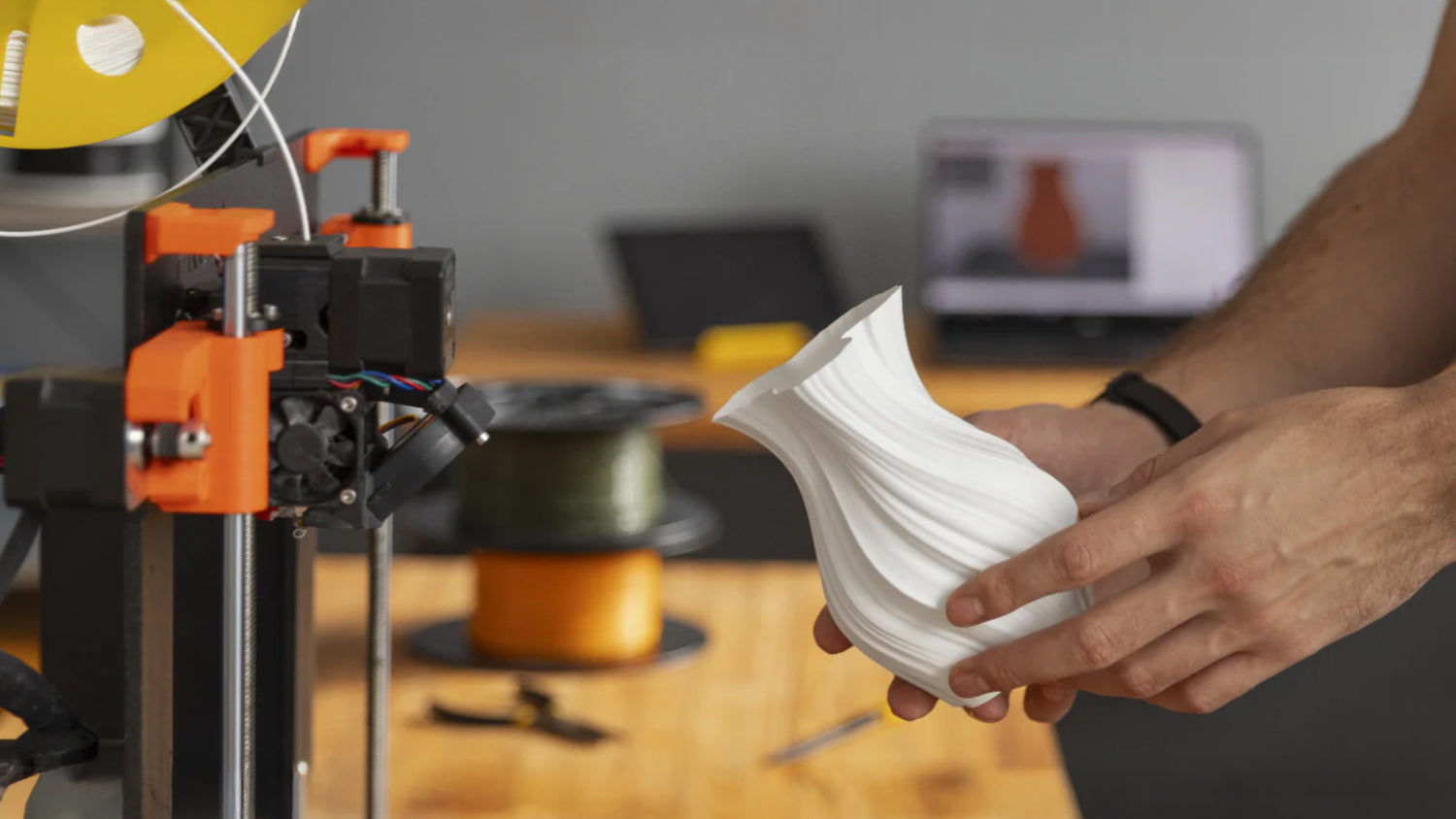
Most failed 3D printing projects do not start at the printer. They start much earlier, at the moment scan data is captured. By the time a model reaches slicing software, the limitations are already locked in. Edges lose definition, small features collapse into smooth surfaces, and the printed result no longer behaves like the original part. This is why scan resolution in a 3D scanner plays such a decisive role when preparing data for 3D printing.
Professionals who work with 3D scanning understand that resolution is not a marketing specification. It is a practical control that directly affects surface detail, dimensional behavior, and how much effort is required after scanning. When resolution is misunderstood or misused, even a highly accurate scan can become difficult to print or impossible to use.
What Scan Resolution Actually Represents in 3D Scanning
Scan resolution describes how densely a 3D scanner samples the surface of an object. In the generated point cloud, it refers to the distance between neighboring sampling points. A smaller point spacing results in a denser point cloud dataset, which in turn enables the creation of a mesh model with more triangular facets and richer surface details.
Resolution is often confused with 3D scanner accuracy, but the two serve different purposes. Accuracy defines how close the scan is to real world dimensions. Resolution defines how much surface detail exists between those measurements. A scan can be accurate in size but lack resolution, resulting in softened edges and missing micro features. It can also be high resolution but poorly calibrated, producing detailed meshes that do not fit.
For 3D scanning for 3D printing, both must work together. Accuracy ensures parts fit. Resolution ensures surfaces perform and print as expected.
Why Resolution Directly Impacts 3D Printing Results
When preparing a model for 3D printing, the slicer relies entirely on the mesh it receives. If resolution is too low, the slicer has no choice but to approximate geometry. Threads lose their profile, chamfers disappear, and fine transitions become flat planes.
High resolution 3D scanning preserves the real geometry so the slicer can generate toolpaths based on actual surface data instead of guessed shapes. This is especially important for functional parts, replacement components, and reverse engineering workflows where surface behavior affects performance.
At the same time, maximum resolution is not always the correct choice. Excessively dense meshes increase file size, slow slicing, and may introduce instability during mesh repair. The goal is not the highest possible resolution, but the correct resolution for the object and the intended print outcome.
Balancing Resolution and File Efficiency
Every increase in 3D scanner resolution multiplies the amount of data captured. More points mean heavier files, longer processing times, and higher demands on hardware and software.
Experienced users treat resolution as a variable, not a fixed setting. Large flat surfaces do not benefit from extreme point density. Fine mechanical features, organic textures, and mating surfaces do.
A practical scanning approach captures overall geometry at a moderate resolution, then applies higher resolution only where detail matters. This keeps files manageable while preserving the information that affects print quality.
Resolution, Accuracy, and Tolerances in Real Use
In real world workflows, accuracy determines whether a printed part fits. Resolution determines whether it works.
For example, scanning a mechanical component requires enough resolution to define edges, fillets, and transitions, and enough accuracy to preserve critical dimensions. Without resolution, the part may print but wear quickly or fail under load. Without accuracy, it may not assemble at all.
This is why high accuracy 3D scanning alone is not sufficient for print ready data. Resolution provides the surface intelligence that accuracy cannot replace.
How Resolution Influences Post Processing Time
Resolution mistakes often become visible during cleanup. Low resolution scans force users to rebuild geometry manually. Overly dense scans require aggressive decimation and smoothing to become usable.
When scan resolution is chosen correctly, post processing becomes refinement instead of reconstruction. Noise removal is targeted. Holes are filled intentionally. Edge definition remains intact.

This directly affects productivity, especially in professional environments where time spent repairing scan data translates into cost.
Matching Resolution to Different 3D Printing Applications
Different printing applications demand different resolution strategies.
Visual models and artistic pieces benefit from resolution that preserves surface flow and texture. Functional parts require resolution where geometry affects performance. Medical, cultural, and design applications rely on resolution to capture organic transitions that manual modeling struggles to reproduce.
Understanding the purpose of the printed object determines how resolution should be applied during scanning, not after.
Resolution Control in Modern Portable 3D Scanners
Modern handheld scanners provide real time feedback on point density and coverage, allowing users to adapt resolution during capture. This reduces guesswork and limits unnecessary data.
In practical workflows, portable scanners are often chosen because they offer multiple scanning modes and flexible resolution control. This allows users to scan small detailed objects, medium sized functional parts, and larger assemblies using the same workflow while adjusting resolution to suit each task.

This flexibility is essential when preparing scan data for 3D printing across different industries and use cases.
Common Resolution Errors That Affect Print Quality
One common error is scanning small parts at low resolution to save time, only to discover missing geometry during printing. Another is scanning large objects at maximum resolution, producing files that are difficult to slice or process.
Another frequent issue is assuming software can recover detail that was never captured. Mesh tools can smooth and interpolate, but they cannot recreate information that resolution failed to record.
Resolution decisions must be made at capture, not corrected later.
Conclusion
Scan resolution is not a secondary specification. It is a foundational decision that shapes the entire 3D printing workflow. From surface detail and dimensional reliability to file efficiency and post processing effort, resolution determines how usable scan data becomes once it reaches the printer.
This is where Revopoint fits naturally into professional and advanced hobbyist workflows. Revopoint offers a range of 3D scanners with different resolution capabilities, allowing users to choose the right level of detail for different needs rather than forcing a single approach. Whether the goal is scanning small objects with fine features, capturing functional parts for 3D printing, or balancing speed and detail on larger items, having access to multiple resolution options makes the scanning process more controlled and predictable.
When scan resolution is applied with intent and matched to real world printing requirements, 3D scanning becomes a reliable production tool instead of a trial and error step. That balance between accuracy, resolution, and practical usability is what ultimately leads to better prints and better results.



Leave a comment
This site is protected by hCaptcha and the hCaptcha Privacy Policy and Terms of Service apply.