


- Photos
Scan-to-CAD-Software
Wesentliche Werkzeuge
Revo Design & Revo Design Pro | Advanced CAD Software for Reverse Engineering
🎁 Dieser Rabattcode ist exklusiv für bestehende 3D-Scanner-Kunden.


📩 Ihr Aktivierungscode wird nach dem Kauf per E-Mail versendet. 📬
Usually, free shipping for most 3D scanners, 3-5 working days fast receipt. Software is non-refundable, fast digital delivery via email.


Revo Design bietet leistungsstarke Werkzeuge für Reverse Engineering, Flächenmodellierung und Basisdesign-Projekte.
Revo Design Pro bietet erweiterte Funktionen für professionelles Industriedesign, komplexe Automobilmodifikationen, Artefakterhaltung und umfassende CAD-Bearbeitungsworkflows.


Revo Design wird von der QUICKSURFACE-Software angetrieben (mit identischen Funktionen wie QUICKSURFACE Lite). Sie können Scan-Daten in den Formaten STL, OBJ, PLY und anderen importieren, um sie schnell in bearbeitbare CAD-Modelle umzuwandeln - präzise für Reverse Engineering, Flächenmodellierung, Industriedesign, Automobilmodifikation und Artefakterhaltung.
*Revo Design ist mit allen 3D-Scannern kompatibel.
Vereinfachen Sie Ihre 3D-Scan-zu-CAD-Workflows


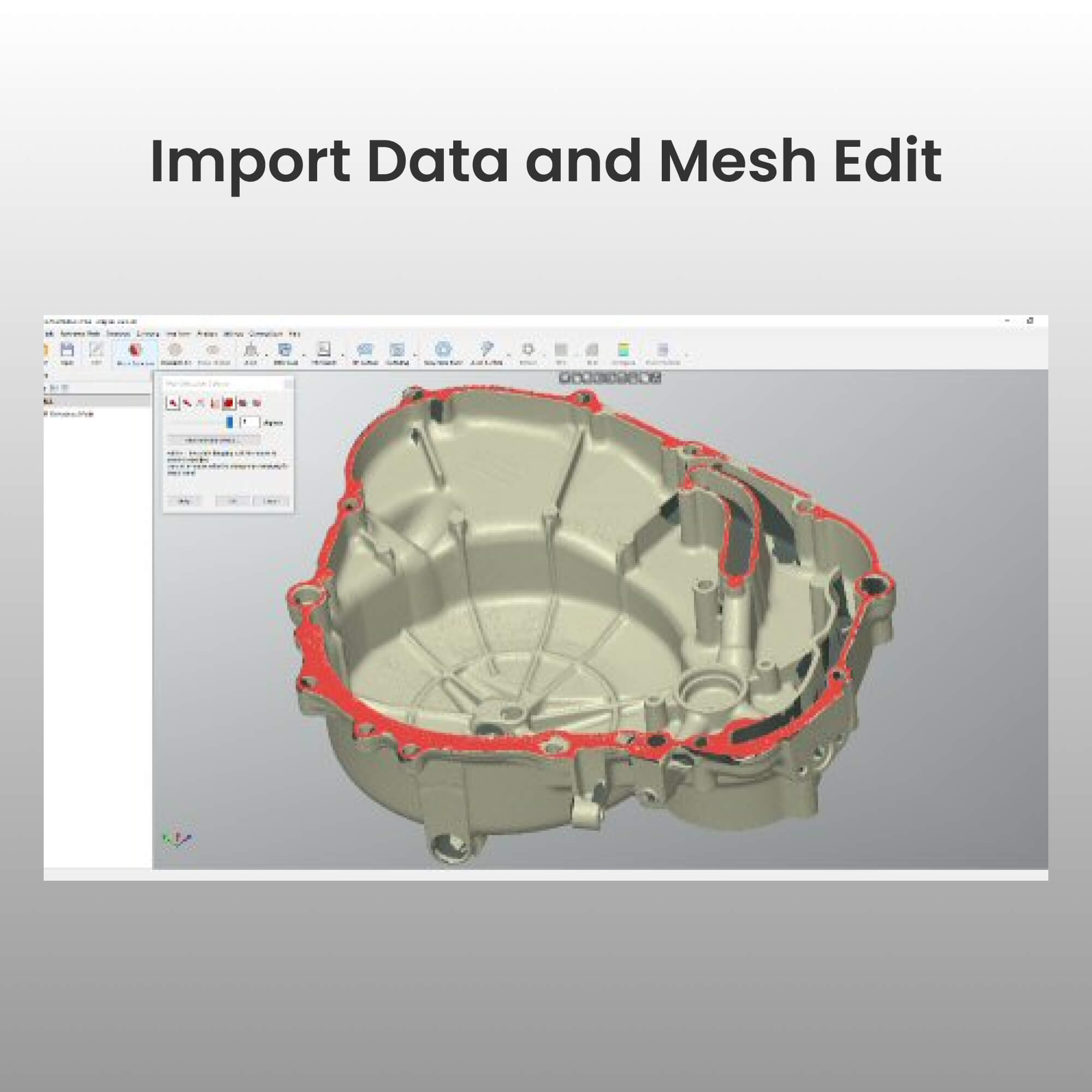
Importieren Sie Scandaten als STL-, OBJ- oder PLY-Netzdateien in Revo Design. Revo Design unterstützt Netze beliebiger Größe und beinhaltet einfache, intuitive Werkzeuge zur Netzbearbeitung.

Rekonstruieren Sie Freiform- oder parametrische CAD-Oberflächen und gestalten Sie sie nach Ihren Bedürfnissen um.

Exportieren Sie Ihre Modelle in Standardformaten wie IGES, STEP und PARASOLID zur Verwendung in anderen CAD/CAM-Programmen, um den CAD-Erstellungsprozess abzuschließen.
Revo Design im Vergleich zu Revo Design Pro
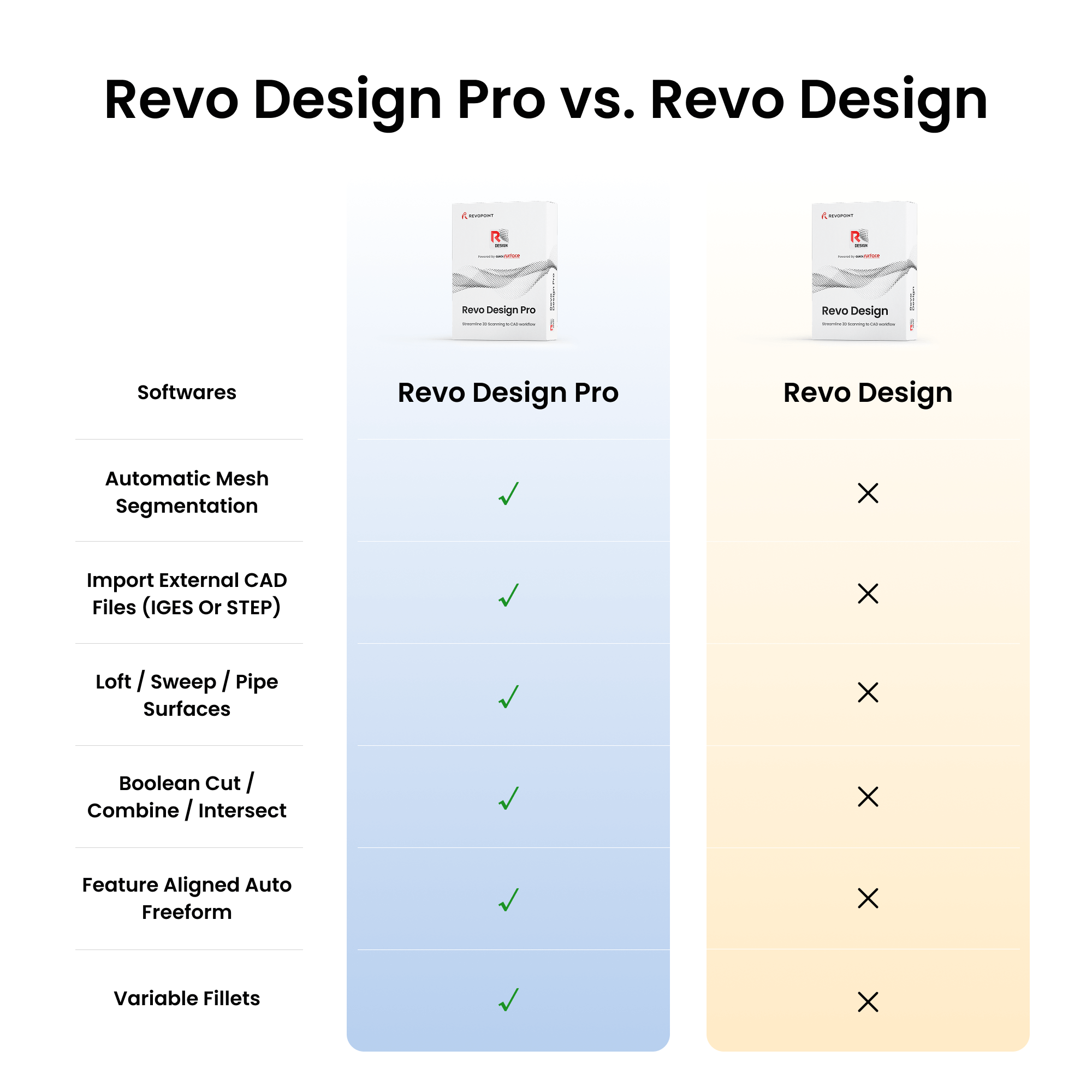
Revo Design ist für grundlegendes Reverse Engineering und einfache Oberflächenbearbeitung konzipiert, während Revo Design Pro für professionelles Industriedesign, komplexe Modellierung und umfassende CAD-Bearbeitungsworkflows ausgelegt ist.
| Products compare | Revo Design | Revo Design Pro |
|---|---|---|
| Automatic Mesh Segmentation | ✗ | ✓ |
| Roll 2D and 3D Sketch | ✗ | ✓ |
| Fill Surface | ✗ | ✓ |
| Import external CAD files (IGES or STEP) | ✗ | ✓ |
| Draft Analysis | ✗ | ✓ |
| Import mesh data (STL/PLY/OBJ) | ✓ | ✓ |
| Polygon reduction / Mesh smoothing / Repolygonize / Clipping box | ✓ | ✓ |
| Mesh hole fill | ✓ | ✓ |
| Mesh outliers removal | ✓ | ✓ |
| De-feature mesh | ✓ | ✓ |
| Primitives - Plane/Cylinder/Cone/Sphere/ Symmetry Plane | ✓ | ✓ |
| Align to WCS / interactive | ✓ | ✓ |
| Align by N Points / Global fine align of multiple meshes | ✓ | ✓ |
| Fit surface | ✓ | ✓ |
| Cross section / Multiple cross sections / 2D Sketching / Fit 2D entities | ✓ | ✓ |
| Extrude / Revolved surfaces | ✓ | ✓ |
| Trim surfaces | ✓ | ✓ |
| 3D Sketching | ✓ | ✓ |
| Real-time deviation of 3D curve to reference mesh | ✓ | ✓ |
| Manual free form modelling | ✓ | ✓ |
| Basic Auto Free form | ✓ | ✓ |
| Scan-to-Cad compare | ✓ | ✓ |
| Export as IGES / STEP | ✓ | ✓ |
| Export scan data as STL mesh | ✓ | ✓ |
| Prepare Scan | ✗ | ✓ |
| 2D Sketch Assist | ✗ | ✓ |
| Unroll mesh | ✗ | ✓ |
| Class A Fit surface | ✗ | ✓ |
| Trim meshes with primitives | ✗ | ✓ |
| Plane along path | ✗ | ✓ |
| (2D Cross sections) Mesh outline | ✗ | ✓ |
| (2D Cross sections) Stacked cross sections | ✗ | ✓ |
| (2D Sketch) Automatic joining of 2D entities | ✗ | ✓ |
| (2D Sketch) Patterns | ✗ | ✓ |
| Loft / Sweep / Pipe Surfaces | ✗ | ✓ |
| Shell | ✗ | ✓ |
| Thicken / Offset | ✗ | ✓ |
| Move face / Draft face | ✗ | ✓ |
| Split solid bodies | ✗ | ✓ |
| Planar surface from 2D sketch | ✗ | ✓ |
| Boolean Cut / Combine / Intersect | ✗ | ✓ |
| Linear and Circular patterns | ✗ | ✓ |
| Mirror bodies | ✗ | ✓ |
| Fillet / Chamfer | ✗ | ✓ |
| Variable fillets | ✗ | ✓ |
| Helix | ✗ | ✓ |
| Flatten | ✗ | ✓ |
| Freeform from 3D sketch | ✗ | ✓ |
| Thicken Freeform | ✗ | ✓ |
| Feature aligned Auto Freeform | ✗ | ✓ |
| Straightness analysis | ✗ | ✓ |
Vorteile von Revo Design
Interaktive Abweichungskontrolle

Identifiziert Probleme in Echtzeit und verbessert die Effizienz.
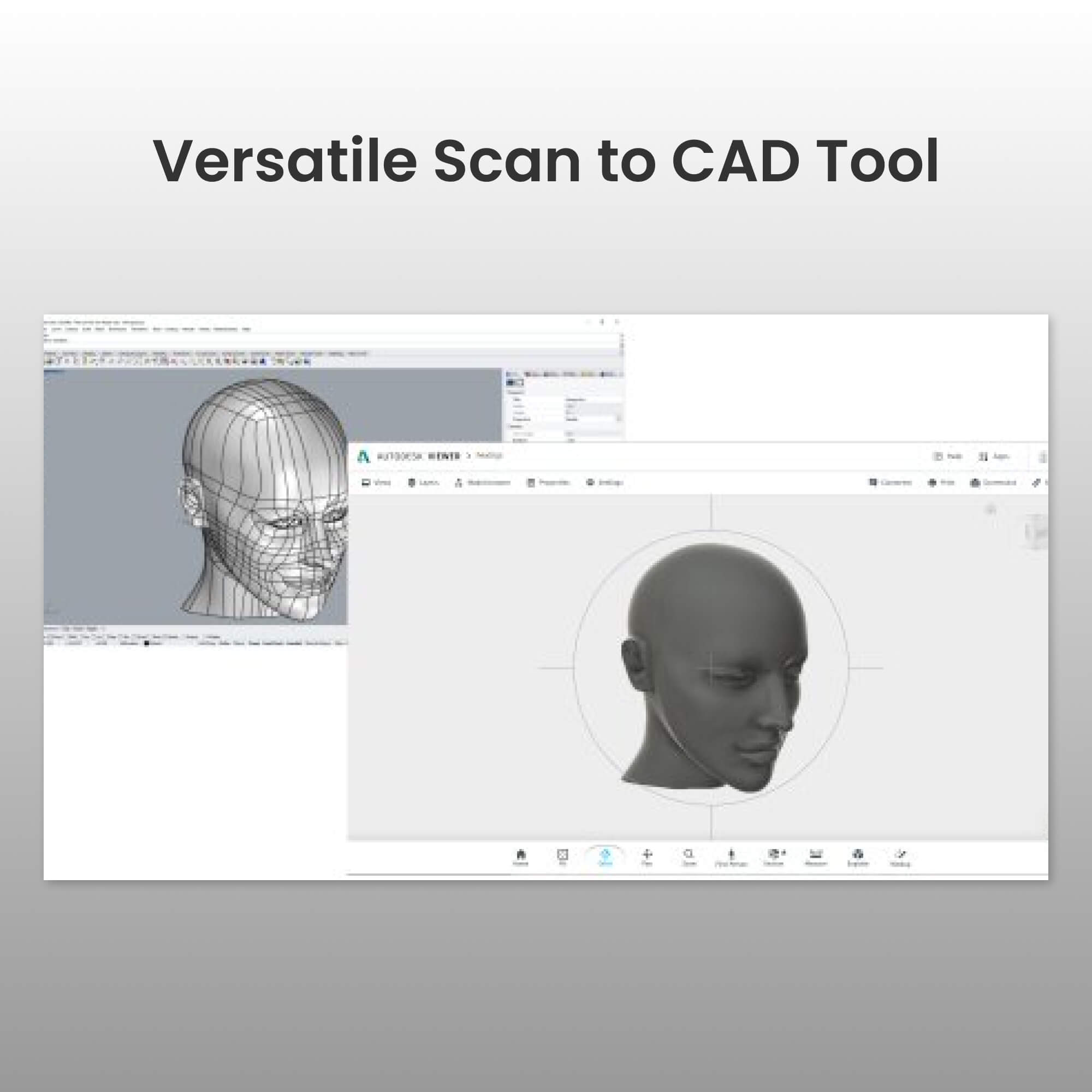
Versatile Scan to CAD Tool
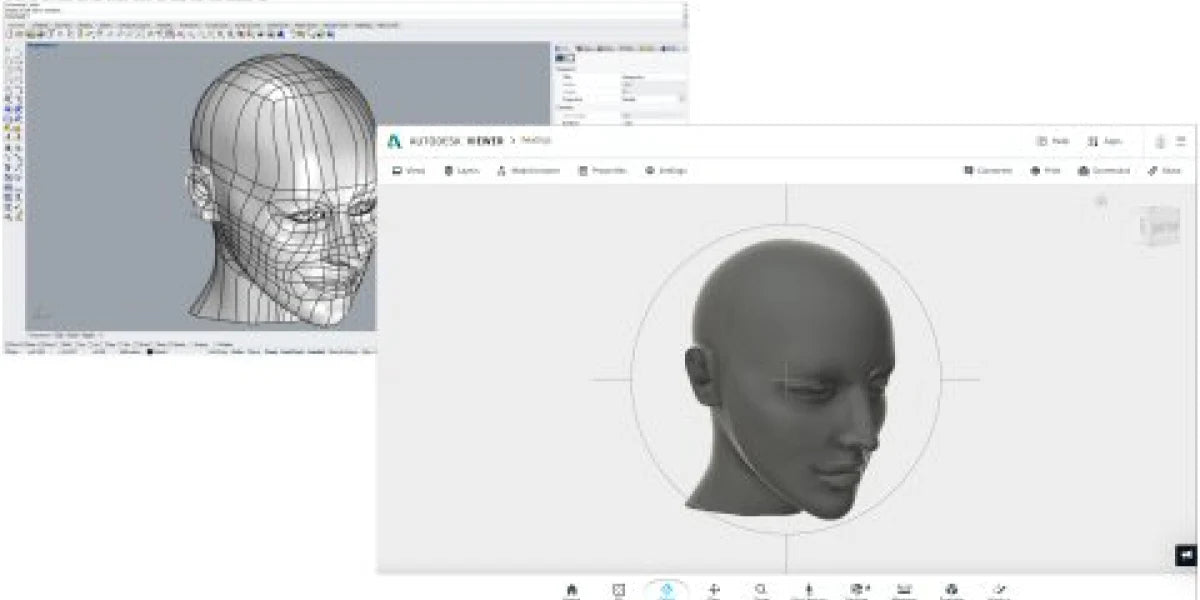
Ideal für eine Vielzahl von Reverse-Engineering-Anwendungen.
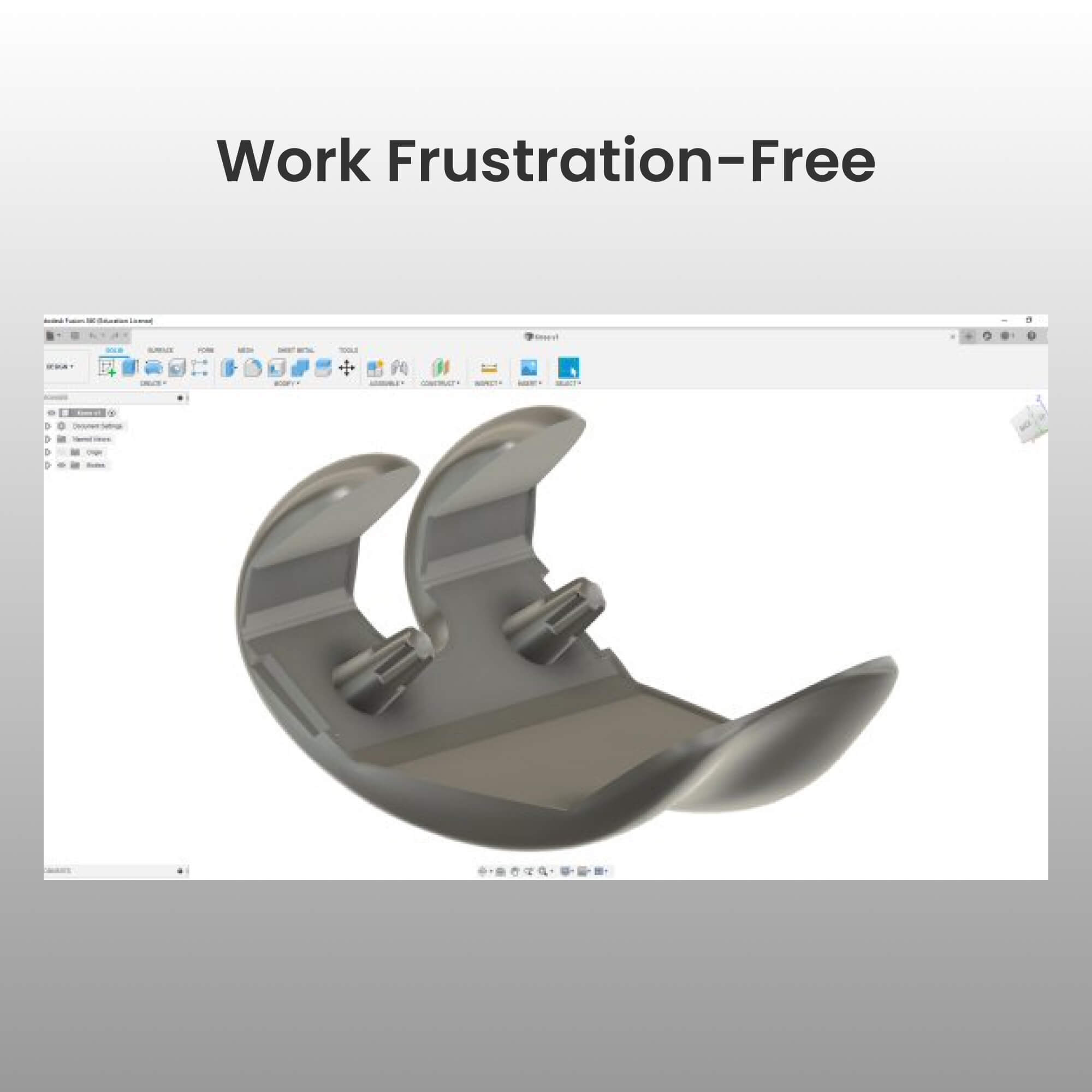
Frustfreies Arbeiten
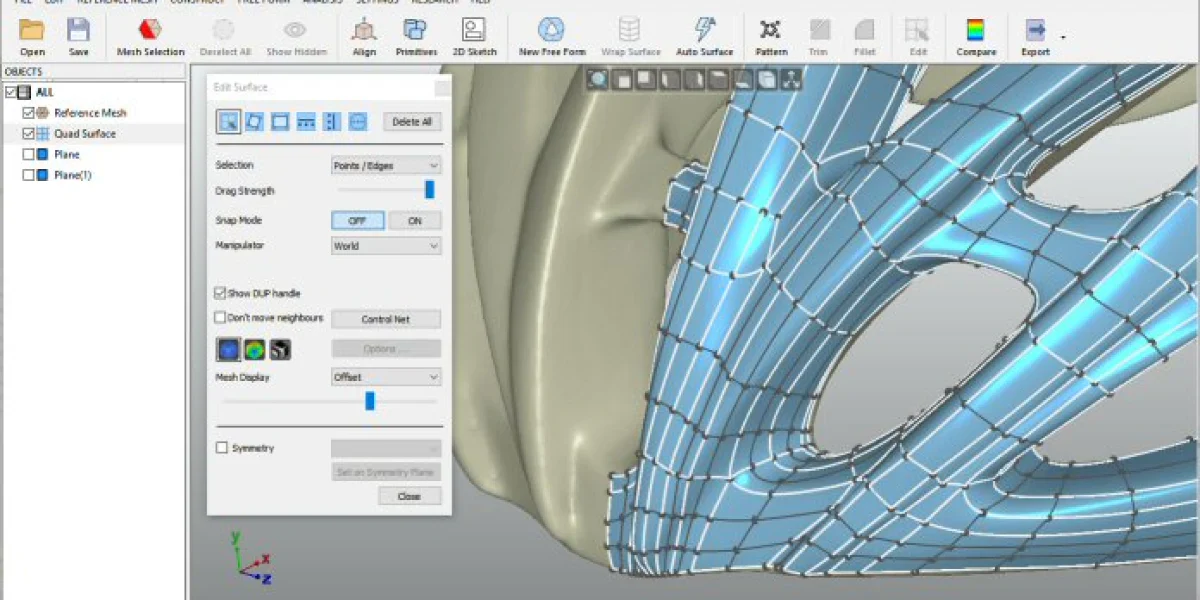
Effektive Handhabung großer Scan-Datenmengen.
Automatische Oberflächengenerierung
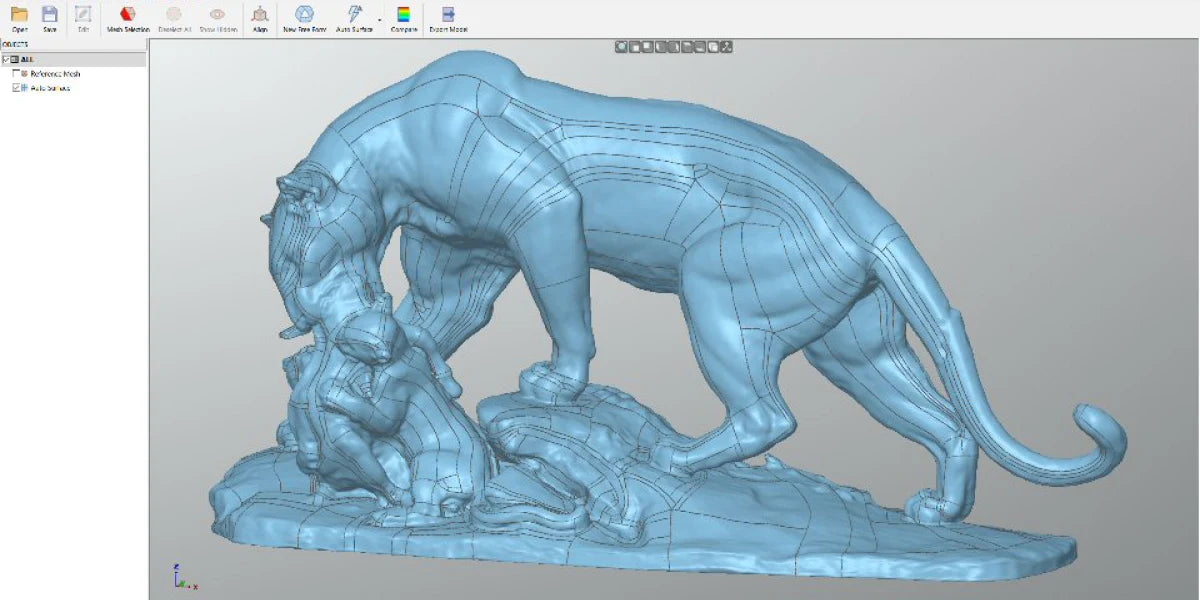
Transformieren Sie organische Oberflächen mit einem Klick in CAD.
Identifiziert Probleme in Echtzeit und verbessert die Effizienz.
Ideal für eine Vielzahl von Reverse-Engineering-Anwendungen.
Effektive Handhabung großer Scan-Datenmengen.
Transformieren Sie organische Oberflächen mit einem Klick in CAD.
Revo Scan & Revo Design Software
*Revo Design ist eine separate Software von Revo Scan.

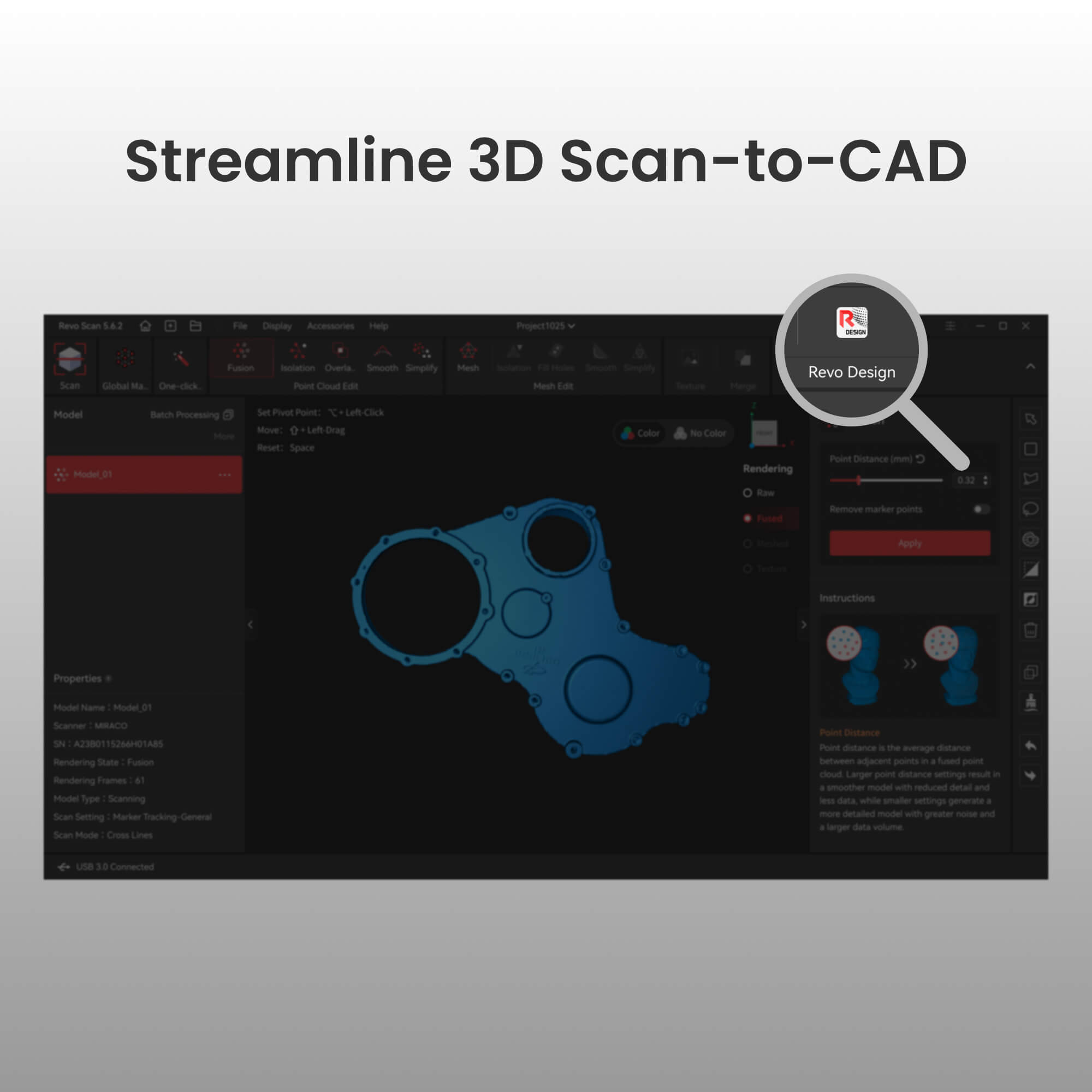
Revo Scan und Revo Scan 5 MetroX bieten eine Schnellverbindung zu Revo Design, die nahtloses Objektscannen, Punktwolkengenerierung und CAD-Bearbeitung ermöglicht.
Tutorial-Videos
Erste Schritte
Mesh-Daten importieren
Features extrudieren
CAD-Modelle überprüfen
Revo Design Workshops
Hybrid Modelling
Reverse Engineering a FREE FORM
Parametric & Freeform Surfacing
Advanced Surfacing & Fillet Control
FAQ
1. Was ist der Unterschied zwischen QuickSurface und Revo Design?
Revo Design wird von QUICKSURFACE unterstützt und bietet einen nahtloseren Workflow für Revo Scan-Benutzer.
2. Was sind die Hauptunterschiede zwischen Revo Design und Revo Design Pro?
Revo Design Pro baut auf der Standardversion mit leistungsstarken professionellen Funktionen auf.
Revo Design – Am besten geeignet für:
Grundlegendes Reverse Engineering
Einfache Oberflächenrekonstruktion
Einfache Modellierungsanforderungen
Revo Design Pro – Am besten geeignet für:
Professionelles Industriedesign
Komplexe Produktmodellierung
Vollständige CAD-Bearbeitungsworkflows
Erweiterte Oberflächenmanipulation
3. Was sind die PC-Anforderungen für Revo Design?
Mindestanforderungen: Laptop oder PC mit Windows 10 (64-Bit-Version)
CPU: Intel i5 oder höher (oder gleichwertig)
RAM: 16 GB
Festplatte: 256 GB
Grafikkarte: Dedizierte Grafikkarte – NVIDIA oder AMD
Nach der Aktivierung empfehlen wir eine Internetverbindung für automatische Software-Updates. (Nicht verpflichtend, optional)
4. Welche Voraussetzungen gelten für die Beantragung eines 30-tägigen kostenlosen Testcodes?
Es gibt keine Voraussetzungen. Jeder kann die Software kostenlos mit der 30-tägigen Testversion testen.
5. Müssen Benutzer die Revo Design-Software herunterladen, um sie zu nutzen?
Ja, Benutzer müssen sie von der „Download-Seite“ herunterladen.
6. Wie wird das Produkt geliefert?
Die Software wird elektronisch bereitgestellt. Es wird kein physisches Produkt versendet. Ein Lizenzschlüssel wird Ihnen zur Aktivierung per E-Mail zugesandt.
7. Wie lange dauert es, bis das Produkt nach Bestellung geliefert wird?
Wir senden Ihnen den Lizenzschlüssel innerhalb von 3 Werktagen nach Ihrer Bestellung per E-Mail zu.
8. Kann ich nach Bestellung der Software eine Rückerstattung beantragen?
Rückerstattungen/Umtausch sind nach Bestellung der Software nicht möglich.
9. Kann ich mich nach dem Kauf der Software gleichzeitig auf mehreren Geräten bei Revo Design anmelden?
Nein. Ihr Konto kann jeweils nur von einem Gerät angemeldet werden.