


- Photos
Scan-to-CAD Software
Advanced Tools
Revo Design & Revo Design Pro | Advanced CAD Software for Reverse Engineering
🎁This discount code is exclusive to existing 3D scanner customers.


📩 Activation code is sent via email after purchase. 📬
Usually, free shipping for most 3D scanners, 3-5 working days fast receipt. Software is non-refundable, fast digital delivery via email.


Revo Design offers powerful tools for reverse engineering, surface modeling, and basic design projects.
Revo Design Pro provides advanced capabilities for professional industrial design, complex automobile modifications, artifact preservation, and comprehensive CAD editing workflows.


Simplify Your 3D Scan-to-CAD Workflows


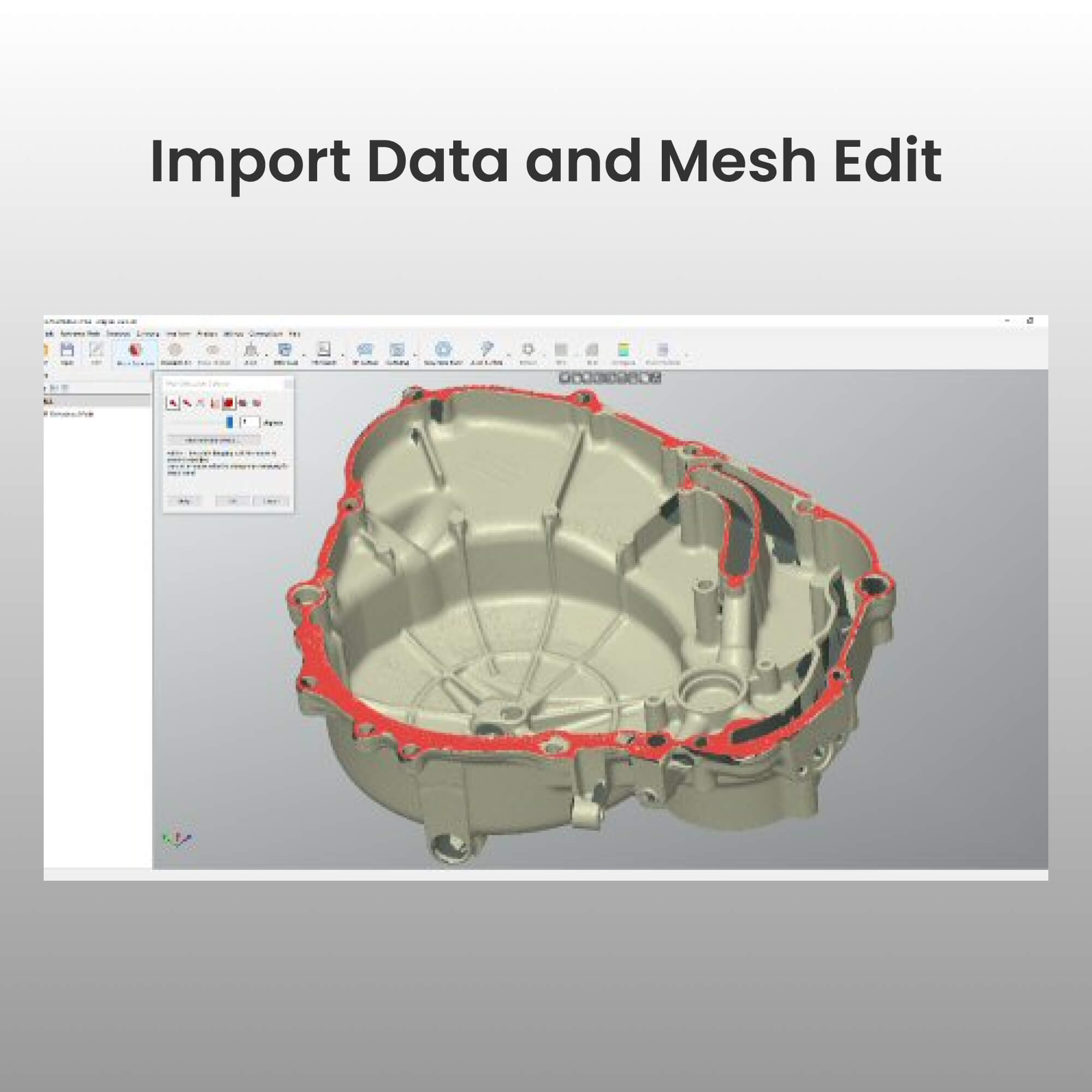
Import scan data into Revo Design as STL, OBJ, or PLY mesh files. Revo Design supports meshes of any size and includes simple, intuitive tools for mesh editing.

Reconstruct free-form or parametric CAD surfaces and remodel them to fit your needs.

Export your models in standard IGES, STEP, and PARASOLID formats for use in other CAD/CAM software to complete the CAD creation process.
Revo Design vs Revo Design Pro
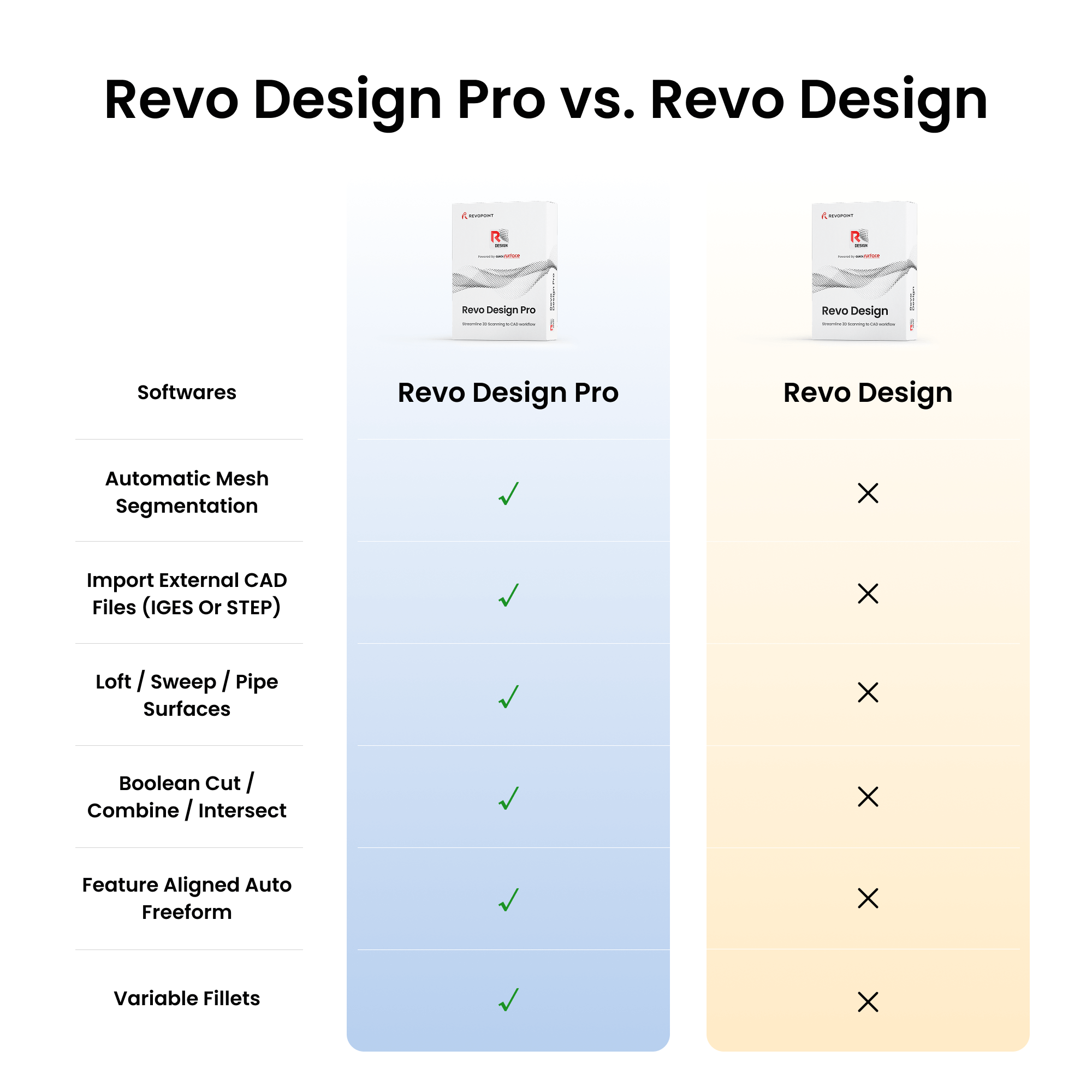
Revo Design is designed for basic reverse engineering and simple surface work, while Revo Design Pro is tailored for professional industrial design, complex modeling, and comprehensive CAD editing workflows.
| Products compare | Revo Design | Revo Design Pro |
|---|---|---|
| Automatic Mesh Segmentation | ✗ | ✓ |
| Roll 2D and 3D Sketch | ✗ | ✓ |
| Fill Surface | ✗ | ✓ |
| Import external CAD files (IGES or STEP) | ✗ | ✓ |
| Draft Analysis | ✗ | ✓ |
| Import mesh data (STL/PLY/OBJ) | ✓ | ✓ |
| Polygon reduction / Mesh smoothing / Repolygonize / Clipping box | ✓ | ✓ |
| Mesh hole fill | ✓ | ✓ |
| Mesh outliers removal | ✓ | ✓ |
| De-feature mesh | ✓ | ✓ |
| Primitives - Plane/Cylinder/Cone/Sphere/ Symmetry Plane | ✓ | ✓ |
| Align to WCS / interactive | ✓ | ✓ |
| Align by N Points / Global fine align of multiple meshes | ✓ | ✓ |
| Fit surface | ✓ | ✓ |
| Cross section / Multiple cross sections / 2D Sketching / Fit 2D entities | ✓ | ✓ |
| Extrude / Revolved surfaces | ✓ | ✓ |
| Trim surfaces | ✓ | ✓ |
| 3D Sketching | ✓ | ✓ |
| Real-time deviation of 3D curve to reference mesh | ✓ | ✓ |
| Manual free form modelling | ✓ | ✓ |
| Basic Auto Free form | ✓ | ✓ |
| Scan-to-Cad compare | ✓ | ✓ |
| Export as IGES / STEP | ✓ | ✓ |
| Export scan data as STL mesh | ✓ | ✓ |
| Prepare Scan | ✗ | ✓ |
| 2D Sketch Assist | ✗ | ✓ |
| Unroll mesh | ✗ | ✓ |
| Class A Fit surface | ✗ | ✓ |
| Trim meshes with primitives | ✗ | ✓ |
| Plane along path | ✗ | ✓ |
| (2D Cross sections) Mesh outline | ✗ | ✓ |
| (2D Cross sections) Stacked cross sections | ✗ | ✓ |
| (2D Sketch) Automatic joining of 2D entities | ✗ | ✓ |
| (2D Sketch) Patterns | ✗ | ✓ |
| Loft / Sweep / Pipe Surfaces | ✗ | ✓ |
| Shell | ✗ | ✓ |
| Thicken / Offset | ✗ | ✓ |
| Move face / Draft face | ✗ | ✓ |
| Split solid bodies | ✗ | ✓ |
| Planar surface from 2D sketch | ✗ | ✓ |
| Boolean Cut / Combine / Intersect | ✗ | ✓ |
| Linear and Circular patterns | ✗ | ✓ |
| Mirror bodies | ✗ | ✓ |
| Fillet / Chamfer | ✗ | ✓ |
| Variable fillets | ✗ | ✓ |
| Helix | ✗ | ✓ |
| Flatten | ✗ | ✓ |
| Freeform from 3D sketch | ✗ | ✓ |
| Thicken Freeform | ✗ | ✓ |
| Feature aligned Auto Freeform | ✗ | ✓ |
| Straightness analysis | ✗ | ✓ |
Revo Design Benefits
Interactive Deviation Control

Identifies issues in real-time, improving efficiency
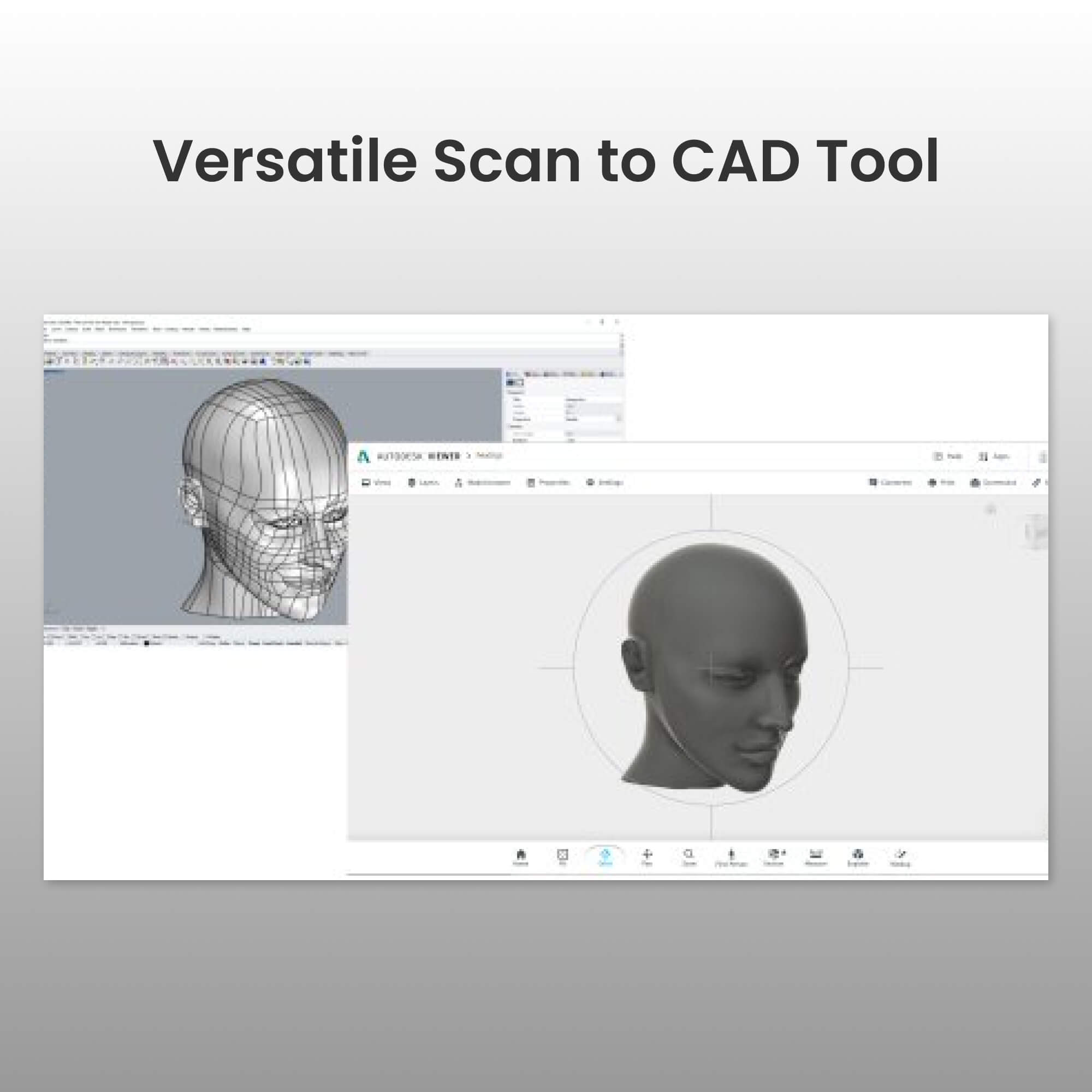
Versatile Scan to CAD Tool
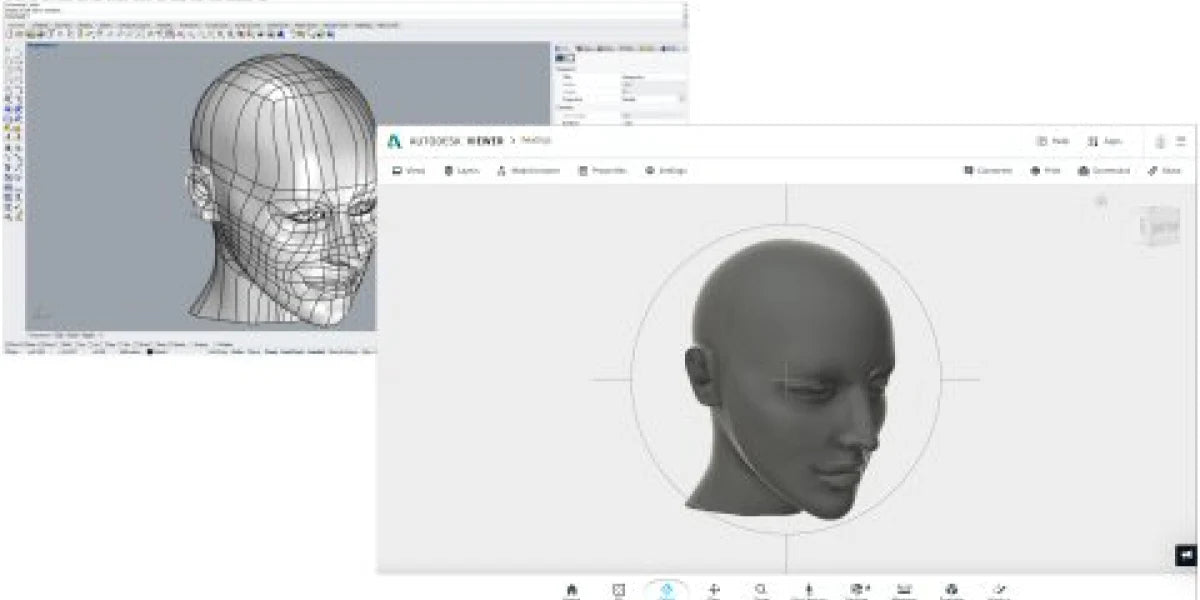
Great for a wide range of reverse engineering applications.
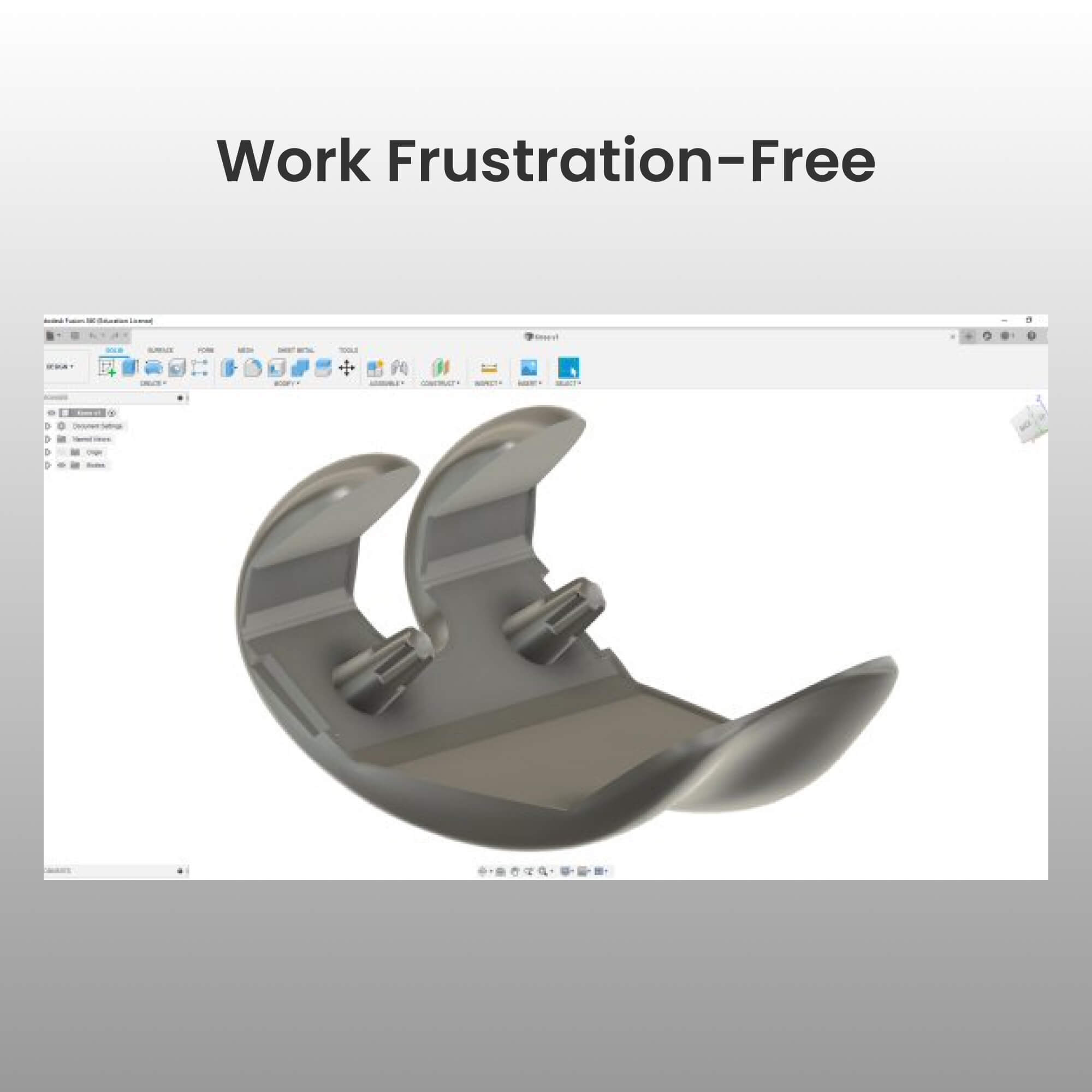
Work Frustration-Free
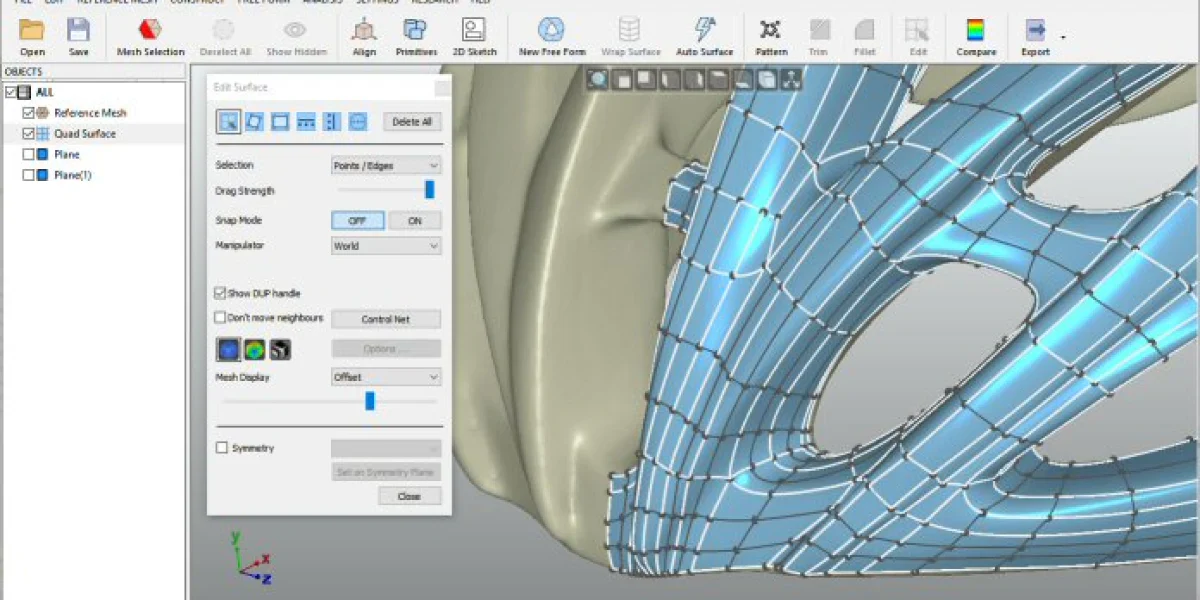
Effectively handle large sets of scan data.
Automatic Surfacing
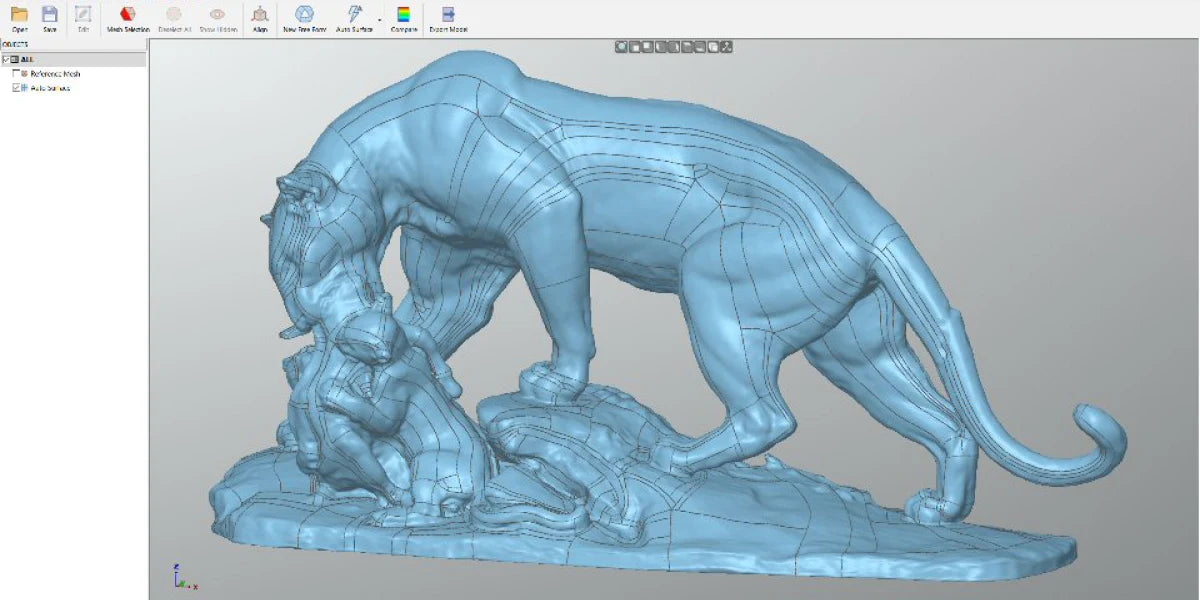
Transform organic surfaces to CAD with a click of a button.
Identifies issues in real-time, improving efficiency
Great for a wide range of reverse engineering applications.
Effectively handle large sets of scan data.
Transform organic surfaces to CAD with a click of a button.
Revo Scan & Revo Design Software
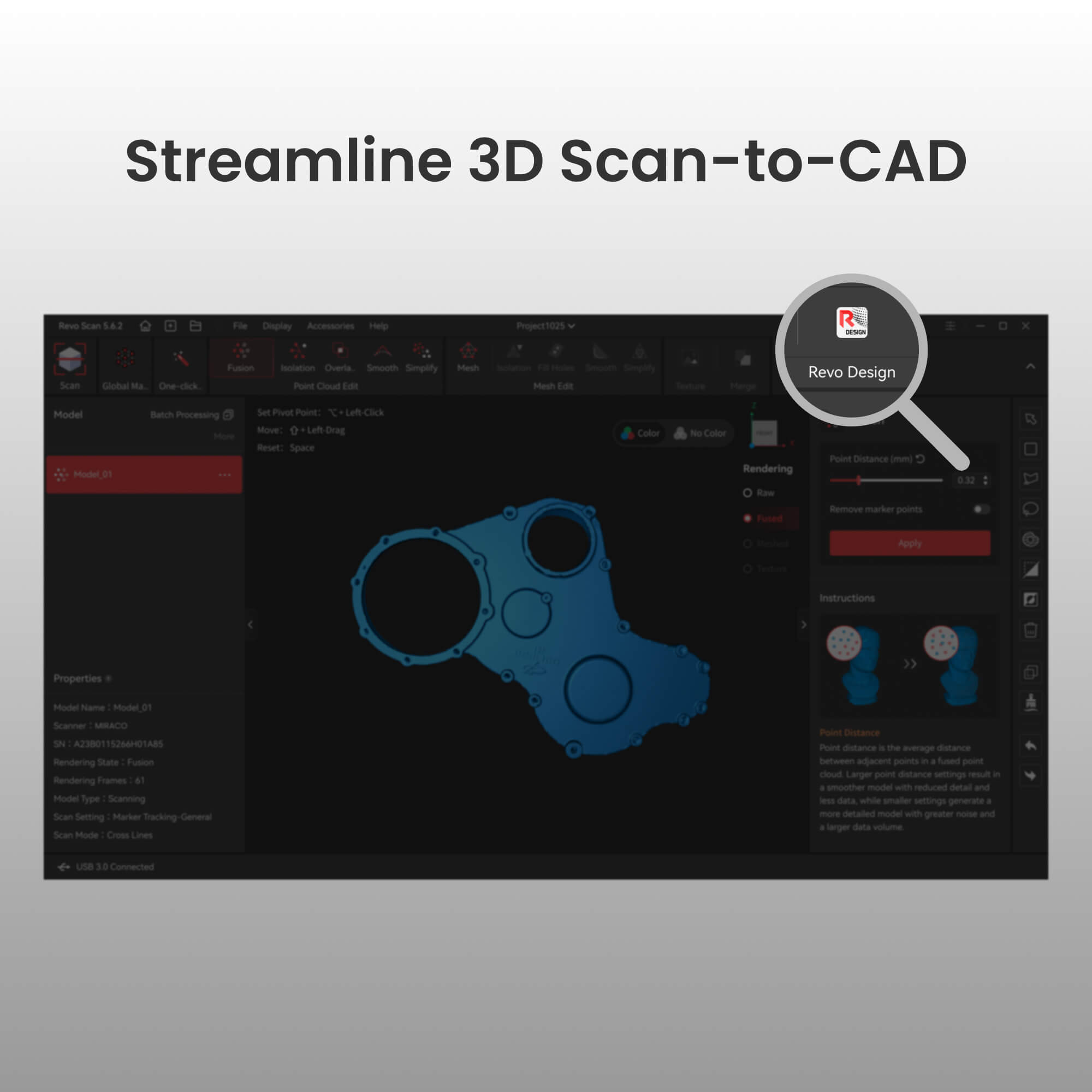
*Revo Design is separate software from Revo Scan.

Revo Scan and Revo Scan 5 MetroX offer a quick link to Revo Design, enabling seamless object scanning, point cloud generation, and CAD editing.
Tutorial Videos
Get Started
Import Meshes
Extrude Features
Inspecting CAD Models
Revo Design Workshops
Hybrid Modelling
Reverse Engineering a FREE FORM
Parametric & Freeform Surfacing
Advanced Surfacing & Fillet Control
FAQ
1. What's the difference between QuickSurface and Revo Design?
Revo Design is powered by QUICKSURFACE and offers a more seamless workflow for Revo Scan users.
2. What are the key differences between Revo Design and Revo Design Pro?
Revo Design Pro builds upon the standard version with powerful professional-grade features.
Revo Design – Best for:
Basic reverse engineering
Simple surface reconstruction
Moderate modeling needs
Revo Design Pro – Best for:
Professional industrial design
Complex product modeling
Complete CAD editing workflows
Advanced surface manipulation
3. What are Revo Design's PC requirements?
Minimum Requirements: Laptop or PC with Windows 10 (64 Bit version)
CPU: Intel i5 or higher (or equivalent)
RAM: 16 GB
HDD: 256 GB
Graphics Card: Dedicated graphics card 一 NVIDIA or AMD
Once activated, we recommend an internet connection to allow automatic software updates. (Not mandatory, it's your choice)
4. What are the requirements for applying for a Revo Design 30-day free trial code?
There are no requirements. Anyone can try the Revo Design for free using the 30-day trial.
5. Do users need to download Revo Design software to use it?
Yes, users must download it from the "Download page".
6. How is the product delivered?
The software will be delivered electronically. No physical product will be shipped. A license key will be emailed to you for activation.
7. How long will it take to receive the product after placing an order?
We will email the license key to you within three business days after you place the order.
8. Can I request a refund after placing an order with the software?
No refunds/exchanges are allowed after the software has been ordered.
9. Can I log into Revo Design across multiple devices simultaneously after purchasing the software?
No. Your account can only be logged into by one device at a time.